AI Automation
What Is Business Workflow Automation?
A practical explanation of business workflow automation, what to automate first, and how to keep human review where it matters.
By Tayyiba Suleman - Published July 16, 2026 - Updated July 16, 2026 - 7 min read
Business workflow automation means using software rules, triggers, approvals, and integrations to move routine work through a defined process. A useful automation does not remove judgment from the business. It removes repeated copying, missed notifications, unclear ownership, and manual status updates so people can focus on decisions that need context. Use this article when a business has repeated manual admin, missed follow-up or scattered lead data and needs a safer way to move information between people and tools.
Reader outcome: Understand workflow automation before choosing tools. This article is educational, uses safe CurrentReach AI-owned visuals, and labels illustrative examples where they appear.
How this guide was prepared
This article is written for CurrentReach AI readers using service-planning experience, website implementation patterns, SEO checks, automation workflow review, and practical measurement considerations. It is not copied from a third-party report or generated from private account data.
Mapped around triggers, owner review, failure handling and data quality.
Keeps human approval in sensitive customer-facing steps.
Connects workflow ideas to measurable lead and follow-up outcomes.
Definition and reader outcome
Business workflow automation is the practice of connecting repeated steps so information moves from one stage to the next with less manual effort. By the end of this guide, you should be able to identify a manual process, describe its trigger, list the actions it needs, decide what requires human approval, and choose a safe starting workflow.
A workflow can be small: a website inquiry creates a lead record, sends an internal notification, stores the source page, and creates a follow-up reminder. It can also be larger: a support request is classified, routed to the right person, summarized, tracked, and reported weekly.
The most important planning question is not "Which tool should we use?" It is "What should happen, when should it happen, who owns it, and what should stop the workflow if something looks wrong?"
Manual workflow example
A service business receives inquiries through a contact form. Someone checks email, copies the name and phone number into a sheet, replies manually, labels the lead as new, remembers to follow up, and later updates a report. Every step depends on a person noticing the message and moving data correctly.
This manual process is fragile because the business can miss leads during busy hours, copy details incorrectly, forget the source, send inconsistent replies, or lose track of the next action. The problem is not laziness; it is that the workflow depends on memory.
Before automation, map the current process honestly. Write down the trigger, the inputs, the owner, the expected response time, the systems touched, and the point where leads usually get lost.
Automated workflow example
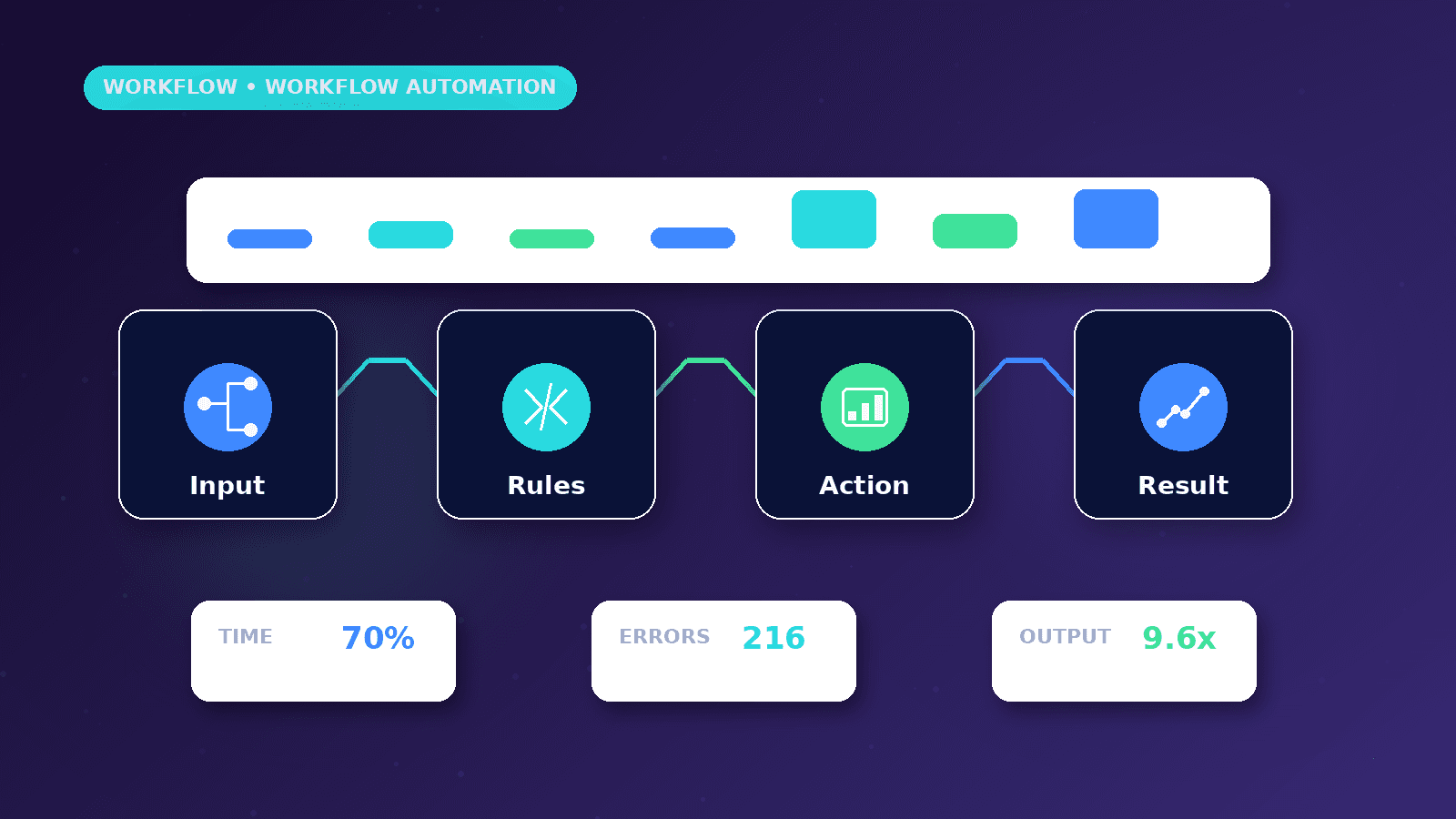
The same inquiry can trigger a structured workflow: validate the form, create a lead record, send the owner a notification, store the source page, assign the lead stage, create a follow-up task, and prepare a human-reviewed reply draft.
The customer-facing reply should not blindly promise availability, pricing, or results. The safer pattern is to acknowledge the inquiry, confirm the next step, and leave important decisions to a human reviewer.
A good automation should also log errors. If the CRM update fails, the workflow should notify the owner rather than silently losing the inquiry.
Triggers, actions and conditions
A trigger starts the workflow. Common triggers include form submissions, booked appointments, new rows in a spreadsheet, incoming emails, payment events, webhook calls, status changes, and scheduled times.
Actions are the steps the workflow performs: create a record, send a message, update a field, add a task, call an API, generate a draft, or send a report. Conditions decide which path the workflow follows. For example, urgent service inquiries may notify the owner immediately while general questions enter a normal queue.
Controls keep the workflow safe. These include validation, duplicate checks, spam filters, rate limits, approval steps, retry handling, and alerts for failed actions.
Human review and customer trust
Automation should not remove human judgment from sensitive steps. Pricing, legal claims, medical advice, financial advice, complaints, refunds, and unusual customer requests need review.
AI can help classify messages, summarize context, draft replies, or suggest next steps. It should not be treated as automatically correct. For customer-facing messages, a human-in-the-loop pattern protects accuracy, tone, and compliance.
The strongest automation systems make the next action easier for people instead of hiding the process from them.
Workflow setup checklist
Name the workflow in plain language.
Write the trigger and required input fields.
List each action and the system it touches.
Define ownership for failures and approvals.
Add duplicate and spam handling.
Test normal, missing-field, duplicate, and failure cases.
Document how to pause or edit the workflow later.
Decision framework
Automate a step when it is repetitive, rules-based, measurable, and easy to verify. Keep it manual when the decision depends on nuance, risk, negotiation, legal interpretation, or personal trust.
Start with a workflow that saves time without creating high risk. Lead notifications, CRM updates, reminders, reporting summaries, and internal routing are usually safer starting points than fully automated sales conversations.
Review workflow performance monthly. Look at missed leads, duplicate records, response times, failed runs, and whether the automation still matches the real business process.
Worked business example
A local service business receives inquiries through its website, WhatsApp link and email inbox. The practical automation opportunity is not to replace the owner; it is to create one reliable lead record, notify the right person and mark the next action before the inquiry gets buried.
The workflow can start with a form trigger, duplicate check, CRM update, owner alert and follow-up reminder. A human still reviews the message before any pricing or availability promise is sent.
This example is useful because it separates routine movement of data from judgment. The business gains speed and visibility without pretending that every customer situation can be handled by software alone.
Common mistakes to avoid
Starting with a tool before naming the workflow owner makes automation hard to maintain because nobody knows who should fix failed runs, approve exceptions or update the logic when the business changes.
Skipping duplicate checks can create multiple records for the same customer and make reporting unreliable, especially when leads arrive from forms, WhatsApp, email and paid campaigns at the same time.
Automating customer-facing replies without a review step can create trust problems when the workflow misunderstands context, uses the wrong tone or sends a promise the business cannot keep.
Decision framework
Choose the first workflow by looking for high repetition and low judgment: lead alerts, CRM updates, reminders, reporting summaries and internal routing are usually better first projects than fully automated sales conversations.
Decide where human approval belongs before building. Pricing, complaints, sensitive requests, unusual service needs and legal or financial claims should stop at a review stage.
Define a measurable improvement such as response time, fewer missed inquiries, cleaner lead records or faster weekly reporting so the workflow has a business reason to exist.
Measurement plan
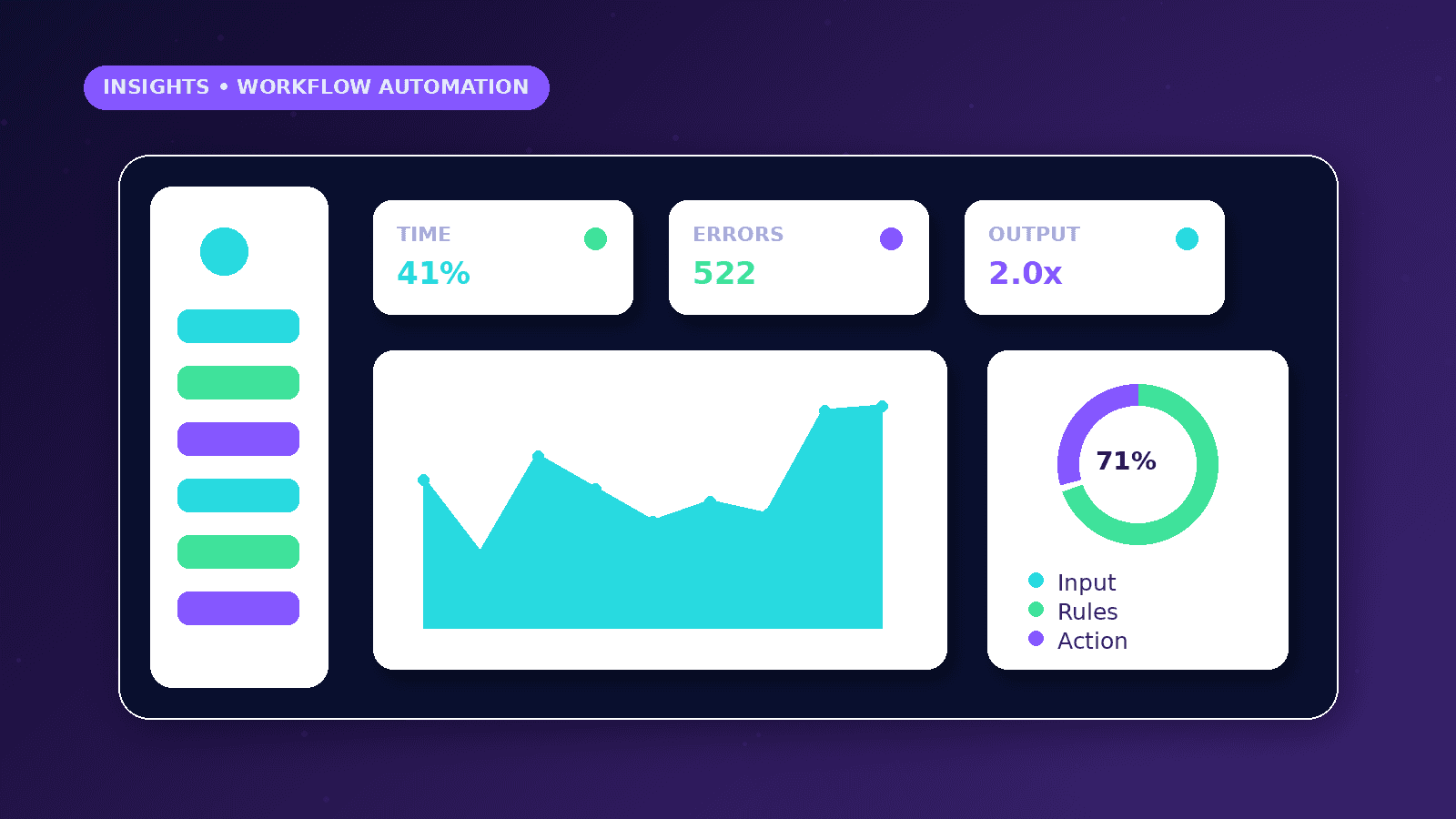
Measure response time, missed inquiries, duplicate records, failed workflow runs and the percentage of leads with a documented next action.
Review workflow logs weekly at first, then monthly once the system is stable. A silent failure alert is more important than a pretty dashboard.
Update the workflow whenever fields, offers, forms or ownership change so the automation continues to reflect the real business process.
Risks and limitations
The main risk is hidden failure. A workflow that silently stops working can be worse than a manual process because the team assumes the system is handling the work.
Data quality matters. If forms accept vague, incomplete or spam-heavy submissions, automation will move poor data faster rather than improving the process.
Compliance and consent rules vary by market and channel. Outreach, storage and follow-up should match the business context and the platforms being used.
Practical next steps
Document the current manual steps with the people who actually perform them.
Build a small version first and test normal, missing-field, duplicate and failure cases.
Review the first real executions and adjust before adding AI drafting, advanced routing or more integrations.
Conclusion
Business workflow automation works best when it is small, observable and owned by someone in the business.
Start with the step that is easiest to verify, keep approval where trust matters, and improve the workflow after real inquiries pass through it.
Practical checklist
- Document trigger and owner
- Validate required fields
- Add duplicate handling
- Keep review for sensitive messages
- Log failed actions
- Test before launch
- Review monthly
References and further reading
Related implementation path
Image sources
- what-is-business-workflow-automation/featured-image.png: Original CurrentReach AI blog image pack. License: Owned generated visual. No private data present.
FAQs
What workflow should a business automate first?
Choose a repetitive, low-risk step such as lead alerts, CRM updates, reminders or reporting summaries.
Should customer replies be fully automated?
Sensitive replies should keep human review, especially when pricing, complaints or unusual requests are involved.
How do you know an automation is working?
Check execution logs, failed runs, response time, duplicate records and whether every lead has a clear next action.
Need help applying this?
Need help mapping a lead, CRM, n8n or API workflow? Explore CurrentReach AI’s AI Automation Services.
Related guides
About the author
Tayyiba Suleman is Web Developer and Automation Developer. Articles are reviewed against the Editorial Policy and should be read with the Content Disclaimer.