AI Automation
How to Automate Website Lead Notifications
A step-by-step guide to sending cleaner lead notifications from website forms to owners, teams, CRMs, and reporting tools.
By Tayyiba Suleman - Published July 16, 2026 - Updated July 19, 2026 - 5 min read
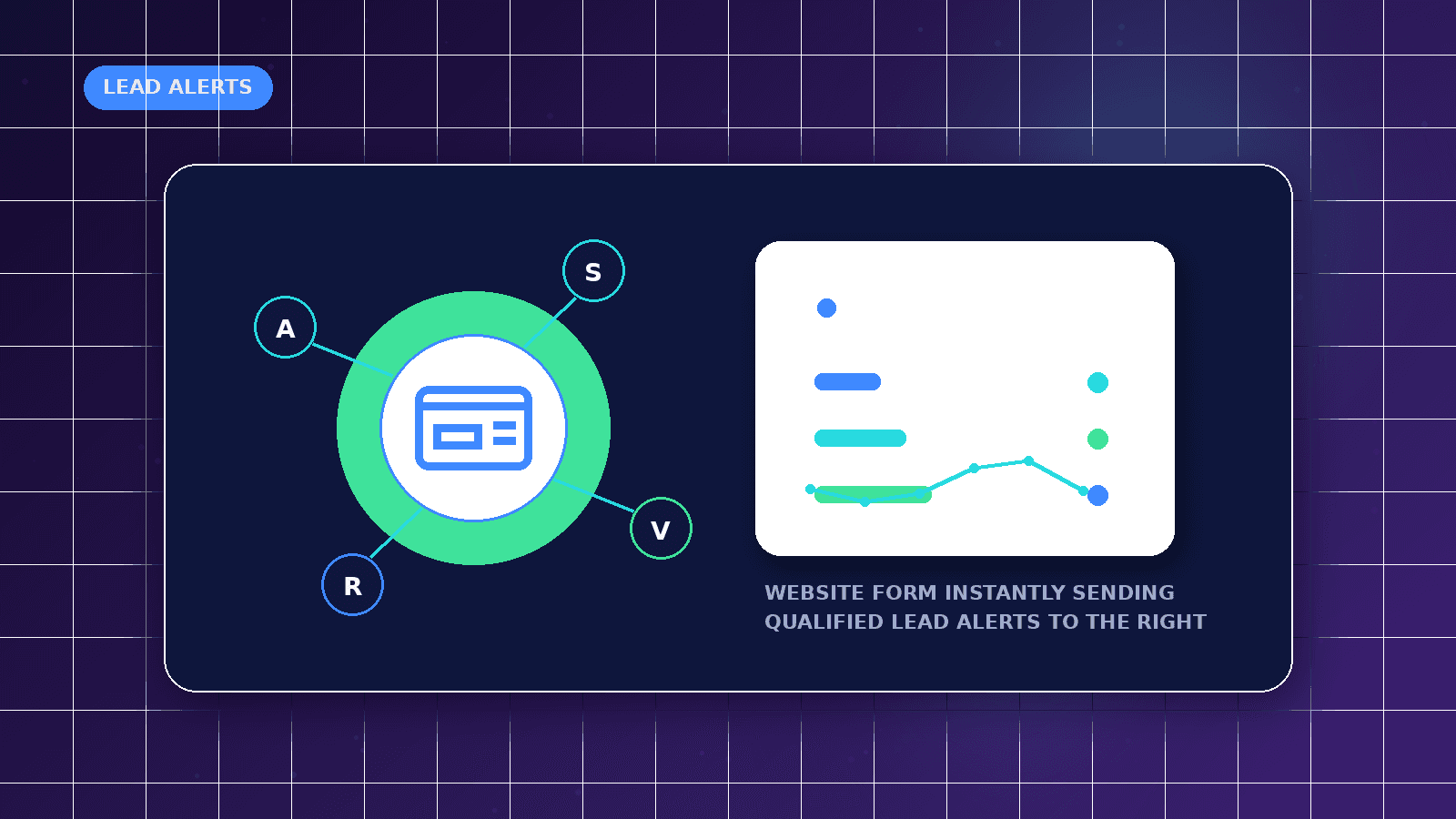
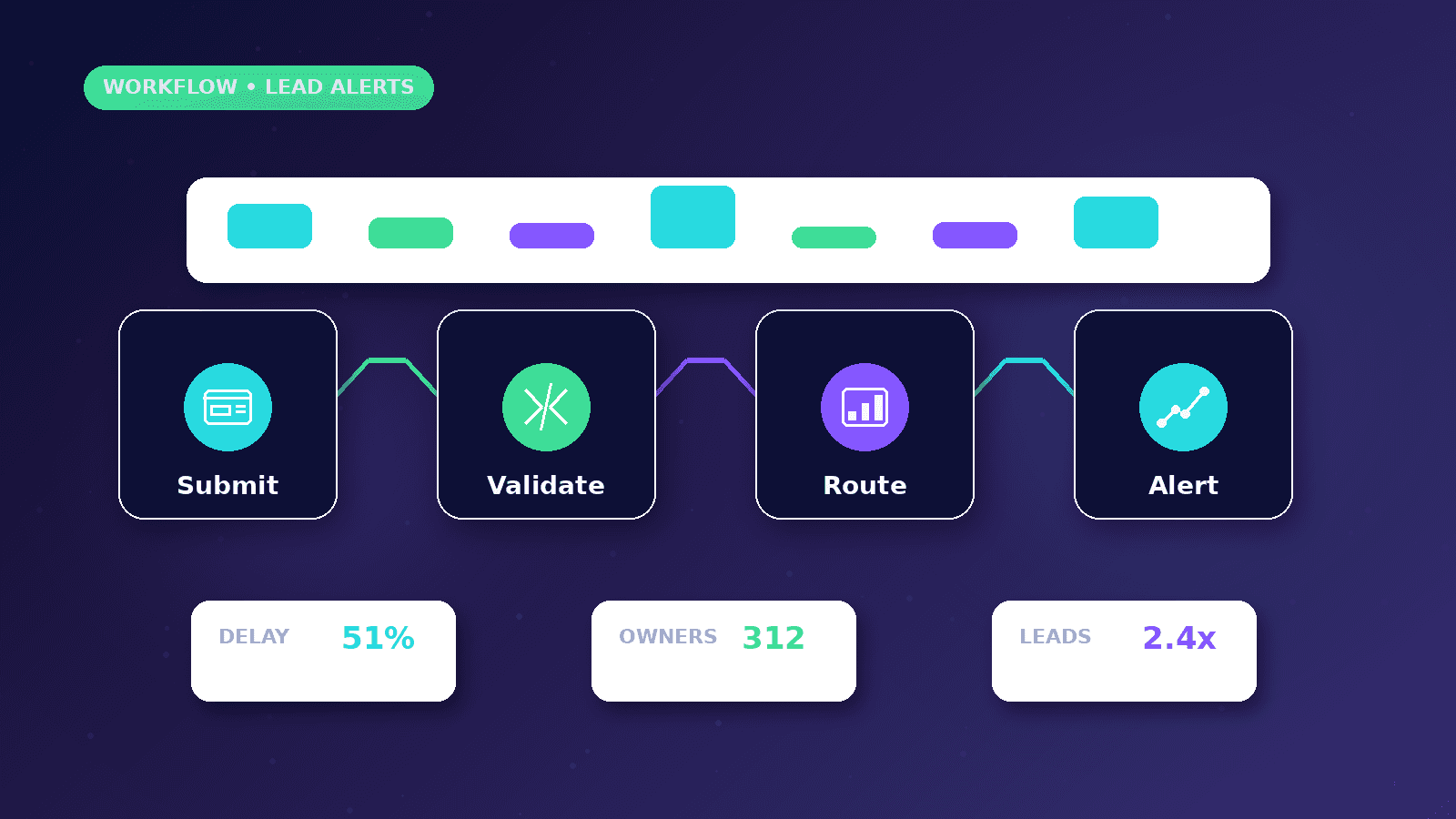
Lead notifications work best when they carry enough context for fast human follow-up without exposing private data or creating noisy alerts. This guide turns a simple website form into a cleaner routing, logging, and response workflow.
Reader outcome: Automate lead notifications safely. This article is educational, uses safe CurrentReach AI-owned visuals, and labels illustrative examples where they appear.
How this guide was prepared
This article is written for CurrentReach AI readers using service-planning experience, website implementation patterns, SEO checks, automation workflow review, and practical measurement considerations. It is not copied from a third-party report or generated from private account data.
Mapped around triggers, owner review, failure handling and data quality.
Keeps human approval in sensitive customer-facing steps.
Connects workflow ideas to measurable lead and follow-up outcomes.
Define the lead event
A lead event should include name, email, company, service interest, message, page source, and consent where required.
Avoid vague notifications that force the team to search for context.
Keep a copy in a reliable system, not only inside an inbox.
Design the notification
Send the owner a readable summary with the service requested and next action.
Send customers a clear confirmation only when the message is appropriate.
Add status fields so follow-up is not forgotten.
Protect the workflow
Use validation, spam protection, rate limiting where supported, and error messages.
Test broken fields and duplicate submissions.
Keep sensitive credentials away from public pages.
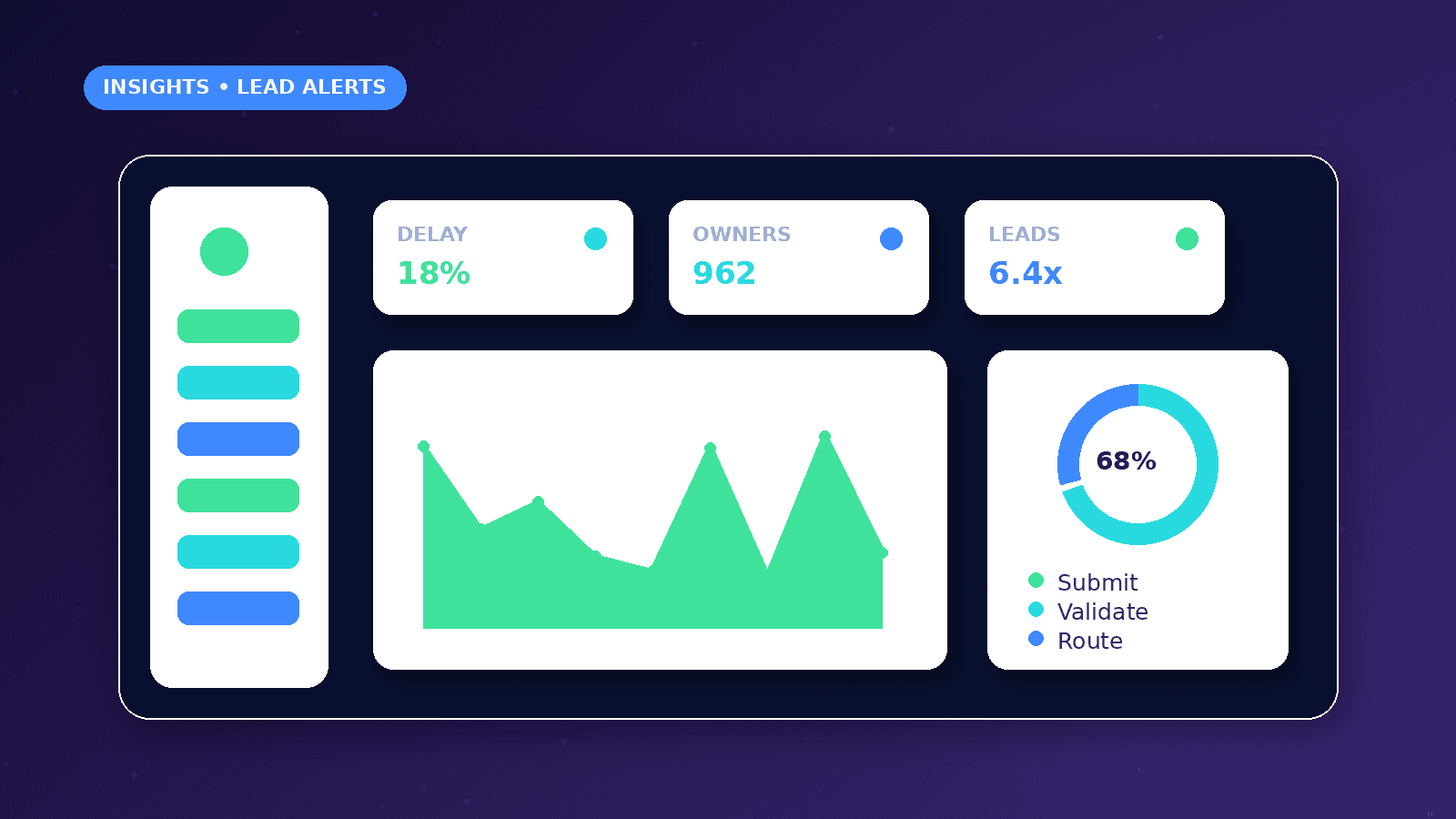
Notification routing model
Send the first alert to the person who can respond, not to a general inbox that nobody owns.
Include service interest, source page, urgency, contact details, consent status, and a clear next action.
Keep a fallback destination for failed notifications so leads are not lost when one tool is unavailable.
Practical example
A web development inquiry arrives from a service page. The workflow writes a record, sends the owner a concise email, and creates a follow-up task with the page source attached.
If the message includes a budget or timeline, the notification highlights that field so the owner can prioritize the response.
The customer confirmation stays simple and does not promise pricing, availability, or results before review.
Common mistakes
Sending every notification to multiple people creates duplicated replies and unclear ownership.
Leaving out the source page makes it harder to understand what the visitor expected.
Depending only on email can be risky when inbox filtering, spam folders, or temporary delivery failures occur.
Measurement and maintenance
Review notification delivery, average response time, missed leads, duplicate submissions, and form errors.
Test the workflow after form changes, new fields, new service pages, or email account changes.
Keep a short incident log for failed alerts so the team can identify patterns instead of guessing.
Implementation playbook
Map the lead source first: contact form, quote form, booking request, WhatsApp click, newsletter form, or campaign landing page. Each source may need a different owner and urgency level.
Create one readable internal message before adding multiple channels. A short, consistent alert is easier to trust than a long automated email full of fields nobody reads.
Add a clear owner field in the destination system so every lead has a person responsible for the next action.
Use labels such as New, Contacted, Waiting, Qualified, Booked, and Closed so the workflow supports follow-up instead of only sending alerts.
Keep a test submission that can be run after deployments, form edits, email changes, or CRM updates.
Document what happens when the automation fails, who receives the failure alert, and how the lead can be recovered.
Privacy and consent notes
Collect only the fields needed to respond to the inquiry. A shorter form can improve completion and reduce unnecessary data handling.
Do not send sensitive inquiry details to channels that are not approved for the project or controlled by the business owner.
If the form includes marketing consent, store the consent value with the lead record instead of assuming every inquiry can receive promotional follow-up.
Avoid including private data in notification subject lines because subject lines can appear on lock screens or shared inbox previews.
Review retention rules for old leads so the business does not keep unnecessary personal information forever.
When third-party tools are connected, confirm the owner has access rights and understands where the data is stored.
What good looks like
A good lead notification workflow gives the owner enough context to reply quickly without opening multiple tools.
Every lead should have a stored record, a clear owner, a status, and a recoverable trail if an alert fails.
The customer should receive only accurate confirmation language, not automated promises about acceptance, pricing, or timing.
The workflow should still make sense to a new team member who reads the documentation three months later.
When to get help
Get implementation help when forms, CRM records, email alerts, WhatsApp handoffs, and reporting need to work together reliably.
Professional support is useful when the workflow touches personal data, multiple accounts, or customer-facing confirmations.
A developer or automation specialist should review the setup if credentials, webhooks, APIs, or failure alerts are involved.
Request a review before paid traffic is sent to the form so lead loss does not waste campaign budget.
Practical checklist
- Owner assigned
- Lead fields mapped
- Source page included
- Customer confirmation reviewed
- Fallback alert tested
- Duplicate handling checked
- Response-time metric defined
Image sources
- automate-website-lead-notifications/featured-image.png: Original CurrentReach AI blog image pack. License: Owned generated visual. No private data present.
FAQs
Should every form submission trigger an instant customer email?
Only when the confirmation is accurate and low risk. Pricing, eligibility, or timeline promises should wait for human review.
What should a lead notification include?
Include contact details, service interest, message, source page, consent status, timestamp, and the next owner action.
Can notifications go to WhatsApp?
They can be scoped when the workflow and account setup support it, but sensitive details should be handled carefully.
Need help applying this?
Need cleaner lead alerts, CRM routing, and follow-up tasks from your website forms? Explore CurrentReach AI AI Automation Services.
Related guides
About the author
Tayyiba Suleman is Web Developer and Automation Developer. Articles are reviewed against the Editorial Policy and should be read with the Content Disclaimer.