AI Automation
How to Connect Forms, Google Sheets and Email Workflows
A practical workflow for connecting website forms with Google Sheets, email notifications, and follow-up processes.
By Tayyiba Suleman - Published July 16, 2026 - Updated July 19, 2026 - 4 min read
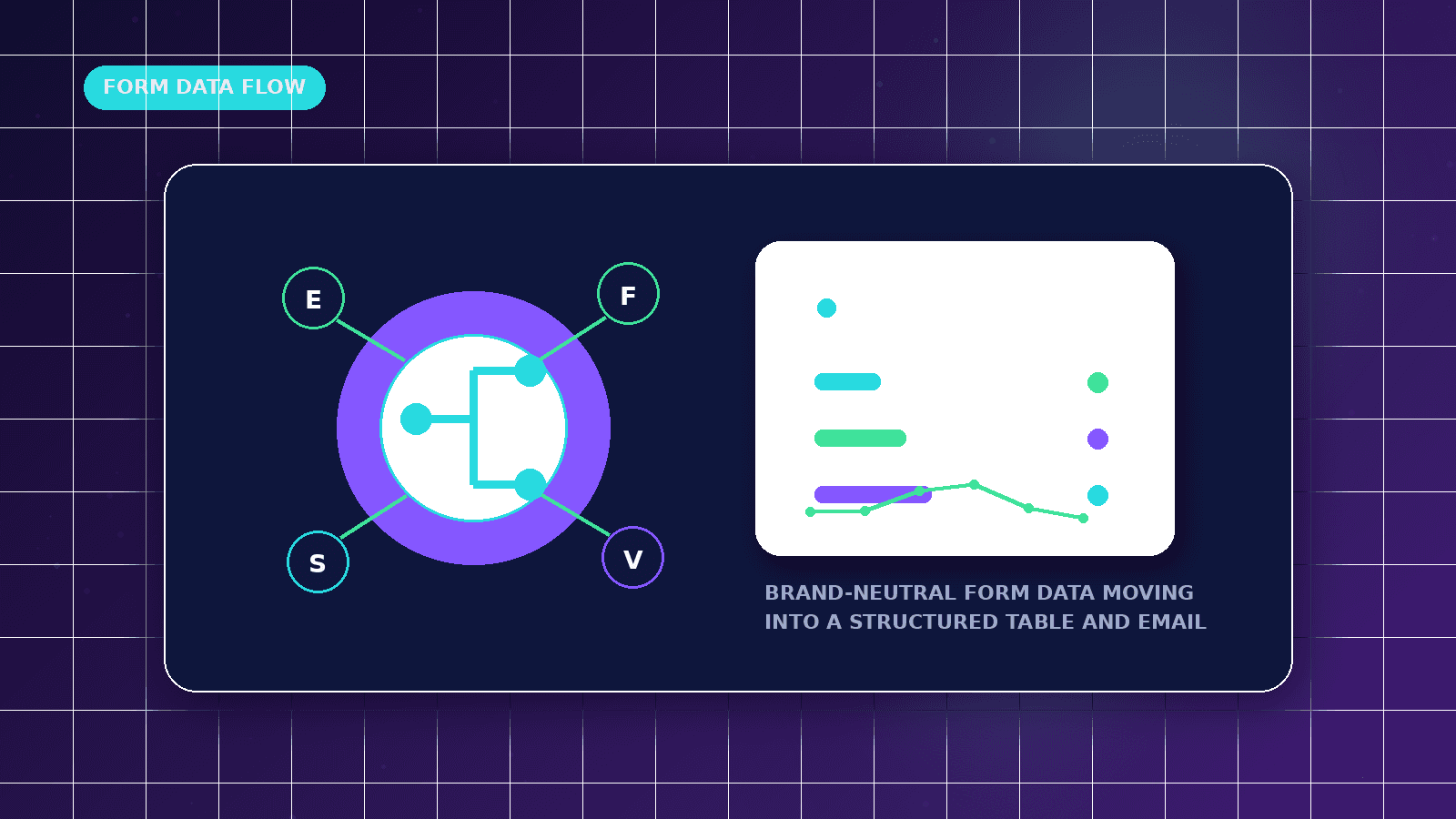
Forms, Google Sheets, and email can create a reliable starter workflow when the fields, ownership, validation, and failure handling are planned before launch. This guide explains a practical setup without overbuilding.
Reader outcome: Connect basic business tools without overbuilding. This article is educational, uses safe CurrentReach AI-owned visuals, and labels illustrative examples where they appear.
How this guide was prepared
This article is written for CurrentReach AI readers using service-planning experience, website implementation patterns, SEO checks, automation workflow review, and practical measurement considerations. It is not copied from a third-party report or generated from private account data.
Mapped around triggers, owner review, failure handling and data quality.
Keeps human approval in sensitive customer-facing steps.
Connects workflow ideas to measurable lead and follow-up outcomes.
What the workflow can do
Capture form details from a website.
Save a clean row in Google Sheets.
Send an internal email notification.
Create a follow-up reminder or status update.
Fields to capture
Name, email, phone, business name, website, service interest, message, source page, and consent status.
Use required fields only when they are genuinely needed.
Keep optional fields clear and easy to complete.
Quality checks
Test duplicate submissions.
Check invalid email formats.
Confirm the sheet columns match the workflow.
Make sure owners know where to respond.
Starter architecture
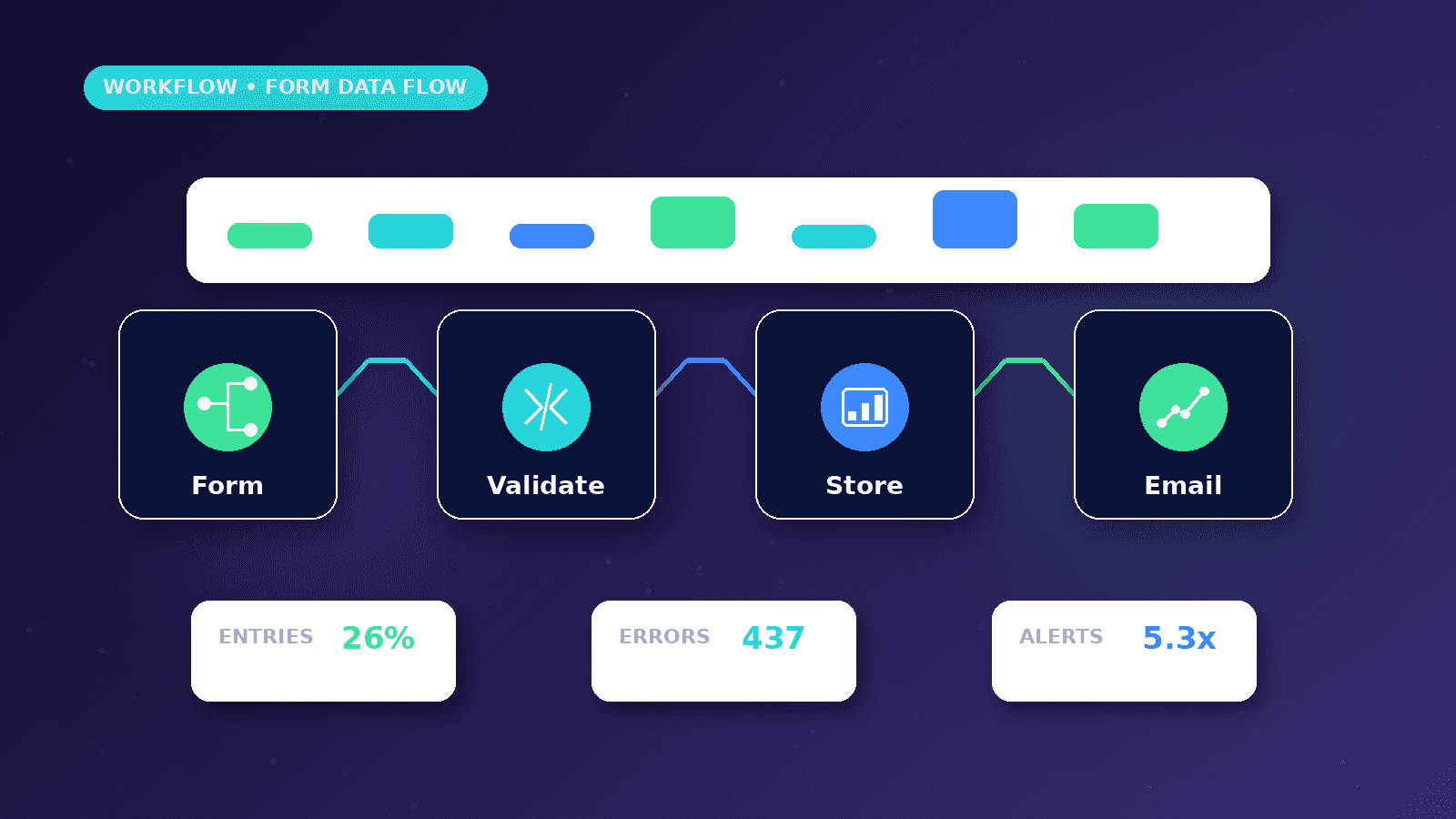
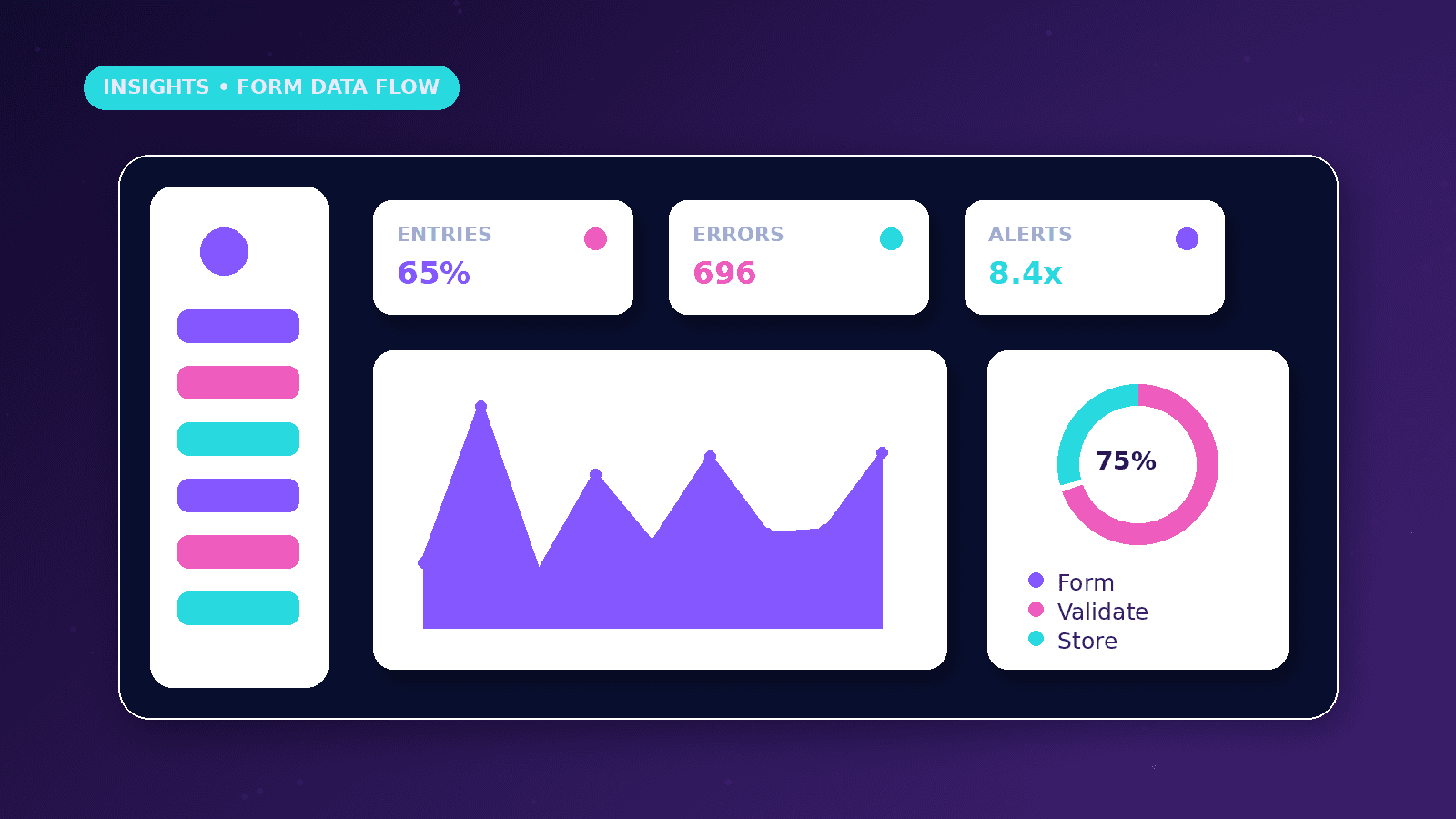
The website form captures the inquiry, the workflow validates required fields, Google Sheets stores a clean row, and email alerts the owner.
Use one sheet tab for raw submissions and another view or filter for follow-up status if the team is not ready for a full CRM.
Avoid putting private credentials or API keys in frontend code.
Practical example
A contact form asks for name, email, phone, service interest, website, and message. The workflow appends a row and sends an email with the source page and reply link.
The sheet includes status columns such as New, Contacted, Qualified, Booked, Closed, or Not fit.
A weekly review checks whether every new row has an owner and next action.
Data quality rules
Use clear field names, consistent dropdown values, and basic validation for email and phone fields.
Include timestamp, source page, and campaign tags where available.
Do not collect fields that the team will never use for follow-up.
Failure handling
Test what happens when the sheet is unavailable, the email address changes, or a required field is missing.
Send failure alerts to the owner or workflow maintainer.
Keep a sample submission process for monthly checks.
Implementation playbook
Begin with the sheet structure before connecting the form. Columns should match the exact fields the business needs to review.
Use fixed dropdown values for service interest, lead status, and owner instead of letting every submission create inconsistent text.
Send the email alert after the row is created so the notification can include the row link or record reference.
Add basic spam controls, required-field validation, and duplicate checks before treating every submission as a qualified lead.
Protect the sheet with limited sharing permissions because form responses can contain personal contact details.
Schedule a weekly review that checks new rows, unresolved leads, and any workflow failures.
When to move beyond Sheets
Google Sheets is useful for simple workflows, but it can become fragile when multiple people edit statuses, add columns, or filter data without a shared process.
Move toward a CRM when the team needs assignment history, call notes, pipeline reporting, reminders, or customer records over time.
A sheet can remain a reporting export even after the core lead workflow moves into a CRM.
If the business relies on paid ads, add campaign, keyword, placement, or source fields so lead quality can be reviewed later.
If the business works with international leads, include timezone and preferred contact channel when relevant.
Do not build complex permissions inside a spreadsheet if the data should be protected by account-level access controls.
What good looks like
A good form-to-sheet workflow creates clean rows, readable owner alerts, and a simple follow-up process.
The sheet should show who owns the lead, what status it is in, and when the next action should happen.
The workflow should survive small form edits because column names, required fields, and failure alerts are documented.
The business should be able to answer how many leads arrived, how many were contacted, and how many became qualified.
When to get help
Get help when the form needs validation, spam controls, conditional routing, CRM updates, or multiple notification channels.
Professional setup is useful when the sheet contains personal data and sharing permissions need to be controlled.
A workflow specialist can reduce duplicate entries, missing fields, and silent failures before the system handles live leads.
Upgrade planning is useful when the sheet starts acting like a CRM but lacks history, permissions, and pipeline reporting.
Practical checklist
- Form fields defined
- Sheet columns matched
- Email template reviewed
- Status column added
- Failure alert configured
- Sample submission tested
Image sources
- connect-forms-google-sheets-email-workflows/featured-image.png: Original CurrentReach AI blog image pack. License: Owned generated visual. No private data present.
FAQs
Is Google Sheets enough for lead management?
It can be enough for a small workflow, but a CRM becomes useful when ownership, history, and pipeline stages grow.
Should form data be stored only in email?
No. Email is useful for alerts, but a structured record is safer for tracking and follow-up.
How often should the workflow be checked?
Check after every form change and review sample submissions at least monthly.
Need help applying this?
Need form, sheet, and email workflows that are easier to maintain? Explore CurrentReach AI AI Automation Services.
Related guides
About the author
Tayyiba Suleman is Web Developer and Automation Developer. Articles are reviewed against the Editorial Policy and should be read with the Content Disclaimer.