AI Automation
API vs Webhook: A Practical Business Guide
A simple guide to APIs, webhooks, and when each one makes sense for business websites, CRMs, and automation systems.
By Tayyiba Suleman - Published July 16, 2026 - Updated July 16, 2026 - 6 min read
APIs and webhooks are two common ways business systems communicate. APIs are useful when one system needs to request or update information. Webhooks are useful when one system needs to notify another system that something happened. Use this article when a business website, CRM or automation workflow needs to exchange data and the team is deciding whether the connection should request information or react to an event.
Reader outcome: Choose between APIs and webhooks. This article is educational, uses safe CurrentReach AI-owned visuals, and labels illustrative examples where they appear.
How this guide was prepared
This article is written for CurrentReach AI readers using service-planning experience, website implementation patterns, SEO checks, automation workflow review, and practical measurement considerations. It is not copied from a third-party report or generated from private account data.
Mapped around triggers, owner review, failure handling and data quality.
Keeps human approval in sensitive customer-facing steps.
Connects workflow ideas to measurable lead and follow-up outcomes.
Definitions in plain language
An API is a structured way for one system to ask another system for data or ask it to perform an action. For example, a website can use an API to create a CRM record.
A webhook is an event notification. Instead of repeatedly asking "Did anything happen?", a system sends data when an event occurs. For example, a form tool can send a webhook when someone submits a form.
Many real workflows use both. A webhook receives the event, and an API call updates another tool.
When a webhook is the better fit
Use a webhook when timing matters and the event source can send data automatically. Form submissions, bookings, payments, lead forms, and status changes are common webhook triggers.
Webhooks reduce polling and can make workflows feel immediate. They are also useful for tools that do not have a dedicated app connector.
Webhooks need validation. A public endpoint should not trust incoming data blindly.
When an API is the better fit
Use an API when the workflow needs to fetch, create, update, or delete records on demand. Examples include checking whether a lead already exists, updating a pipeline stage, or pulling reporting data.
APIs usually require authentication, documentation, rate-limit awareness, and error handling.
APIs are better when the workflow needs control over exactly when the request happens.
Comparison table
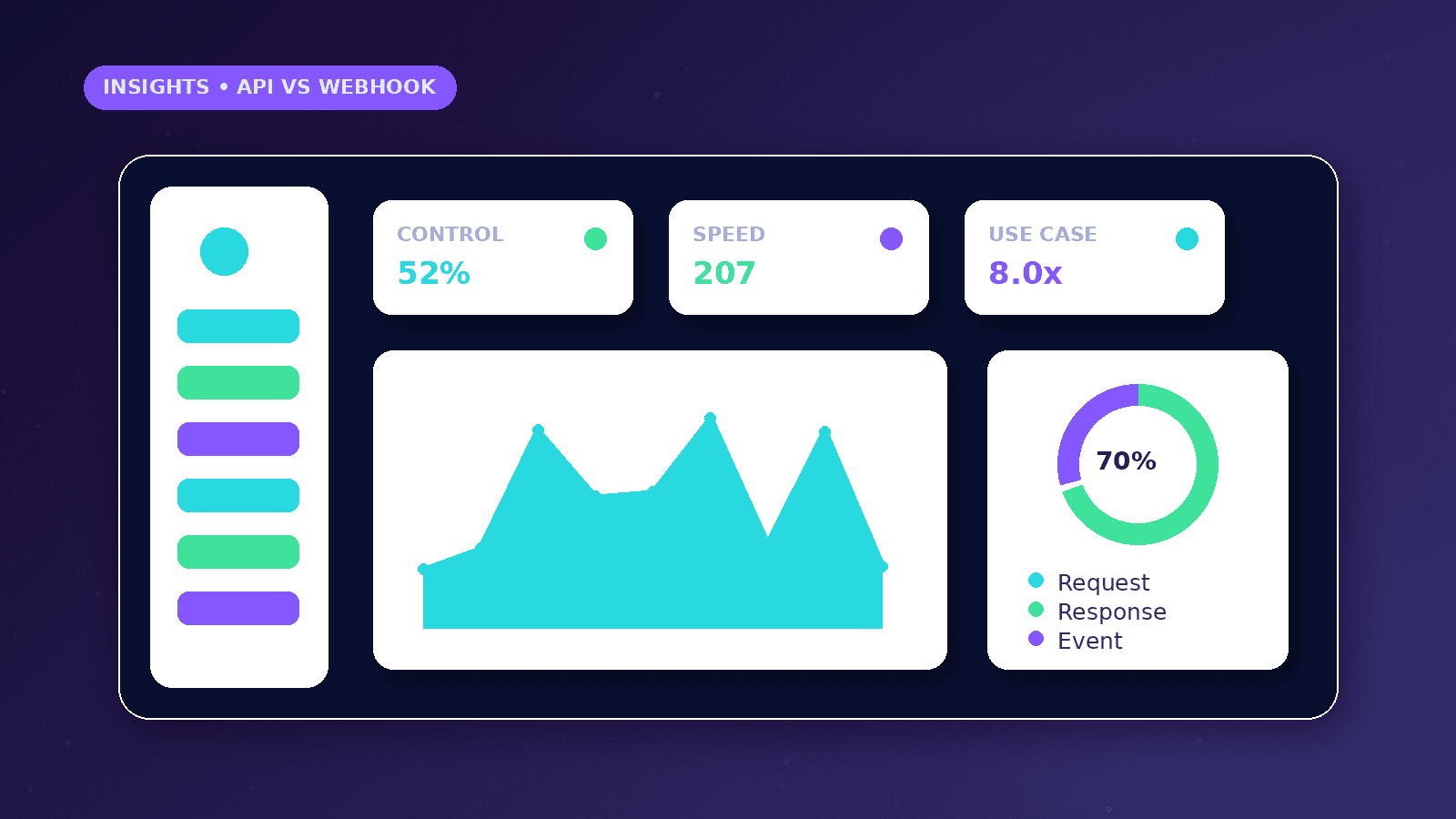
Webhook: event-based, sends data when something happens, useful for triggers, needs secure validation.
API: request-based, retrieves or updates data when called, useful for lookups and actions, needs authentication and rate-limit handling.
Combined pattern: webhook receives event, API checks or updates records, workflow logs the result.
Reliability considerations
Retry handling matters because networks and services fail. A retry should not create duplicate records or send duplicate messages.
Idempotency means the same event can be processed more than once without causing duplicate side effects. This is important for payments, bookings, CRM creation, and notifications.
Rate limits define how often a service allows requests. Ignoring rate limits can cause workflows to fail during busy periods.
Simple payload example
A lead webhook payload might contain name, email, phone, service, sourcePage, submittedAt, and consentStatus.
The receiving workflow can validate required fields, check duplicates through an API, create or update the lead, and notify the owner.
Sensitive secrets should not be placed in visible frontend code or public page content.
Selection framework
Choose a webhook when the business needs to react to an event.
Choose an API when the business needs to ask a system for information or change a record.
Use both when an event starts a workflow that must update another tool reliably.
Worked business example
A payment tool sends a webhook when payment status changes. The receiving workflow validates the event, then uses a CRM API to update the customer record. This is the common pattern: webhook for the event, API for the controlled action.
A website lead form can work the same way. The form posts a webhook payload, the workflow checks required fields, then an API call updates the lead stage or creates a task.
The business value is reliability. The team knows which system sent the event, what action was taken and whether retries created duplicates.
Common mistakes to avoid
Treating APIs and webhooks as interchangeable causes weak designs. A webhook is best for receiving events, while an API is best for controlled lookups, updates and actions.
Ignoring authentication and signatures exposes workflows to bad data. Public webhook endpoints should verify that the sender is trusted before changing records.
Skipping idempotency creates duplicate side effects when a provider retries the same event after a timeout or network failure.
Decision framework
Use a webhook for events such as form submitted, payment status changed, booking created or lead status updated.
Use an API when the workflow needs to fetch a record, check duplicates, update a CRM, create a task or pull reporting data on demand.
Use both when an event starts a workflow and another system must be updated reliably after validation.
Measurement plan
Track accepted events, rejected events, API errors, retry counts, duplicate-prevention hits and missing-field failures.
Review rate-limit warnings and authentication failures after launches or campaign spikes.
Log event IDs where possible so repeated webhook deliveries do not create duplicate CRM records or messages.
Risks and limitations
Rate limits can stop a workflow during busy periods if the design sends too many API requests.
Webhook payloads may change over time, so validation should fail safely and alert the owner when required fields are missing.
Sensitive payloads should be minimized. Only send data that is needed for the receiving workflow.
Practical next steps
Write down the event source, receiving system, required fields and failure path.
Add validation for required fields and trusted sender checks before taking action.
Log request IDs or event IDs so retries do not create duplicate records.
Conclusion
APIs and webhooks solve different parts of the same integration problem.
Use webhooks to hear that something happened, APIs to ask for or change data, and validation to keep the workflow safe.
Practical checklist
- Define event or request
- Validate incoming data
- Use authentication where needed
- Handle rate limits
- Prevent duplicates
- Log failures
- Document ownership
References and further reading
Image sources
- api-vs-webhook-business-guide/featured-image.png: Original CurrentReach AI blog image pack. License: Owned generated visual. No private data present.
FAQs
When should a business use a webhook?
Use a webhook when another system needs to notify your workflow that an event happened, such as a form submission or payment update.
When should a business use an API?
Use an API when the workflow needs to request data, update a record, create a task or pull reports on demand.
What is idempotency in plain language?
It means the same event can be processed more than once without creating duplicate side effects.
Need help applying this?
Need secure API or webhook planning for forms, CRMs or automation workflows? Explore CurrentReach AI’s AI Automation Services.
Related guides
About the author
Tayyiba Suleman is Web Developer and Automation Developer. Articles are reviewed against the Editorial Policy and should be read with the Content Disclaimer.