AI Automation
n8n Automation for Small Businesses
How small businesses can use n8n to connect forms, email, spreadsheets, CRM records, notifications, and reporting workflows.
By Tayyiba Suleman - Published July 16, 2026 - Updated July 16, 2026 - 6 min read
n8n can help small businesses connect forms, email, spreadsheets, CRMs, notifications, and reporting without building a full custom application for every process. The value comes from workflow design, account access, testing, and clear ownership, not from adding as many nodes as possible. Use this article when a small business wants n8n to connect website forms, spreadsheets, email, CRM records and notifications without turning every process into a custom software project.
Reader outcome: Evaluate n8n for practical small-business workflows. This article is educational, uses safe CurrentReach AI-owned visuals, and labels illustrative examples where they appear.
How this guide was prepared
This article is written for CurrentReach AI readers using service-planning experience, website implementation patterns, SEO checks, automation workflow review, and practical measurement considerations. It is not copied from a third-party report or generated from private account data.
Mapped around triggers, owner review, failure handling and data quality.
Keeps human approval in sensitive customer-facing steps.
Connects workflow ideas to measurable lead and follow-up outcomes.
What n8n is useful for
n8n is a workflow automation tool that can trigger actions from events such as webhooks, schedules, forms, and app updates. For small businesses, this is useful when common tools do not talk to each other cleanly.
Typical use cases include saving form leads to a sheet, notifying the owner, creating CRM records, updating statuses, sending internal reports, syncing data between tools, and preparing human-reviewed AI drafts.
n8n is most useful when the business can describe the process clearly. If the process changes every day, automation should wait until the workflow is better understood.
Starter workflow for a service business
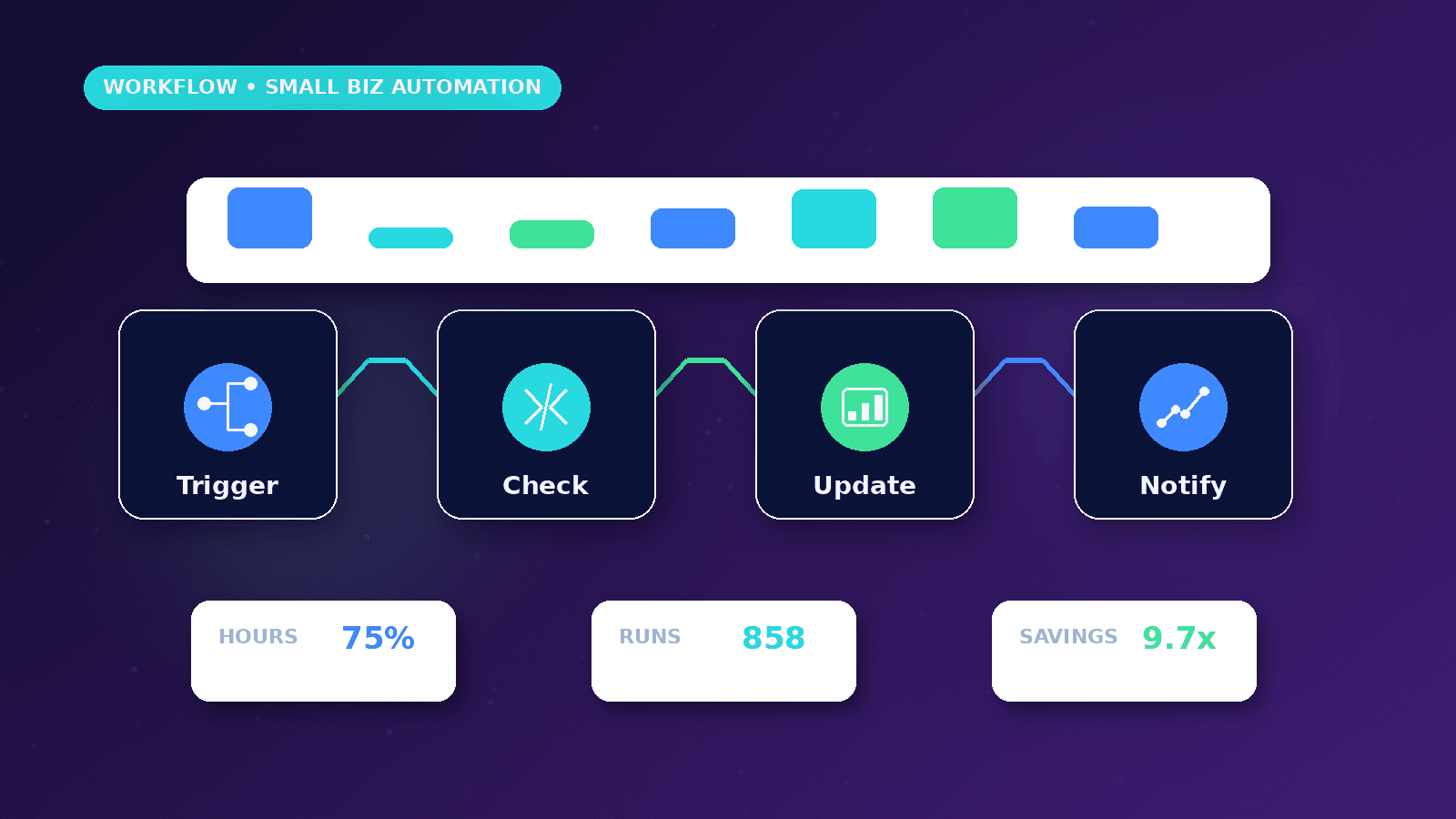
A safe starter workflow is: website form submission, validation, lead record creation, owner notification, source tracking, and follow-up task. This improves response speed without sending risky automated claims to customers.
The workflow should collect only the fields needed for follow-up: name, contact details, company, service interest, website, message, source page, and consent where required.
Add a simple status model such as new, reviewed, contacted, booked, closed, and not fit. Status fields make reporting easier later.
Tool connections and account access
Small businesses often connect Google Sheets, Gmail or SMTP, CRMs, website forms, calendars, notification tools, and reporting dashboards. Each connection should use the least access needed.
Avoid building workflows from personal accounts when the process belongs to the business. Account ownership should remain clear if a contractor or employee leaves.
Document which tools are connected, who owns each account, and what happens if credentials expire.
Error handling and monitoring
Every workflow should have a failure path. If a node fails, the owner should know what happened and which lead or record was affected.
n8n supports error workflows that can run when executions fail. This is useful for alerts, logs, and manual recovery steps.
Retry logic should be used carefully. Retrying a failed notification is usually safe; retrying a payment, duplicate CRM creation, or customer message may require idempotency checks.
Human review with AI steps
AI can classify inquiries, summarize long messages, draft replies, and suggest next actions. For customer communication, the safest workflow stores the draft and asks a person to approve or edit it.
Use structured prompts and clear context. Do not give the AI more customer data than needed for the task.
AI output should be treated as assistance, not as a final business decision.
Implementation plan
Pick one workflow with measurable value.
Draw the trigger and actions before opening n8n.
Create test data and edge cases.
Build the workflow in small pieces.
Test failure paths.
Document the workflow owner and connected accounts.
Review the workflow after real leads pass through it.
Worked business example
A consultant wants every website inquiry saved to Google Sheets, copied into a simple CRM, and sent to the owner with source-page context. n8n is a good fit because the workflow is event-based, repeatable and easy to test with sample submissions.
The build should start with one form trigger, validation, sheet row creation, owner email and an error notification. CRM creation and AI draft replies can be added after the basic path proves reliable.
The important decision is account ownership. Business workflows should use business-controlled credentials so the automation can survive staff changes, contractor handoff or device loss.
Common mistakes to avoid
Building one large workflow from the start makes testing difficult. Small businesses should split capture, validation, notification, storage and reporting into understandable steps.
Using personal credentials for business workflows creates continuity risk. If an owner, employee or contractor loses access, important automations may stop without a clean handover.
Forgetting error workflows means failed executions may stay invisible until a customer complains or a lead is discovered late.
Decision framework
Managed n8n setup is usually better when the business needs someone to scope credentials, error handling, documentation and maintenance. Self-hosting can be appropriate when the team understands infrastructure and security.
Use Google Sheets when the business needs a simple operational log, and use a CRM when lead ownership, status history and follow-up stages matter more.
Decide whether customer notifications should send immediately or wait for human review. Many service businesses should review first.
Measurement plan
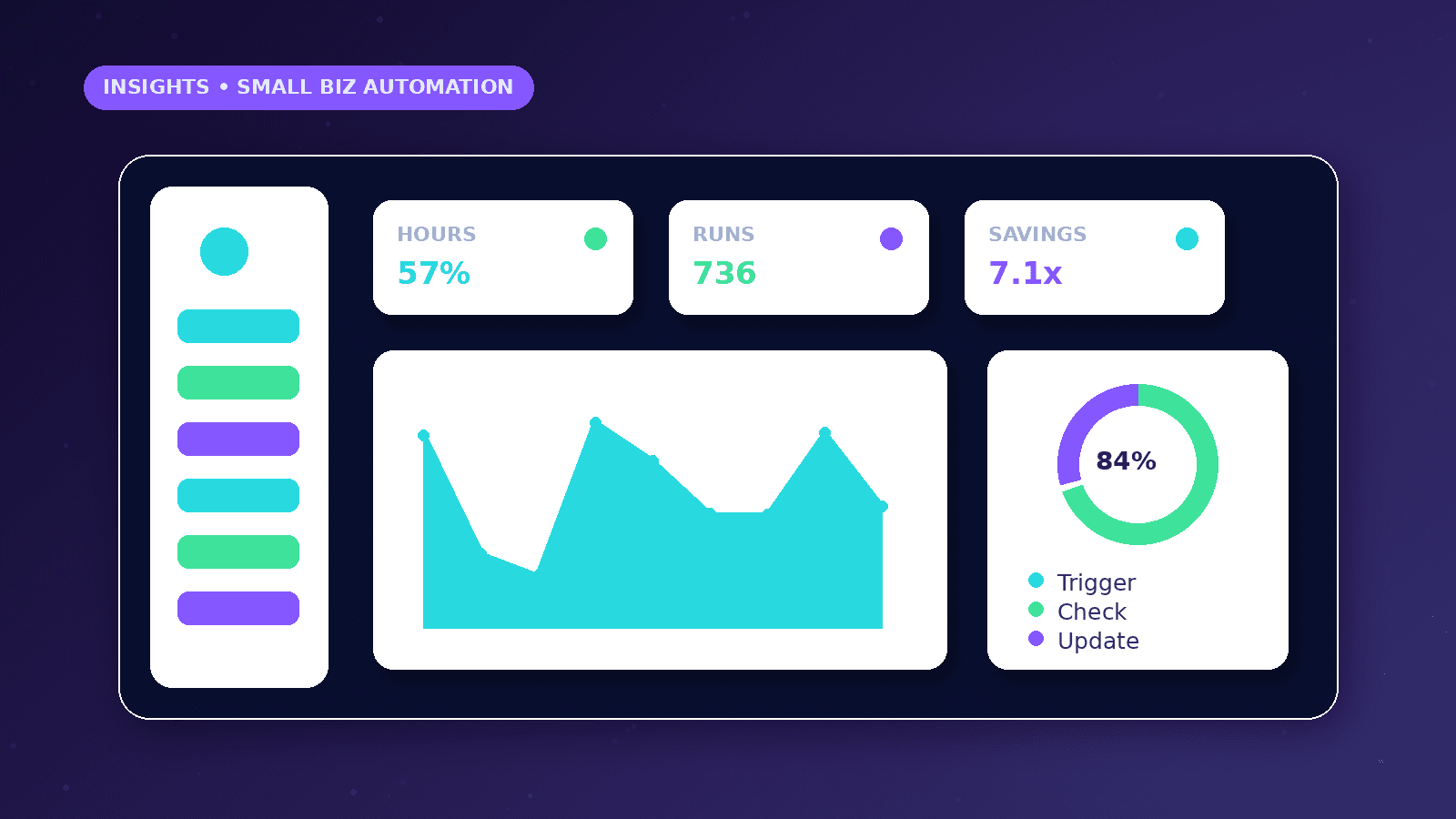
Track successful executions, failed executions, average notification time, duplicate lead rate and manual recovery events.
Review credentials and connected nodes monthly. Expired tokens and renamed sheet columns are common reasons small-business workflows break.
Keep a short runbook that explains how to pause the workflow, where errors appear and who owns each connected account.
Risks and limitations
Credential exposure is a serious risk. API keys, tokens and email passwords should never be placed in public pages, screenshots or shared documents.
A workflow can become outdated when forms, columns or CRM fields change. Maintenance ownership should be defined before launch.
Retry logic needs care because duplicate emails, duplicate CRM records or repeated payment-related actions can create operational problems.
Practical next steps
Create a test form submission and confirm every field maps correctly.
Add an error path that alerts the owner with enough context to recover.
Document workflow purpose, connected accounts, owner, expected output and pause procedure.
Conclusion
n8n is powerful for small businesses when the workflow is clear, credentials are controlled and failure handling is visible.
Start with one useful path, test it with realistic sample data and add complexity only after the business trusts the first workflow.
Practical checklist
- Choose one workflow
- Confirm account ownership
- Map trigger and actions
- Add validation
- Add failure alerts
- Test with sample leads
- Document maintenance
References and further reading
Related implementation path
Image sources
- n8n-automation-for-small-businesses/featured-image.png: Original CurrentReach AI blog image pack. License: Owned generated visual. No private data present.
FAQs
Is n8n better managed or self-hosted?
Managed setup fits businesses that want workflow design, credentials, testing and maintenance handled. Self-hosting fits teams comfortable with infrastructure and security.
Can n8n connect forms to Google Sheets and email?
Yes. A common starter workflow is form submission, validation, sheet row, owner notification and failure alert.
What makes an n8n workflow unsafe?
Unclear ownership, exposed credentials, no error path, no duplicate handling and automatic customer messages without review all increase risk.
Need help applying this?
Need a managed n8n workflow for forms, CRM updates, alerts or reporting? Explore CurrentReach AI’s AI Automation Services.
Related guides
About the author
Tayyiba Suleman is Web Developer and Automation Developer. Articles are reviewed against the Editorial Policy and should be read with the Content Disclaimer.