AI Automation
Human-in-the-Loop AI Workflows Explained
Why AI workflows should include review steps for customer communication, classification, approvals, and sensitive business decisions.
By Tayyiba Suleman - Published July 16, 2026 - Updated July 19, 2026 - 4 min read
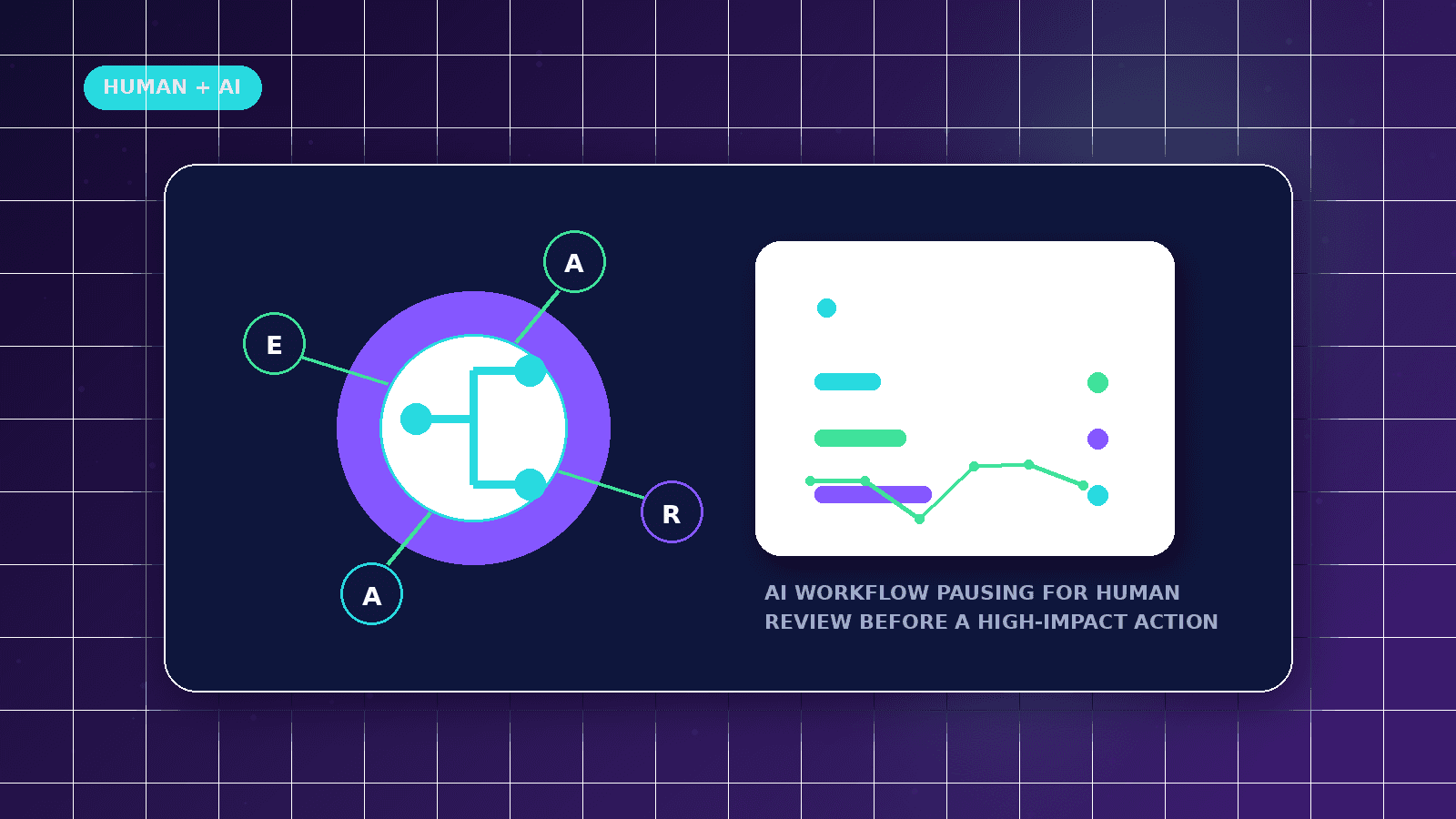
Human-in-the-loop design keeps AI useful without letting it make sensitive business decisions on its own. The goal is to use AI for drafting, sorting, summarizing, and flagging while humans keep responsibility for customer-facing outcomes.
Reader outcome: Understand safe AI workflow design. This article is educational, uses safe CurrentReach AI-owned visuals, and labels illustrative examples where they appear.
How this guide was prepared
This article is written for CurrentReach AI readers using service-planning experience, website implementation patterns, SEO checks, automation workflow review, and practical measurement considerations. It is not copied from a third-party report or generated from private account data.
Mapped around triggers, owner review, failure handling and data quality.
Keeps human approval in sensitive customer-facing steps.
Connects workflow ideas to measurable lead and follow-up outcomes.
Why human review matters
AI can draft, summarize, classify, and suggest next steps, but it can also misunderstand context.
Human review protects tone, accuracy, compliance, and brand trust.
Review is especially important for customer-facing messages and high-impact decisions.
Where to add approval
Before sending outreach emails.
Before updating critical CRM stages.
Before publishing content or customer-facing reports.
Before actions involving payments, legal claims, or sensitive data.
A practical pattern
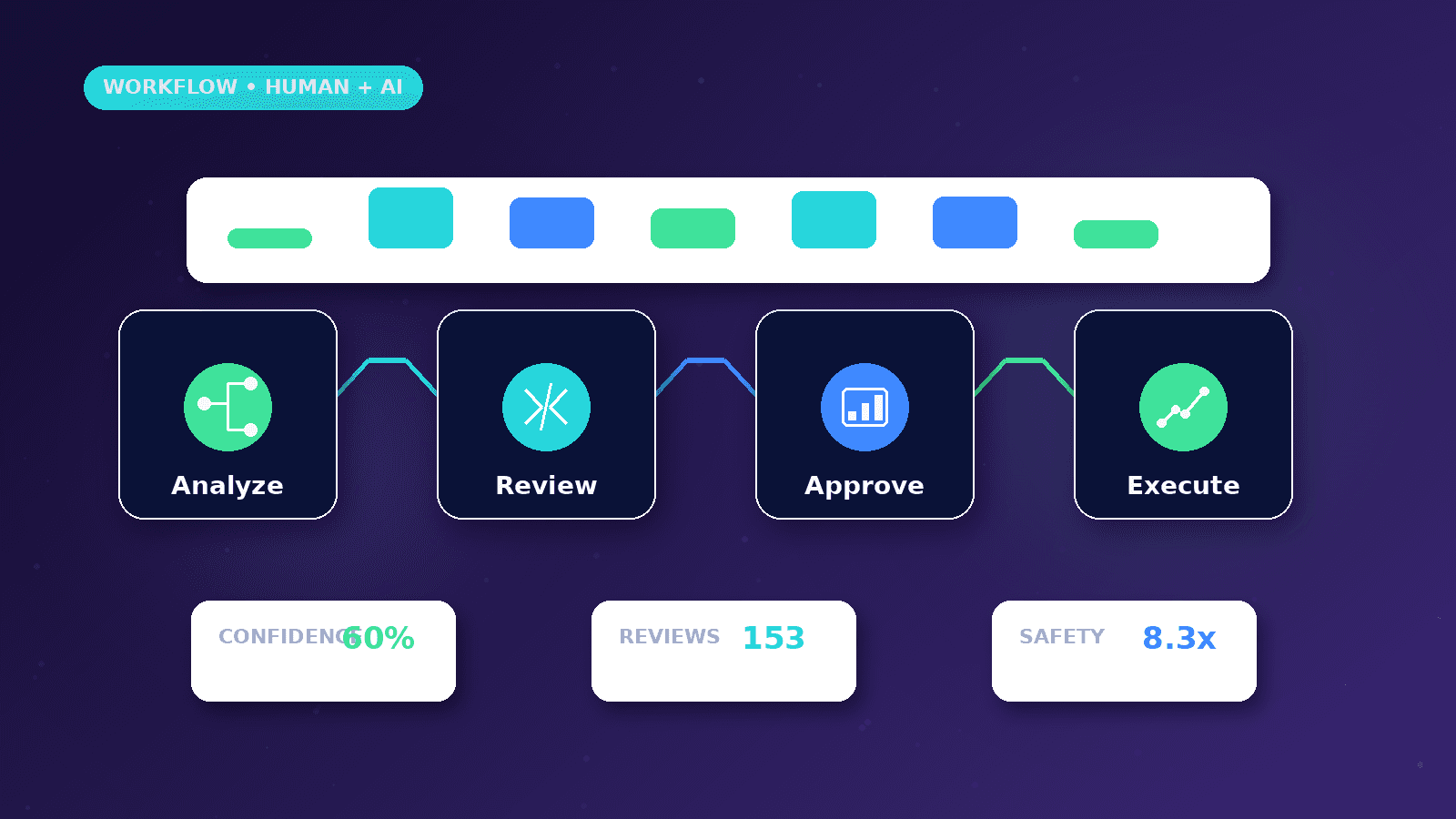
AI drafts the output.
The workflow stores the draft and notifies a human reviewer.
The reviewer approves, edits, or rejects the action.
The final decision is logged for accountability.
Where human review belongs
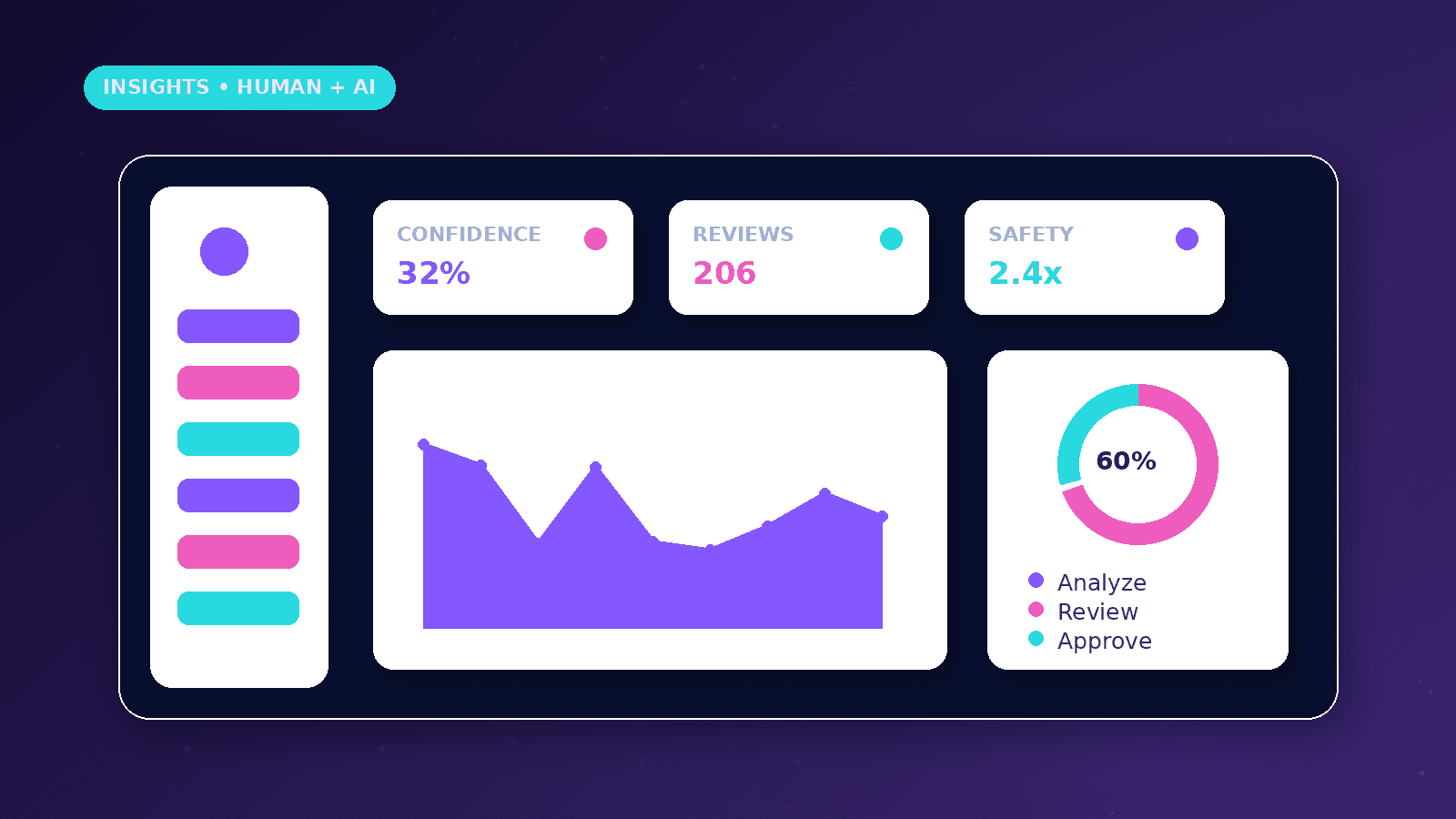
Keep review before outreach messages, offer changes, pricing statements, lead rejection, public content, and anything involving sensitive customer data.
Use AI to prepare options, not to make final decisions where context matters.
Design the workflow so a reviewer can approve, edit, reject, or escalate the AI output.
Practical example
A lead asks for automation support. AI summarizes the request and drafts a suggested reply, but the owner reviews it before anything is sent.
The reviewer can correct tone, add missing context, and decide whether the lead should receive a booking link or a clarification question.
The approved response and decision are stored so future follow-up has context.
Risk controls
Limit AI access to only the fields required for the task.
Avoid sending private data into tools that are not approved for the project.
Log prompt inputs, outputs, reviewer decisions, and final actions where appropriate.
Common mistakes
Treating AI confidence as proof creates avoidable customer-experience risk.
Letting AI send messages without review can create wrong promises or an off-brand tone.
Skipping an escalation path leaves unusual requests stuck in the workflow.
Implementation playbook
Start by naming the exact AI task: summarizing, classifying, drafting, extracting fields, or suggesting a next step. Vague AI roles are hard to review.
Define the reviewer role before building. The reviewer may be the owner, sales lead, content editor, or operations manager depending on the workflow.
Give reviewers the source context beside the AI output so they do not approve a draft blindly.
Use approval states such as Drafted, Needs edit, Approved, Rejected, and Escalated to keep the workflow auditable.
Store the final human-approved version separately from the raw AI draft when customer communication is involved.
Review edge cases monthly, especially complaints, unusual requests, low-confidence classifications, and messages involving money or legal claims.
Governance and trust notes
Human review is not a weakness in the system; it is a control that protects the customer and the business.
AI outputs should not be treated as verified facts unless the workflow checks them against reliable business data.
The workflow should make it easy to pause AI-assisted actions if quality drops or source data changes.
For public content, a human should confirm tone, accuracy, links, brand claims, and compliance before publishing.
For lead scoring, the business should monitor whether the model is unfairly deprioritizing certain valid inquiries.
Keep customer-facing language transparent and avoid implying a human personally wrote something if the process requires disclosure.
What good looks like
A good human-in-the-loop workflow makes AI assistance visible, reviewable, and easy to override.
Reviewers should understand the source input, the AI suggestion, and the exact action that will happen after approval.
The system should reduce repetitive work without removing accountability from the business owner or team.
Quality should improve over time because rejected, edited, and approved outputs reveal what the workflow needs to learn.
When to get help
Get help when AI touches leads, customer messages, campaign content, CRM stages, or operational decisions.
Professional workflow design is useful when approvals need to be logged, escalated, or connected to multiple systems.
Security review matters when prompts include private customer data, business records, or account credentials.
A managed setup can define safer boundaries before the workflow is used in live customer communication.
Practical checklist
- Review step defined
- Reviewer owner assigned
- Sensitive fields limited
- Approval states documented
- Escalation path added
- Decision log retained
Related implementation path
Image sources
- human-in-the-loop-ai-workflows/featured-image.png: Original CurrentReach AI blog image pack. License: Owned generated visual. No private data present.
FAQs
Does human-in-the-loop mean AI is not useful?
No. It means AI supports speed and consistency while humans keep control over important decisions.
Which AI tasks can be automated safely?
Summaries, tagging, draft preparation, and internal suggestions are usually safer than final customer-facing actions.
How should approvals be tracked?
Track who reviewed the output, what changed, whether it was approved, and what final action was taken.
Need help applying this?
Need a safer AI workflow with approval steps and audit-friendly routing? Explore CurrentReach AI AI Automation Services.
Related guides
About the author
Tayyiba Suleman is Web Developer and Automation Developer. Articles are reviewed against the Editorial Policy and should be read with the Content Disclaimer.