AI Automation
Webhook and API Integration for Sales Automation
How webhooks and APIs support sales automation workflows for forms, CRMs, email tools, bookings and reporting.
By Tayyiba Suleman - Published July 16, 2026 - Updated July 20, 2026 - 3 min read
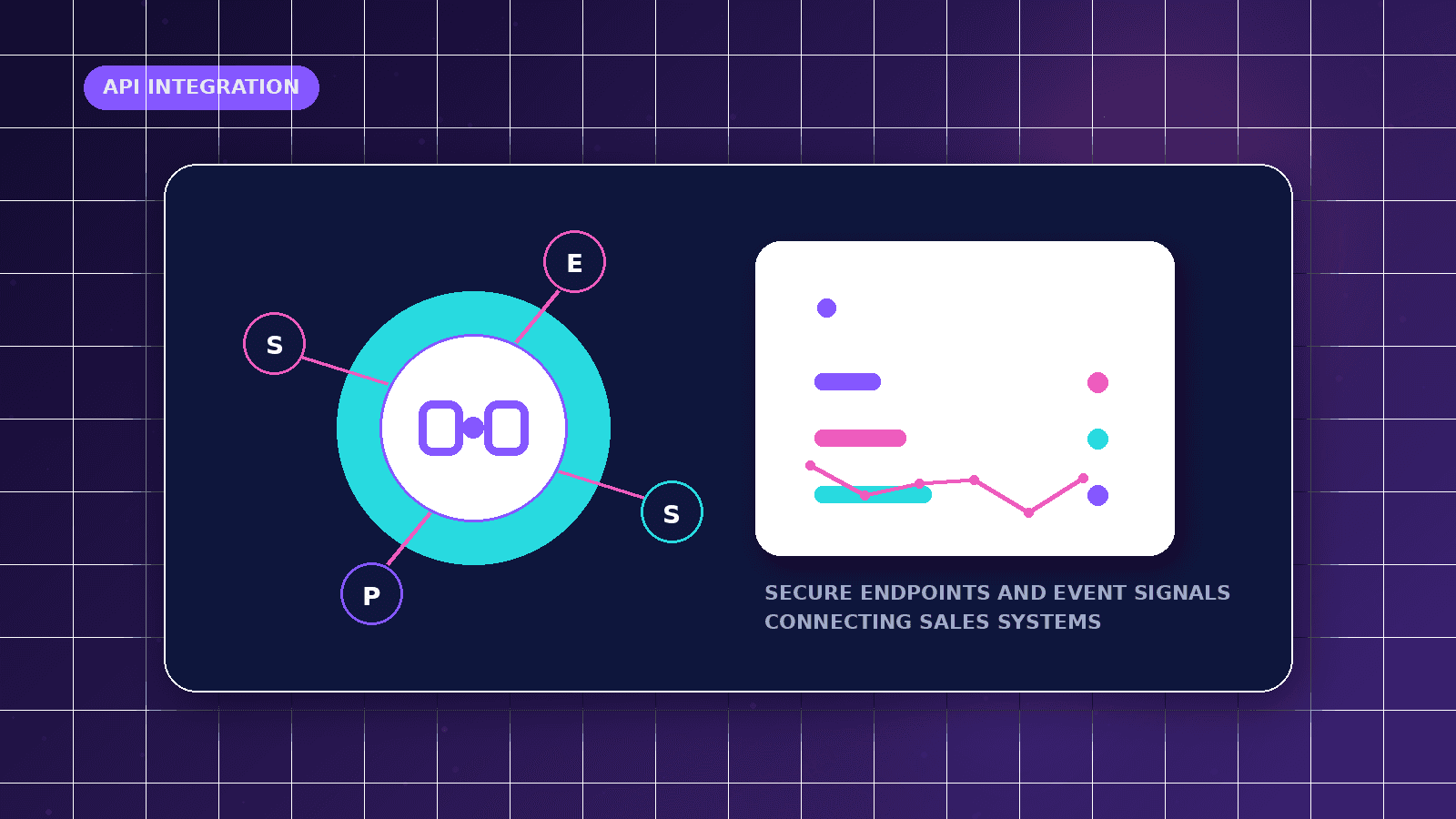
Webhook and API integrations move information between forms, CRMs, email systems, calendars and dashboards. The value comes from reliable events, validation, permissions and failure handling rather than connecting tools for its own sake.
Reader outcome: Plan sales automation integrations with webhooks, APIs, validation and failure handling. This article is educational, uses safe CurrentReach AI-owned visuals, and labels illustrative examples where they appear.
How this guide was prepared
This article is written for CurrentReach AI readers using service-planning experience, website implementation patterns, SEO checks, automation workflow review, and practical measurement considerations. It is not copied from a third-party report or generated from private account data.
Mapped around triggers, owner review, failure handling and data quality.
Keeps human approval in sensitive customer-facing steps.
Connects workflow ideas to measurable lead and follow-up outcomes.
Reader problem
Sales teams often copy the same details between form tools, inboxes, spreadsheets and CRMs.
Manual transfer creates delays, missing fields and inconsistent reporting.
Integrations can reduce repeated work when the business first defines the correct trigger and destination.
Workflow approach
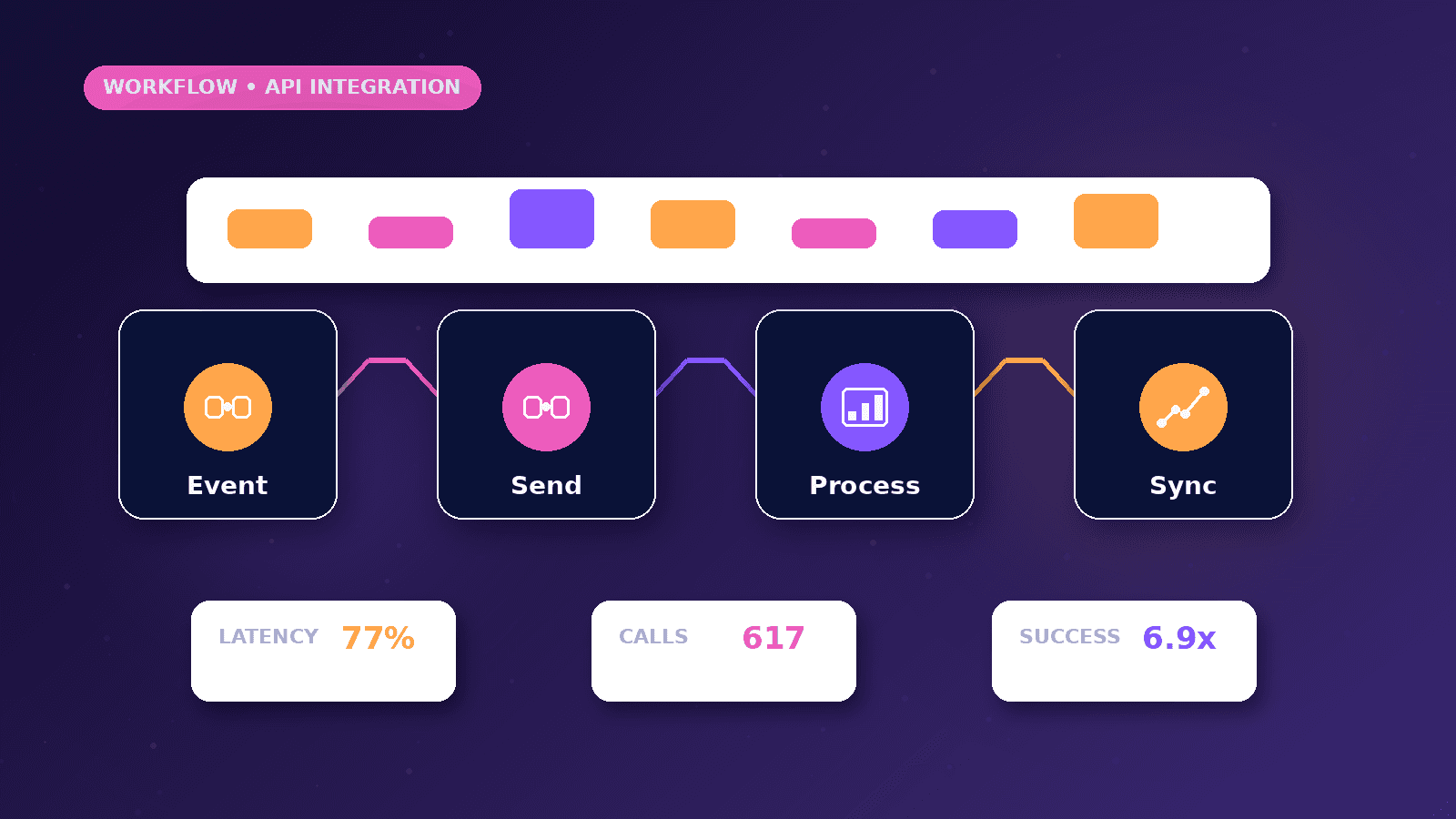
Use webhooks for event-based updates such as form submissions, bookings or payment status changes.
Use APIs to create records, fetch details, update stages or send data to reporting tools.
Validate incoming data and alert the owner when an integration fails or receives incomplete fields.
Practical example
A landing-page form sends a webhook when a lead submits details. The workflow validates required fields and calls the CRM API to create or update the contact.
A notification is sent to the owner, and the source page is stored for reporting.
If the CRM API fails, the workflow logs the issue and alerts the owner with recovery instructions.
Risks and limitations
APIs have permissions, rate limits and provider-specific rules.
Webhook endpoints should validate requests and avoid accepting untrusted data blindly.
Integrations can break when connected tools change fields, authentication or API behavior.
Measurement plan
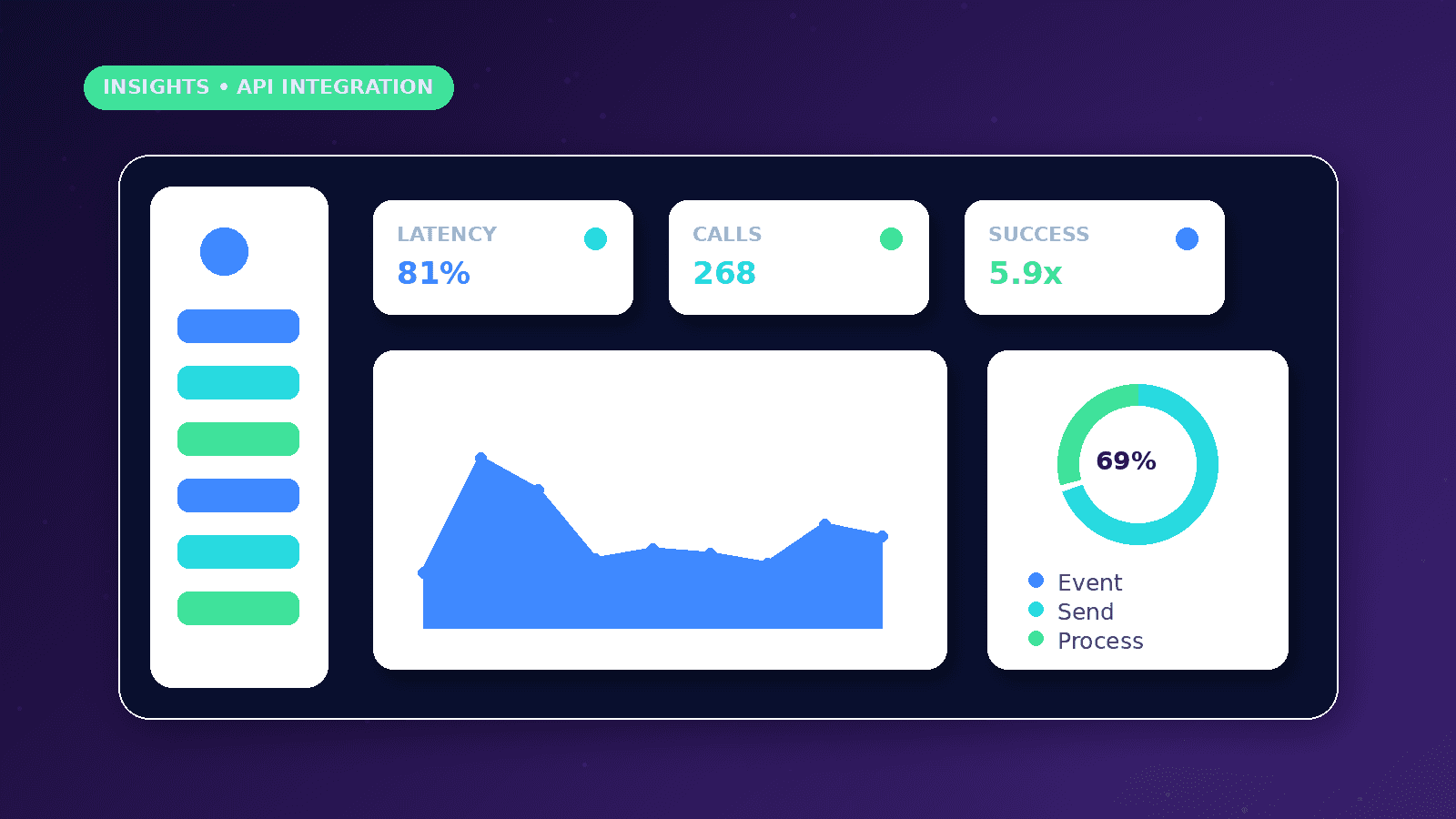
Track successful events, failed events, retry count, duplicate prevention, response time and unresolved integration errors.
Review failures after tool updates or website changes.
Use reports to decide whether an integration should be simplified, repaired or expanded.
Common mistakes
Skipping validation can let bad data enter the CRM.
Building without error alerts creates silent failures.
Connecting too many tools before the process is clear makes troubleshooting harder.
Conclusion
Webhook and API integrations should support a defined sales process.
Reliable automation needs validation, permissions, monitoring and human recovery paths.
CurrentReach AI can help connect sales tools with practical webhook and API workflows.
Practical checklist
- Define trigger
- Validate payload
- Check permissions
- Create records
- Prevent duplicates
- Alert on failure
- Document connected tools
Image sources
- webhook-api-integration-sales-automation/featured-image.png: Original CurrentReach AI blog image pack. License: Owned generated visual. No private data present.
FAQs
What is the difference between a webhook and an API?
A webhook sends data when an event happens, while an API lets one system request or update information.
Do integrations need monitoring?
Yes. Connected tools can fail, change fields or lose authorization.
What should happen when an integration fails?
The owner should receive a clear alert and the workflow should preserve enough context for recovery.
Need help applying this?
Request a Free Strategy Call if your sales tools need webhook, API and reporting integrations.
Related guides
About the author
Tayyiba Suleman is Web Developer and Automation Developer. Articles are reviewed against the Editorial Policy and should be read with the Content Disclaimer.