AI Automation
Stripe Billing for SaaS Products
A careful planning guide for Stripe billing workflows, checkout events, customer records, invoices and account access when online payment scope is approved.
By Tayyiba Suleman - Published July 16, 2026 - Updated July 20, 2026 - 3 min read
Stripe billing workflows require clear scope, account ownership, payment terms, customer records and event handling. For CurrentReach AI work, payment support is scoped only when the project has confirmed account access and an approved billing or platform requirement.
Reader outcome: Understand payment workflow planning without implying public subscription billing is automatically available. This article is educational, uses safe CurrentReach AI-owned visuals, and labels illustrative examples where they appear.
How this guide was prepared
This article is written for CurrentReach AI readers using service-planning experience, website implementation patterns, SEO checks, automation workflow review, and practical measurement considerations. It is not copied from a third-party report or generated from private account data.
Mapped around triggers, owner review, failure handling and data quality.
Keeps human approval in sensitive customer-facing steps.
Connects workflow ideas to measurable lead and follow-up outcomes.
Reader problem
SaaS-style products and private workspaces often need checkout, invoices, payment status and customer access to stay synchronized.
Payment workflows affect money, access and customer trust, so they need careful planning.
No billing workflow should be assumed as part of every project without written scope and account access.
Workflow approach
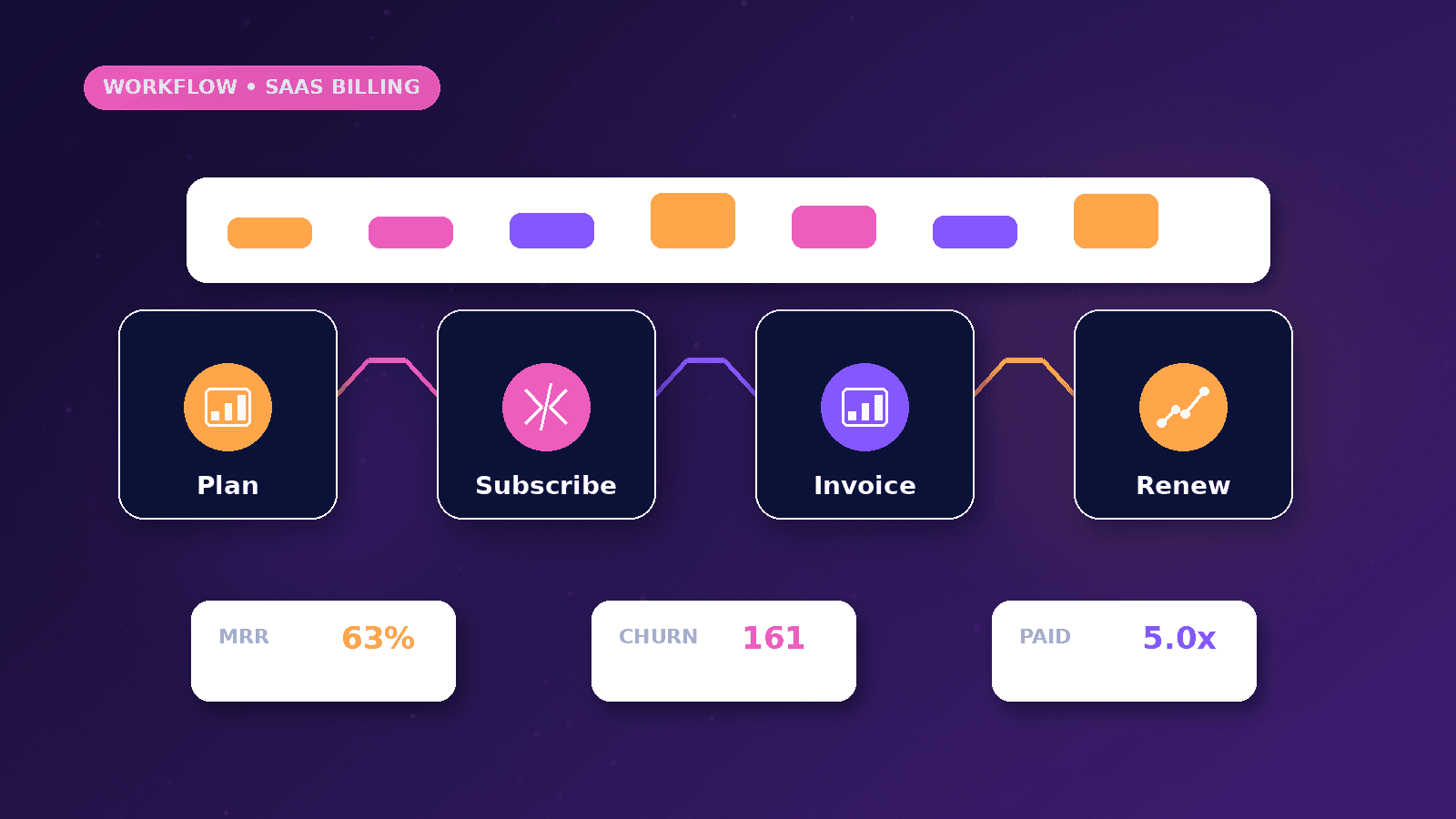
Define whether the project needs checkout, invoice tracking, subscription status, one-time payments or manual invoicing.
Use payment-provider events to update customer status, invoice state or access flags where appropriate.
Keep access changes reviewable when payment events are disputed, failed or unusual.
Practical example
A private-beta workspace enables approved online payment for selected customers. A checkout event records the customer and updates access status.
If payment fails, the workflow notifies the owner and marks the account for review rather than deleting access immediately.
Invoices and payment records remain in the payment provider while the website stores only the operational status it needs.
Risks and limitations
Payment events can be duplicated or retried, so workflows need idempotency and careful matching.
Account access, tax settings, legal terms and refunds are business decisions, not only technical tasks.
Sensitive payment data should stay with the payment provider; the website should not store card details.
Measurement plan
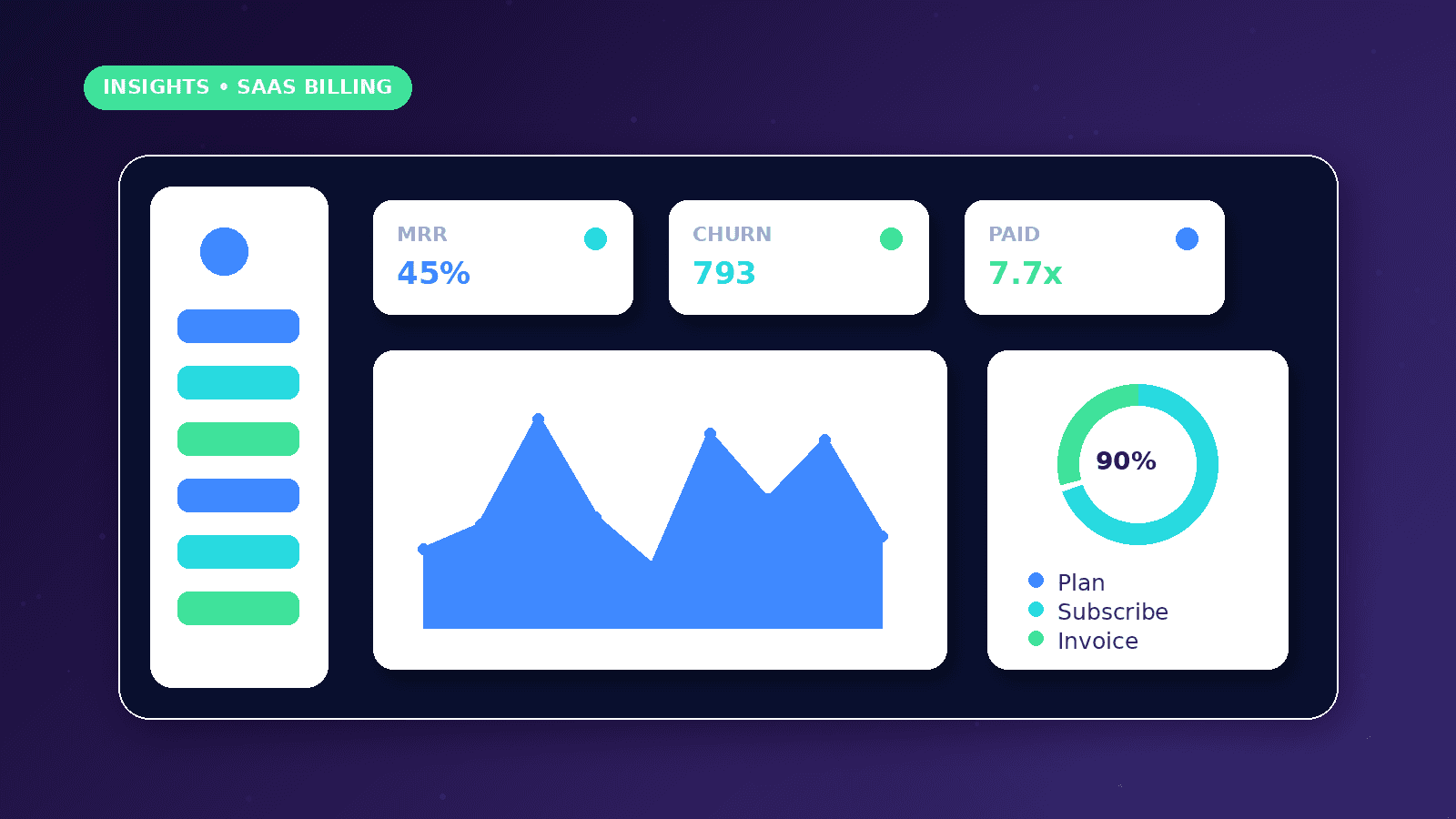
Track checkout starts, completed payments, failed payments, invoice status, access changes, support requests and manual review items.
Separate payment operations from revenue claims in public reporting.
Review failed or disputed events to improve customer communication and workflow handling.
Common mistakes
Treating billing as a default feature can create unsupported expectations.
Ignoring failed-payment edge cases can block customers or leave access unclear.
Storing sensitive payment details directly is unnecessary and risky.
Conclusion
Billing workflows should be scoped carefully and connected only to approved business requirements.
The safest setup keeps payment data with the provider and uses events for operational status.
CurrentReach AI can help plan payment-related automation when account access and project scope are confirmed.
Practical checklist
- Confirm scope
- Verify account access
- Define payment events
- Protect payment data
- Handle failures
- Review refunds
- Document terms
Image sources
- stripe-billing-for-saas-products/featured-image.png: Original CurrentReach AI blog image pack. License: Owned generated visual. No private data present.
FAQs
Is online billing available for every CurrentReach AI project?
No. Billing or payment workflows are scoped only when the project specifically requires and approves them.
Should a website store card details?
No. Sensitive payment details should remain with the payment provider.
What payment events matter?
Common events include checkout completed, invoice paid, payment failed, subscription updated and refund or dispute signals where applicable.
Need help applying this?
Request a Free Strategy Call if your approved payment workflow needs careful event handling, access logic and reporting.
Related guides
About the author
Tayyiba Suleman is Web Developer and Automation Developer. Articles are reviewed against the Editorial Policy and should be read with the Content Disclaimer.