Social Media Marketing
Social Media to CRM Lead Workflow
How to connect social media leads, WhatsApp messages, forms, and CRM follow-up into one practical workflow for service businesses.
By Tayyiba Suleman - Published July 28, 2026 - Updated July 28, 2026 - 3 min read
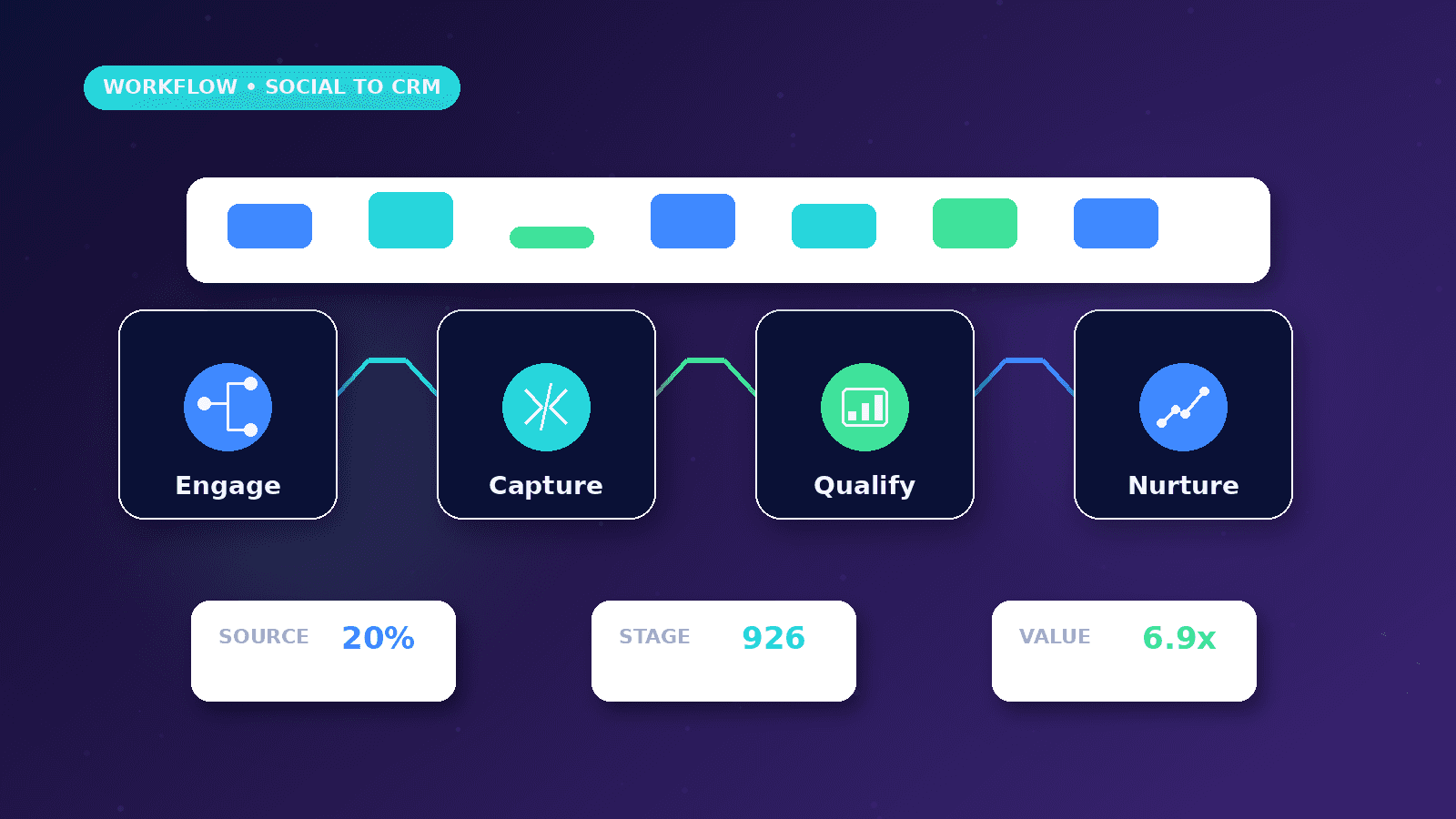
A social media to CRM lead workflow helps businesses turn comments, profile visits, direct messages, WhatsApp clicks, and landing-page forms into organized follow-up. It connects marketing activity with real pipeline outcomes instead of judging social media only by likes or reach.
Reader outcome: Connect social media marketing with CRM lead follow-up. This article is educational, uses safe CurrentReach AI-owned visuals, and labels illustrative examples where they appear.
How this guide was prepared
This article is written for CurrentReach AI readers using service-planning experience, website implementation patterns, SEO checks, automation workflow review, and practical measurement considerations. It is not copied from a third-party report or generated from private account data.
Connects content planning with audience, campaigns, CTAs and CRM follow-up.
Separates engagement metrics from real business outcomes.
Avoids viral-growth promises and unsupported performance claims.
Lead capture paths
Use clear profile links, campaign landing pages, WhatsApp actions, and short forms for high-intent visitors.
Ask only for information needed to start the conversation.
Keep privacy expectations clear when collecting contact information.
CRM fields to store
Store name, contact method, service interest, message summary, source platform, campaign, UTM data, current stage, owner, and next action.
Use tags for services such as SEO, web development, AI automation, paid ads, and social media management.
Avoid storing unnecessary private data in reporting dashboards.
Automation and human review
Automation can create a lead record, notify the owner, summarize the request, and create a follow-up task.
Human review should remain in replies, pricing, proposals, complaints, and unusual inquiries.
Stop duplicate records when the same person messages on WhatsApp and submits the form later.
Practical checklist
- Profile CTA
- Landing page
- WhatsApp tracking
- Lead form
- CRM fields
- Owner notification
- Duplicate check
- Follow-up task
- Campaign report
Image sources
- social-media-to-crm-lead-workflow/featured-image.png: Original CurrentReach AI blog image pack. License: Owned generated visual. No private data present.
FAQs
What is a social media CRM workflow?
It is a process that captures social inquiries, stores useful context, assigns follow-up, and tracks the lead through a pipeline.
Should every DM become a CRM lead?
No. Use qualification rules so spam, casual comments, and low-fit messages do not clutter the pipeline.
Can WhatsApp clicks be tracked?
Yes. A website can track WhatsApp click events while keeping private message content out of GA4.
Need help applying this?
Need practical help with Social Media Marketing? CurrentReach AI can help scope the work, implement carefully and measure what changes after launch.
Related guides
About the author
Tayyiba Suleman is Web Developer and Automation Developer. Articles are reviewed against the Editorial Policy and should be read with the Content Disclaimer.