Social Media Marketing
How to Build a Monthly Social Media Content Calendar
A practical guide to planning monthly social content around themes, offers, education, trust, and campaigns.
By Tayyiba Suleman - Published July 16, 2026 - Updated July 17, 2026 - 7 min read
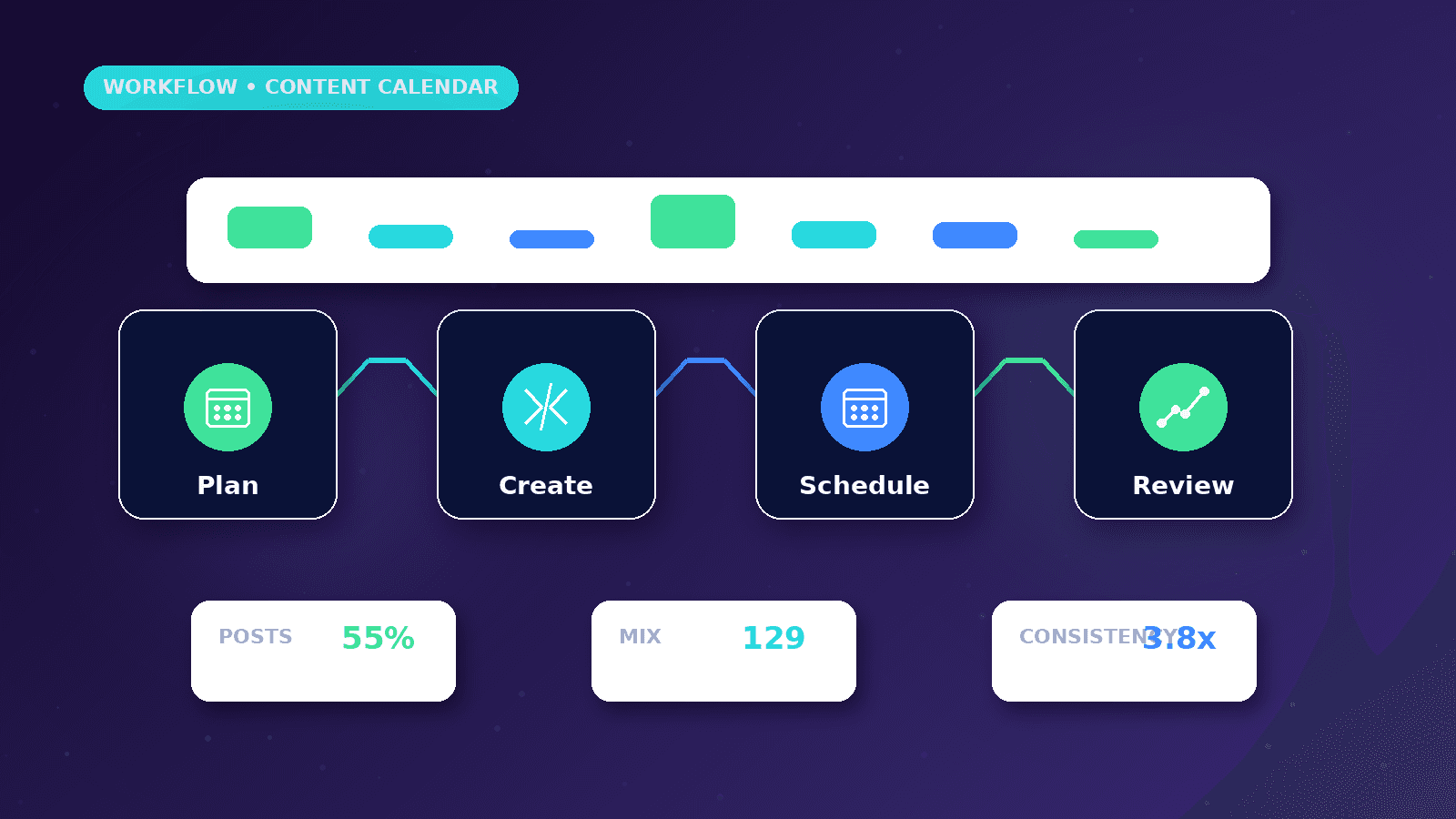
A monthly social media content calendar turns scattered posting ideas into a realistic publishing plan. It connects objectives, audience, platform selection, content pillars, campaign dates, formats, hooks, CTAs, production workflow, approvals, posting frequency, and measurement. Use this article when a business wants to plan a realistic monthly content system around objectives, audience, platforms, pillars, hooks, approvals, scheduling and measurement.
Reader outcome: Plan a content calendar. This article is educational, uses safe CurrentReach AI-owned visuals, and labels illustrative examples where they appear.
How this guide was prepared
This article is written for CurrentReach AI readers using service-planning experience, website implementation patterns, SEO checks, automation workflow review, and practical measurement considerations. It is not copied from a third-party report or generated from private account data.
Connects content planning with audience, campaigns, CTAs and CRM follow-up.
Separates engagement metrics from real business outcomes.
Avoids viral-growth promises and unsupported performance claims.
Objectives and audience
Start by choosing the business objective for the month: awareness, trust, inquiries, event promotion, recruitment, product education, or retargeting support.
Define the audience in plain language. A clinic, consultant, ecommerce store, agency, and local service provider need different content angles.
Choose platforms based on where the audience spends time and what the team can realistically produce.
Content pillars
Content pillars are recurring topic groups. Useful pillars include education, process, proof, offers, FAQs, founder expertise, customer objections, and behind-the-scenes operations.
Each pillar should connect to a business goal. If a pillar does not support trust, clarity, engagement, or conversion, it may not deserve space in the calendar.
Avoid building every post around direct selling. Educational and trust-building content often prepares people to respond later.
Formats, hooks and CTAs
Formats can include single-image posts, carousels, reels, short videos, stories, text posts, polls, and live updates.
Hooks should name a real problem, question, mistake, comparison, or outcome. Avoid exaggerated promises and fake urgency.
CTAs can invite people to comment, save, read a guide, visit a service page, message on WhatsApp, or request a consultation.
Production workflow
A practical workflow includes idea selection, caption drafting, creative production, review, scheduling, publishing, engagement checks, and reporting.
Assign ownership for each step. A calendar fails when everyone assumes someone else is responsible.
Keep a small buffer of ready content so the business is not always publishing in panic mode.
Example monthly structure
Week 1: education and service clarity.
Week 2: common mistakes, FAQs, and process explanation.
Week 3: campaign or offer support.
Week 4: reporting, recap, proof where verified, and next-month planning.
Repurpose strong posts into blog sections, email ideas, short videos, and FAQs.
Measurement
Track reach, impressions, engagement, saves, shares, watch time, clicks, leads, and conversion actions where configured.
Review by pillar and format, not only by individual post.
Use results to adjust next month’s topics, hooks, creative style, and CTAs.
Production, approval and scheduling workflow
A useful calendar separates ideas from approved content. Each post should move through idea, brief, production, internal review, client or owner approval, scheduling, publishing and reporting.
Approval should check more than spelling. The reviewer should confirm the offer, claim, image, CTA, platform fit, privacy concerns and whether the post supports the current business objective.
Scheduling tools can help consistency, but they do not replace community management. Someone still needs to monitor comments, messages, replies and questions after posts go live.
Repurposing and monthly review
Strong ideas should travel across formats. A blog section can become a LinkedIn post, a carousel, a reel hook, an FAQ story and a short email, but each version should be adapted to the platform.
Monthly review should look by pillar and format, not only by total likes. Compare educational posts, trust posts, offers, FAQs and behind-the-scenes content to see what actually supports inquiries or saves.
The next calendar should be built from evidence: repeat useful angles, improve weak hooks, retire topics that attract the wrong audience and reserve space for timely questions from customers.
Worked business example
Illustrative example: a service business plans a 30-day calendar around education, trust, FAQs, behind-the-scenes proof and one promotional offer. The calendar includes post status so ideas do not get confused with approved content.
One week might start with an educational carousel, continue with a short reel, answer a common FAQ, show a process screenshot and end with a soft CTA to request a consultation.
The calendar stays flexible. Trending content can be added when it supports the monthly objective, but it should not replace approvals, brand accuracy or campaign deadlines.
Common mistakes to avoid
Planning only post dates without objectives creates a calendar that is busy but not strategic.
Copying the same message across every platform ignores format, audience behavior and content expectations.
Skipping approvals leads to rushed publishing, inconsistent voice and avoidable mistakes in offers or claims.
Decision framework
Choose the month objective first: awareness, trust, inquiries, event support, retargeting, hiring, product education or sales enablement.
Pick platforms based on audience and production capacity rather than trying to be everywhere.
Set a posting rhythm the business can sustain. Consistency with quality is more useful than an unrealistic daily schedule.
Measurement plan
Review reach, saves, shares, comments, watch time, link clicks, WhatsApp clicks, leads and qualified conversations by pillar and format.
A monthly review should identify what to repeat, what to improve, what to retire and what needs a new hook or CTA.
Reporting should separate organic content from paid promotion so the team does not confuse boosted reach with normal distribution.
Risks and limitations
Content calendars can become rigid. Leave room for timely updates, customer questions and campaign changes.
Metrics can mislead when the team focuses only on likes instead of saves, shares, clicks, inquiries and qualified conversations.
Unverified claims, fake proof or exaggerated results can create reputational and advertising-policy risk.
Practical next steps
Define pillars, campaign dates, formats, owner, approval path and reporting metrics.
Batch content production where practical and keep a small reserve of evergreen posts.
Review performance by pillar and format before planning the next month.
Conclusion
A social media calendar is useful when it connects business goals, audience needs, production reality and reporting.
Plan enough structure to stay consistent, but leave enough room for timely questions, campaign changes and posts that respond to what the audience actually cares about.
Illustrative example: 30-day content calendar sample
Sample entries are educational examples, not a real client campaign.
| Day | Platform | Content pillar | Format | Hook | CTA | Status |
|---|---|---|---|---|---|---|
| 1 | Education | Text post | Three signs your lead follow-up is leaking opportunities | Read the automation guide | Drafted | |
| 4 | Trust | Reel | What happens before a website launch? | Save this checklist | Approved | |
| 7 | FAQ | Carousel | Landing page or full website? | Visit the comparison guide | Scheduled | |
| 11 | Promotion | Story | Need a clearer conversion path? | Message on WhatsApp | Drafted | |
| 15 | Behind the scenes | Image post | How a content brief becomes a campaign asset | Ask for a planning call | In review | |
| 20 | Case-study style | Document post | How to report social content without vanity metrics | Read the metrics guide | Planned | |
| 25 | Community | Poll | What blocks your content schedule? | Vote and reply | Planned | |
| 30 | Monthly review | Text post | What to keep, improve and pause next month | Review your calendar | Planned |
Practical checklist
- Monthly objective
- Audience
- Platforms
- Content pillars
- Campaign dates
- Formats
- Hooks
- CTAs
- Approval process
- Posting rhythm
- Reporting
References and further reading
Image sources
- monthly-social-media-content-calendar/featured-image.png: Original CurrentReach AI blog image pack. License: Owned generated visual. No private data present.
FAQs
How many times should a business post each week?
Most small teams should choose a sustainable rhythm, often three to five quality posts per week rather than daily rushed content.
Should every platform use the same content?
The idea can be reused, but format, hook, caption length and CTA should fit the platform.
How far in advance should content be planned?
Plan core content two to four weeks ahead, while leaving space for timely posts and campaign changes.
Who should approve posts?
Someone responsible for brand accuracy, offers, claims and customer-sensitive details should approve before publishing.
How should trending content be added?
Use trends only when they fit the audience, brand and objective. Do not force trends into serious offers where they feel off-brand.
Need help applying this?
Need a practical content calendar, campaign structure and reporting system? Explore CurrentReach AI’s Social Media Marketing Services.
Related guides
About the author
Tayyiba Suleman is Web Developer and Automation Developer. Articles are reviewed against the Editorial Policy and should be read with the Content Disclaimer.