Social Media Marketing
How to Plan Content Pillars for a Business
How to create content pillars that support offers, education, trust, campaigns, FAQs, and long-term brand clarity.
By Tayyiba Suleman - Published July 16, 2026 - Updated July 19, 2026 - 4 min read
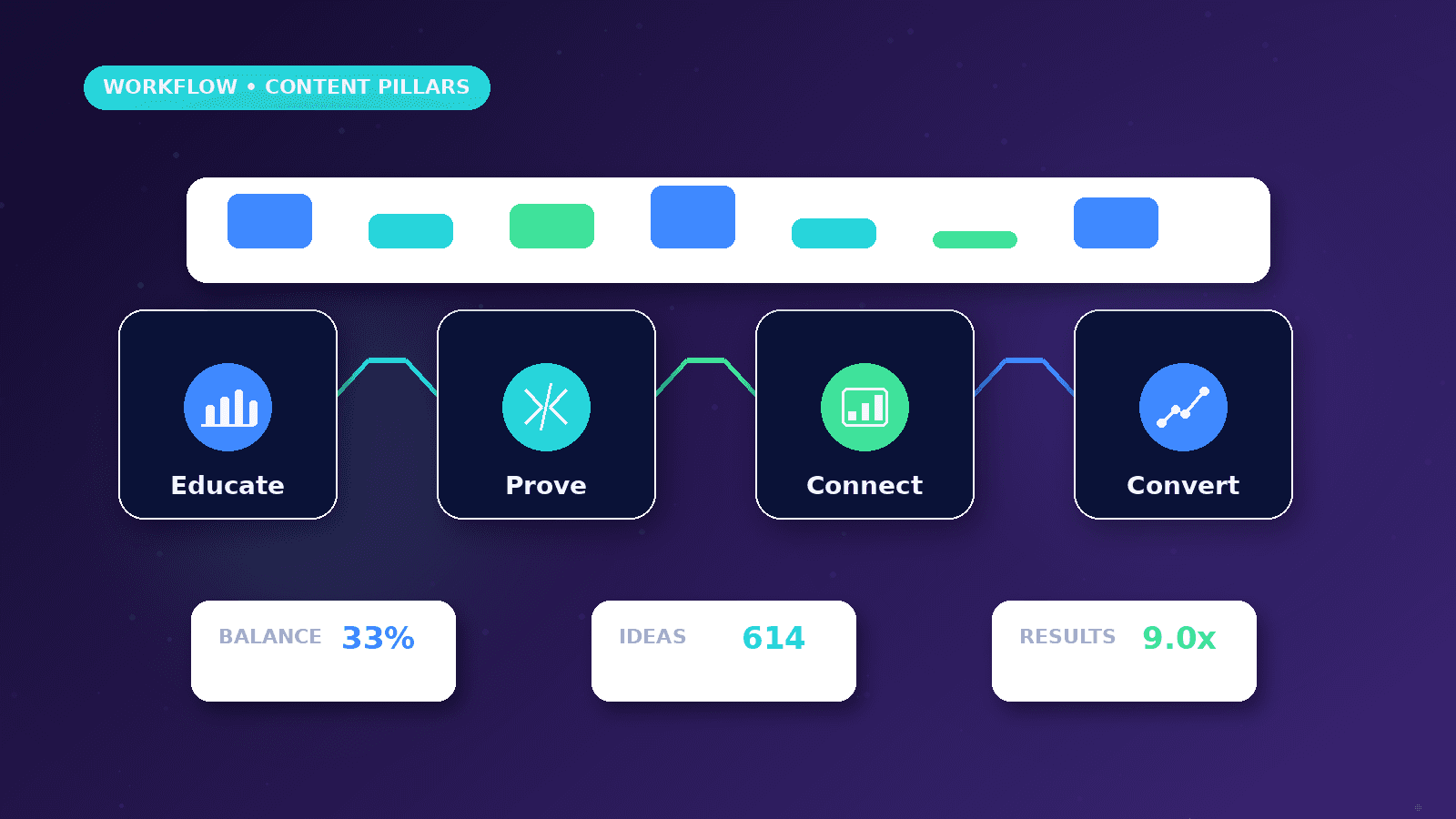
Content pillars help a business stop posting random ideas and start building repeatable themes around audience questions, trust, offers, objections, and proof. Good pillars make planning easier without making every post sound the same.
Reader outcome: Build content pillars. This article is educational, uses safe CurrentReach AI-owned visuals, and labels illustrative examples where they appear.
How this guide was prepared
This article is written for CurrentReach AI readers using service-planning experience, website implementation patterns, SEO checks, automation workflow review, and practical measurement considerations. It is not copied from a third-party report or generated from private account data.
Connects content planning with audience, campaigns, CTAs and CRM follow-up.
Separates engagement metrics from real business outcomes.
Avoids viral-growth promises and unsupported performance claims.
What content pillars are
Content pillars are recurring topic groups that guide posts and campaigns.
They keep the brand consistent without making every post identical.
They help teams plan faster.
Useful pillars
Education, services, customer questions, process, proof, offers, team expertise, and industry guidance.
Choose pillars based on audience needs and business goals.
Avoid pillars that cannot be supported with real content.
Turning pillars into posts
Each pillar can become posts, reels, carousels, stories, blogs, and email ideas.
Link social topics to landing pages and resources where helpful.
Choosing useful pillars
Start with business objectives, audience questions, service objections, proof needs, and recurring sales conversations.
Common pillars include education, process, trust, offers, FAQs, founder expertise, customer problems, and behind-the-scenes operations.
Each pillar should have a clear role in awareness, consideration, conversion, or retention.
Practical example
A web and automation business might use pillars such as workflow education, website conversion, SEO clarity, founder build notes, and practical case-style explanations.
A clinic, consultant, local service provider, and ecommerce support team would choose different examples and CTAs.
The calendar should rotate pillars so the feed does not become only sales posts or only tips.
Turning pillars into posts
Break each pillar into questions, mistakes, comparisons, examples, myths, checklists, and short demonstrations.
Match formats to the idea: carousel for steps, reel for hooks, static post for quick advice, story for timely updates.
Use CTAs that fit the pillar, such as save, comment, read, message, or request a consultation.
Common mistakes
Choosing too many pillars makes the calendar hard to manage.
Using the same caption structure for every pillar makes content feel templated.
Ignoring reporting means the business cannot learn which pillars attract useful attention.
Pillar planning workflow
Collect real audience questions from calls, DMs, search queries, comments, sales objections, and support messages before naming pillars.
Choose pillars that support the buyer journey: awareness, trust, comparison, conversion, and retention.
Assign examples, formats, and CTAs to each pillar so the calendar is easier to produce.
Limit the number of pillars so the brand can repeat themes without becoming repetitive.
Review monthly performance by pillar to understand which themes attract useful attention.
Refresh pillars when the offer, audience, market, or campaign priorities change.
From pillars to calendar
Turn one pillar into multiple formats: short video, carousel, text post, story, FAQ, blog section, and email idea.
Use educational posts to explain the problem, proof posts to build trust, and offer posts to create a direct next step.
Add approval ownership so captions, visuals, claims, and CTAs are reviewed before publishing.
Plan timely content separately so trends do not break the whole calendar.
Keep a reporting column that records reach, saves, comments, clicks, and leads where configured.
Use the next month to repeat what worked, improve weak angles, and remove topics that attracted the wrong audience.
What good looks like
Good content pillars make planning easier while still allowing variety in topics, formats, and CTAs.
Each pillar should support a business objective and answer real audience questions.
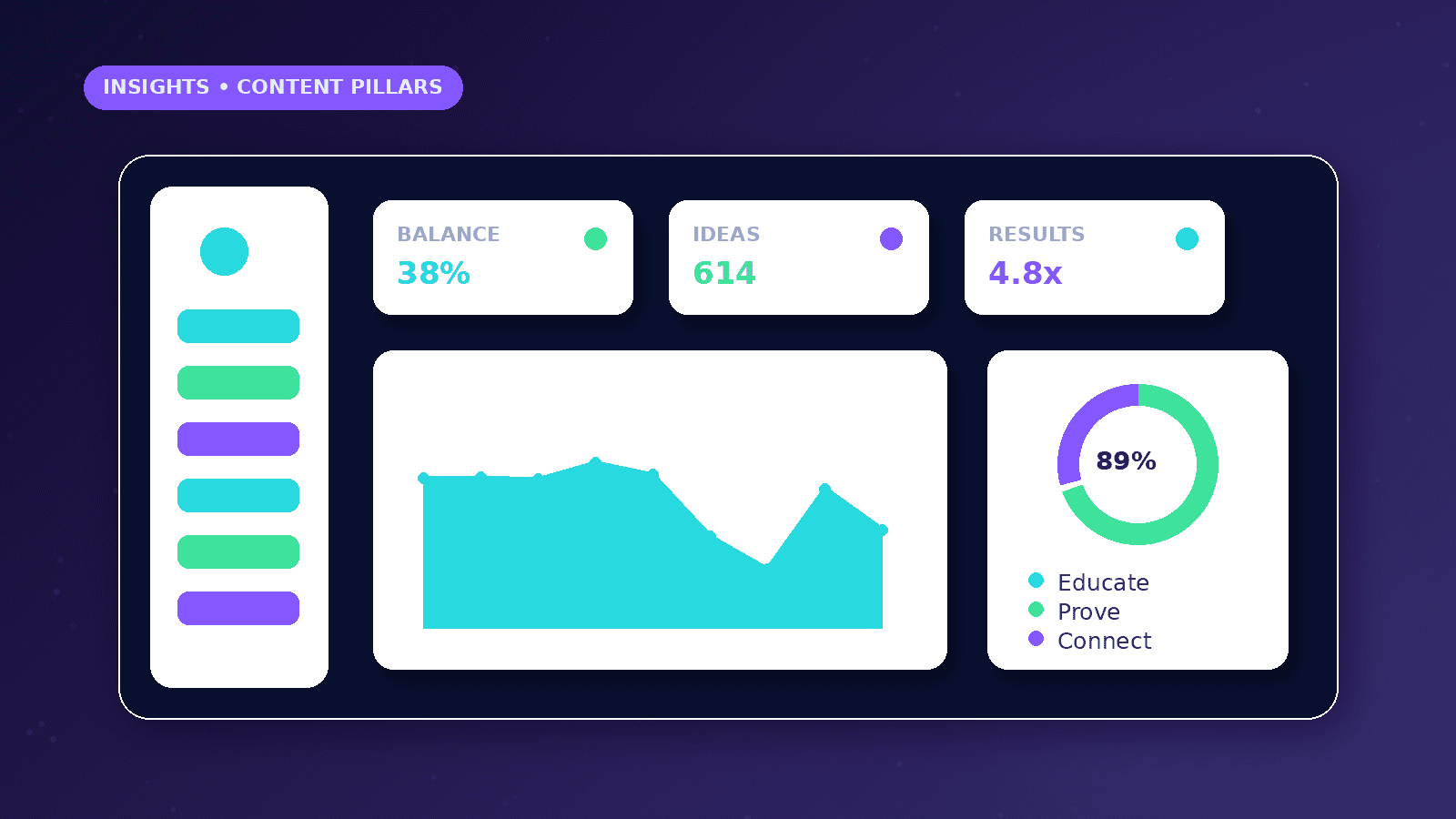
The calendar should balance education, trust, proof, process, offers, and timely updates.
Reporting should show which pillars create useful engagement, clicks, inquiries, or sales conversations.
When to get help
Get help when the business posts inconsistently, repeats the same topic, or has no link between content and goals.
A strategist can turn services, objections, FAQs, and customer questions into practical pillar groups.
Creative support can map pillars into reels, carousels, static posts, stories, and blog ideas.
Reporting support is useful when the business wants to learn what to repeat, improve, pause, or test next month.
Practical checklist
- Objectives listed
- Audience questions collected
- Pillars named
- Formats mapped
- CTAs assigned
- Monthly calendar built
- Reporting reviewed
Image sources
- plan-content-pillars-for-business/featured-image.png: Original CurrentReach AI blog image pack. License: Owned generated visual. No private data present.
FAQs
How many content pillars should a business use?
Three to six focused pillars are usually easier to manage than a long list of loose themes.
Can one post fit more than one pillar?
Yes, but assigning a primary pillar keeps planning and reporting clearer.
How often should pillars change?
Review them monthly or quarterly based on business priorities, audience response, and campaign needs.
Need help applying this?
Need practical content pillars, calendar structure, and reporting? Explore CurrentReach AI Social Media Marketing Services.
Related guides
About the author
Tayyiba Suleman is Web Developer and Automation Developer. Articles are reviewed against the Editorial Policy and should be read with the Content Disclaimer.