AI Automation
AI Lead Routing for Service Businesses
How AI lead routing helps service businesses qualify inquiries, assign follow-up, protect response time, and reduce missed opportunities.
By Tayyiba Suleman - Published July 28, 2026 - Updated July 28, 2026 - 3 min read
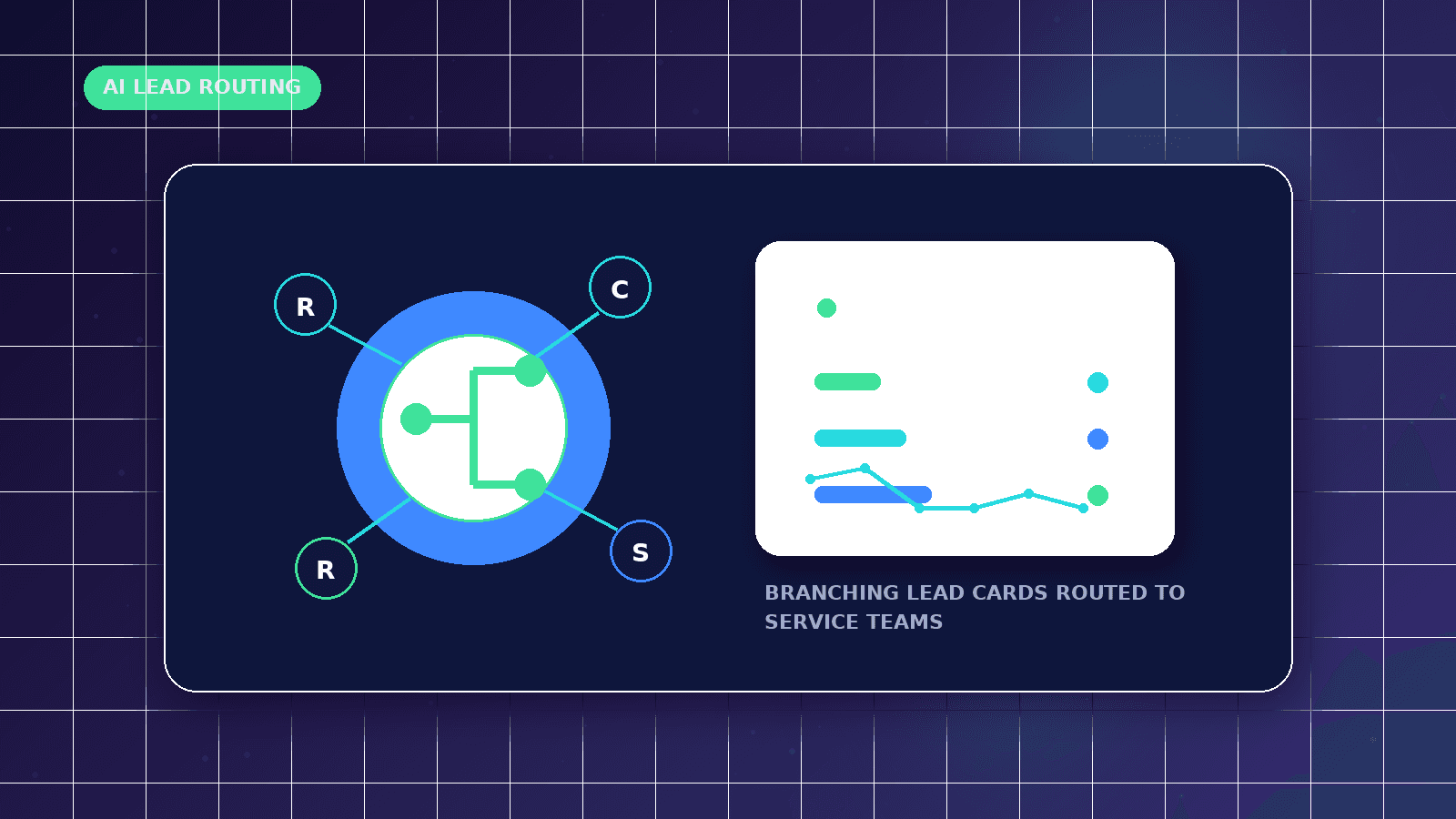
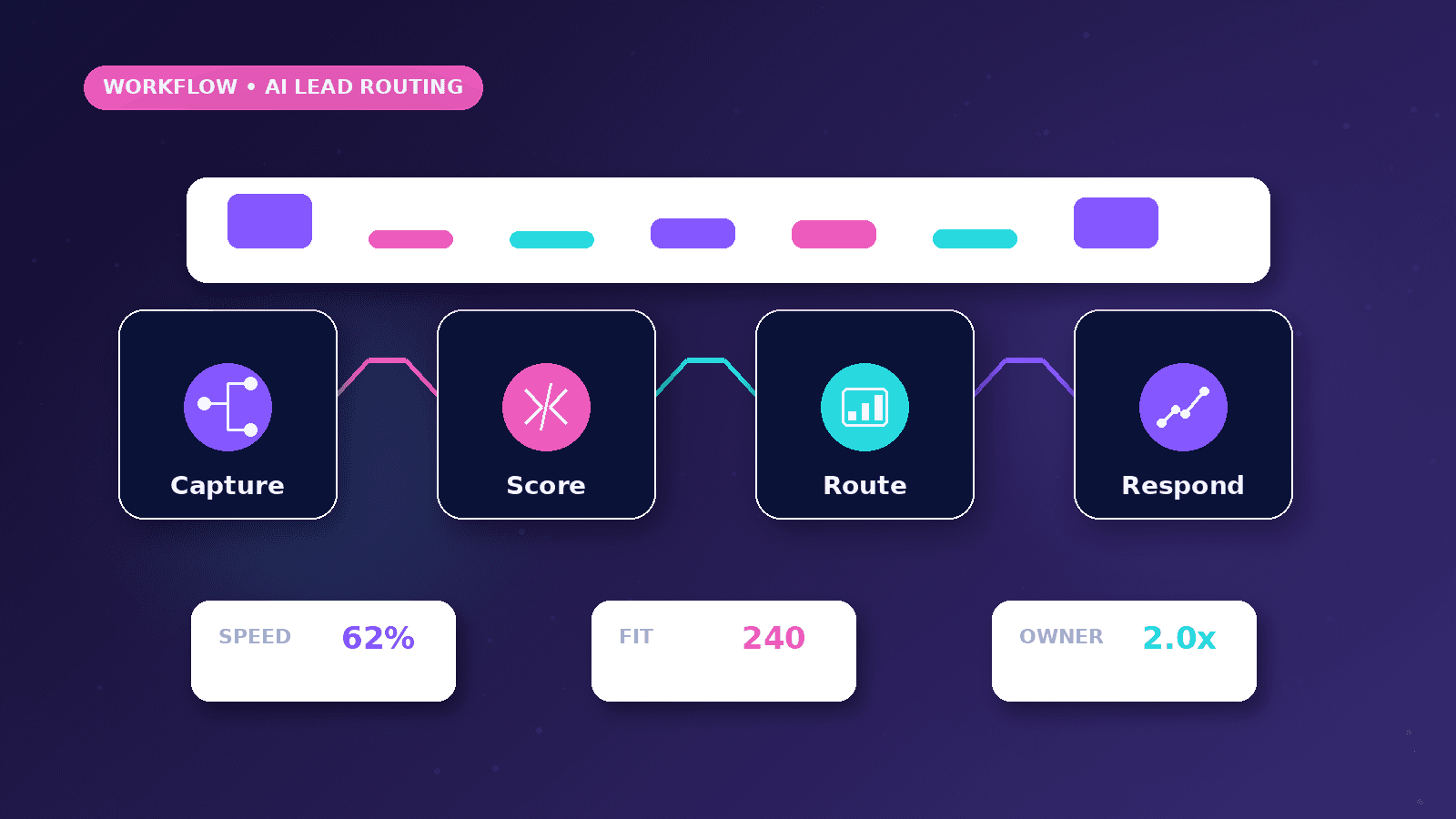
AI lead routing connects website forms, booking requests, WhatsApp inquiries, CRM stages, and owner notifications so qualified leads reach the right person faster. The goal is not to let AI make risky sales decisions alone. The goal is cleaner intake, faster response, better prioritization, and a human-reviewed follow-up process.
Reader outcome: Plan an AI lead routing workflow for service-business inquiries. This article is educational, uses safe CurrentReach AI-owned visuals, and labels illustrative examples where they appear.
How this guide was prepared
This article is written for CurrentReach AI readers using service-planning experience, website implementation patterns, SEO checks, automation workflow review, and practical measurement considerations. It is not copied from a third-party report or generated from private account data.
Mapped around triggers, owner review, failure handling and data quality.
Keeps human approval in sensitive customer-facing steps.
Connects workflow ideas to measurable lead and follow-up outcomes.
What AI lead routing means
AI lead routing is the process of classifying a new inquiry and sending it to the correct workflow, person, CRM stage, or follow-up task.
For service businesses, useful routing signals include service interest, urgency, location, budget range, website URL, preferred contact method, and source page.
A practical AI automation workflow can tag leads as urgent, qualified, needs clarification, low fit, spam, or manual review.
Why service businesses miss leads
Many leads arrive through different channels such as contact forms, WhatsApp, calls, email, ads, and social media messages.
Without a routing system, the owner may see the message late, forget the source, or reply without enough context.
Missed response time can lower trust even when the website and ads are working correctly.
Safe workflow design
Start with structured form fields and a clear required-field check.
Use AI to summarize the inquiry, suggest fit, and recommend the next action, but keep final pricing, promises, and customer-facing decisions under human review.
Send the owner a concise notification with the full lead details, source page, UTM campaign, gclid, gbraid, or wbraid when available.
CRM and follow-up stages
A simple pipeline can use stages such as new, needs review, contacted, booked, proposal sent, won, lost, and nurture.
The routing workflow should prevent duplicate records when the same person submits twice or uses both WhatsApp and the form.
Response tasks should include a clear owner and deadline so leads do not sit untouched.
Measurement plan
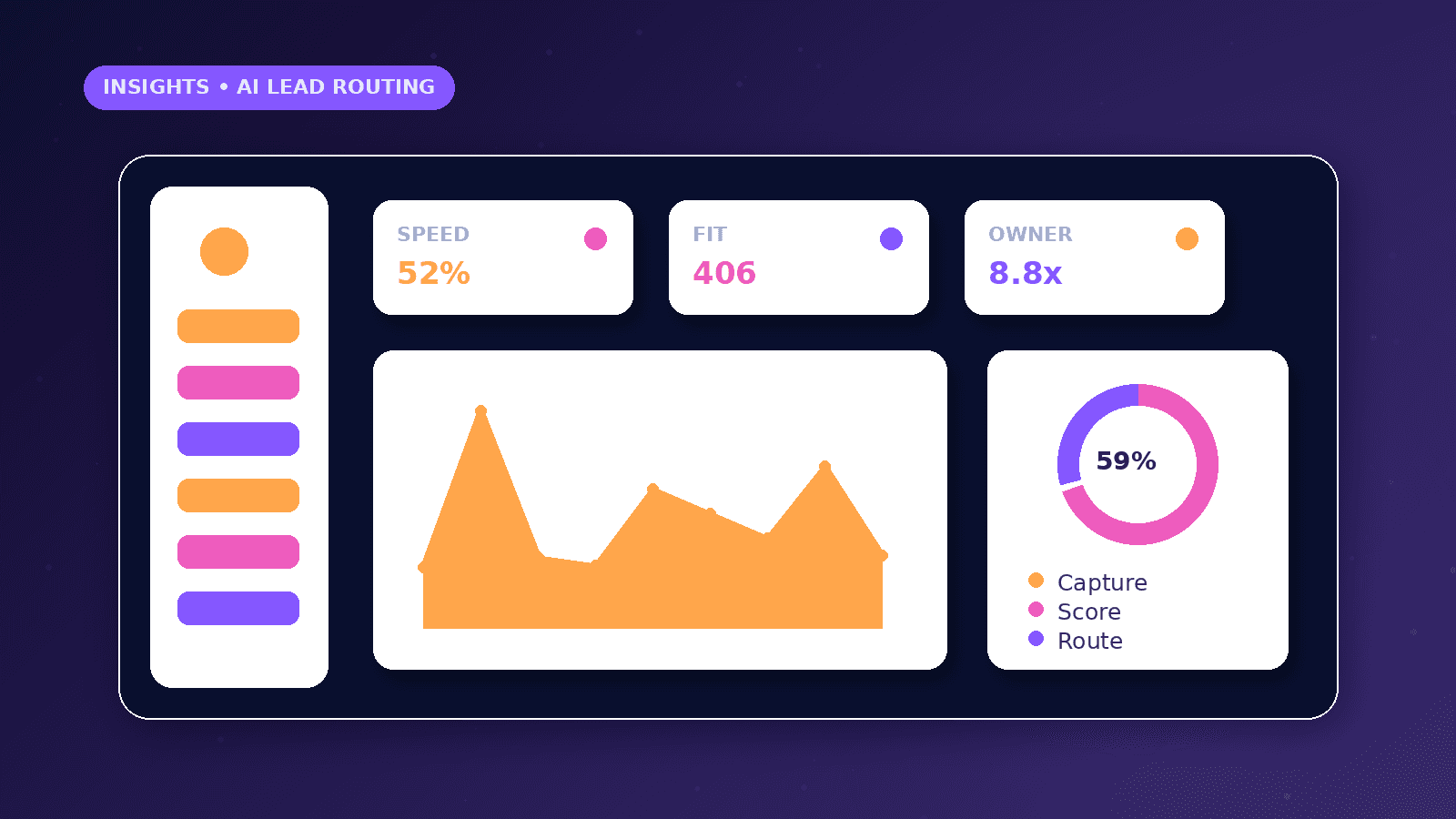
Track form submissions, WhatsApp clicks, booked calls, contacted leads, qualified leads, response time, and source quality.
Compare GA4 events with real CRM outcomes so clicks are not mistaken for revenue.
Review low-fit inquiries to improve service pages, ad targeting, and form questions.
Practical checklist
- Capture source page
- Store UTM data
- Detect contact method
- Classify inquiry
- Notify owner
- Create CRM stage
- Prevent duplicates
- Keep human review
Image sources
- ai-lead-routing-for-service-businesses/featured-image.png: Original CurrentReach AI blog image pack. License: Owned generated visual. No private data present.
FAQs
Can AI automatically reject leads?
It can flag low-fit inquiries, but rejection should usually stay under human review because unusual leads may still be valuable.
Which tools can support AI lead routing?
Common tools include website forms, n8n, email, Google Sheets, CRMs, webhooks, APIs, and AI summary steps.
Does lead routing improve SEO?
It does not directly improve rankings, but it improves conversion handling after visitors arrive from SEO, ads, or social media.
Need help applying this?
Need practical help with AI Automation? CurrentReach AI can help scope the work, implement carefully and measure what changes after launch.
Related guides
About the author
Tayyiba Suleman is Web Developer and Automation Developer. Articles are reviewed against the Editorial Policy and should be read with the Content Disclaimer.