Web Development
Signs That a Website Needs a Redesign
Common signs that a business website needs better structure, content, mobile layout, performance, or conversion paths.
By Tayyiba Suleman - Published July 16, 2026 - Updated July 19, 2026 - 4 min read
A redesign should solve real business and usability problems, not just change colors. This guide helps owners decide whether the issue is structure, content, mobile experience, speed, trust, tracking, or conversion flow.
Reader outcome: Identify redesign needs. This article is educational, uses safe CurrentReach AI-owned visuals, and labels illustrative examples where they appear.
How this guide was prepared
This article is written for CurrentReach AI readers using service-planning experience, website implementation patterns, SEO checks, automation workflow review, and practical measurement considerations. It is not copied from a third-party report or generated from private account data.
Reviews structure, mobile usability, performance and conversion paths.
Connects website decisions with SEO, trust and lead follow-up.
Avoids cosmetic-only redesign advice that does not improve user experience.
Business signs
Visitors do not understand what you offer.
The site gets traffic but few inquiries.
Your services, pricing model, or positioning have changed.
Competitors explain their value more clearly.
Technical signs
The mobile layout is hard to use.
Pages load slowly or shift around.
Forms are unreliable.
Metadata, headings, images, sitemap, or internal links are weak.
Content signs
Service pages are thin.
The homepage is vague.
Proof, process, and FAQ sections are missing.
Legal and contact pages feel incomplete.
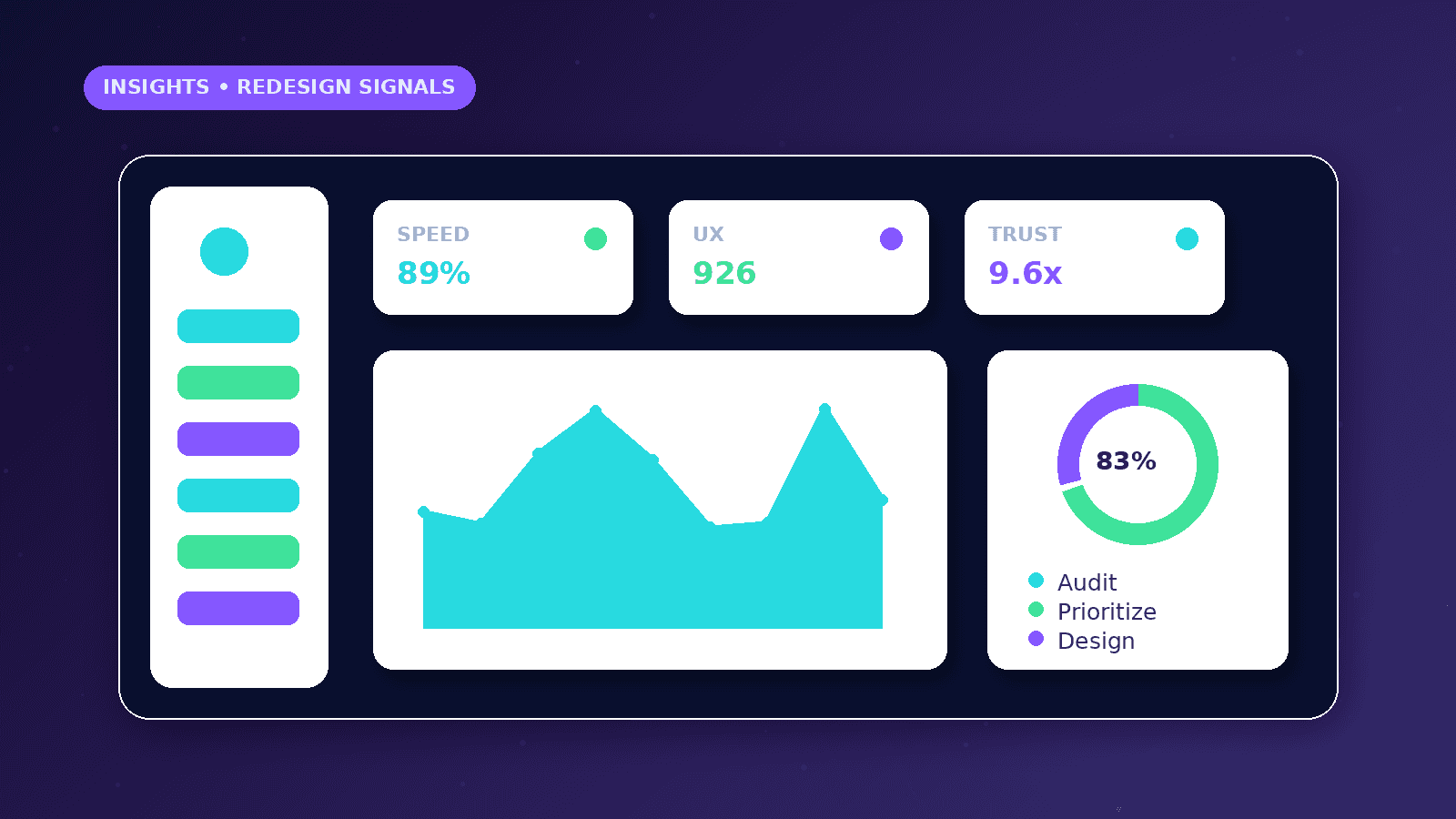
Redesign decision signals
A redesign is justified when visitors cannot understand the offer, important pages are missing, or leads are dropping before contact.
Technical debt matters when forms fail, mobile layouts break, performance is poor, or search engines cannot understand the page structure.
Brand changes, new services, or a new market can also make the old website misleading.
Practical example
A service business has traffic but few inquiries. The audit finds vague hero copy, no service-specific pages, a long form, and no trust-building process section.
The redesign plan starts with clearer messaging, separate service pages, a shorter first-step form, and better mobile hierarchy.
Visual polish comes after the conversion path and content structure are fixed.
Common mistakes
Redesigning without analytics can hide the real problem.
Copying competitor layouts can weaken the business instead of clarifying its own offer.
Launching a new design without redirects, metadata, and sitemap checks can damage search visibility.
What to measure after launch
Track form starts, submissions, call clicks, booking clicks, scroll depth where useful, and important service-page visits.
Compare technical health before and after launch, especially mobile usability, Core Web Vitals, indexability, and broken links.
Review lead quality, not only design opinions.
Audit before redesign
Review analytics, Search Console, form submissions, mobile recordings where available, page speed, and real customer questions before choosing a visual direction.
Compare the current page structure with the services the business actually sells today. Many redesigns are needed because the site no longer matches the offer.
Check whether visitors can find contact details, service explanations, trust signals, pricing guidance, and next steps without opening every page.
Identify pages that attract traffic but fail to create inquiries; those pages often need clearer intent matching rather than a full design reset.
Document current URLs and ranking pages before changing anything that could affect search visibility.
Separate visual taste from business problems so the redesign brief stays measurable.
Launch protection plan
Preserve strong URLs when possible and use permanent redirects only when a URL truly changes.
Keep important content, headings, internal links, and metadata aligned with the new page purpose.
Test forms, email alerts, WhatsApp links, booking paths, and analytics events before launch.
Check mobile spacing, tap targets, image dimensions, and sticky elements at multiple viewport widths.
Submit the updated sitemap after deployment and inspect important URLs in Search Console.
Review leads and user behavior after launch so the redesign becomes a measured improvement cycle.
What good looks like
A good redesign makes the offer easier to understand, not merely more decorative.
Visitors should be able to identify the service, trust the provider, and choose a next step on mobile and desktop.
Important old URLs, metadata, internal links, and search visibility should be protected during launch.
After launch, the site should be measured against inquiries, engagement with service pages, form reliability, and technical health.
When to get help
Get help when the redesign affects URLs, SEO, conversion paths, analytics events, or business-critical forms.
A professional review is useful when the site receives traffic but does not generate qualified inquiries.
Developer support matters when the current site has speed, mobile, accessibility, or routing problems.
SEO support is important when old pages already have impressions, backlinks, or ranking value.
Practical checklist
- Offer clarity reviewed
- Mobile path tested
- Forms tested
- Service pages mapped
- Redirects planned
- Metadata reviewed
- Analytics events defined
Image sources
- signs-website-needs-redesign/featured-image.png: Original CurrentReach AI blog image pack. License: Owned generated visual. No private data present.
FAQs
Does every old website need a full redesign?
No. Some sites need focused copy, speed, form, or SEO fixes rather than a full rebuild.
What should be audited before redesign?
Review traffic, conversions, mobile layout, form reliability, page structure, technical SEO, and user questions.
Can redesign affect SEO?
Yes. URL changes, missing redirects, weaker content, and metadata mistakes can affect visibility if not managed carefully.
Need help applying this?
Need a clearer, faster website that supports trust and lead generation? Explore CurrentReach AI Web Development Services.
Related guides
About the author
Tayyiba Suleman is Web Developer and Automation Developer. Articles are reviewed against the Editorial Policy and should be read with the Content Disclaimer.