Web Development
Business Website Planning Checklist
A practical checklist for planning a business website before design or development begins.
By Tayyiba Suleman - Published July 16, 2026 - Updated July 16, 2026 - 5 min read
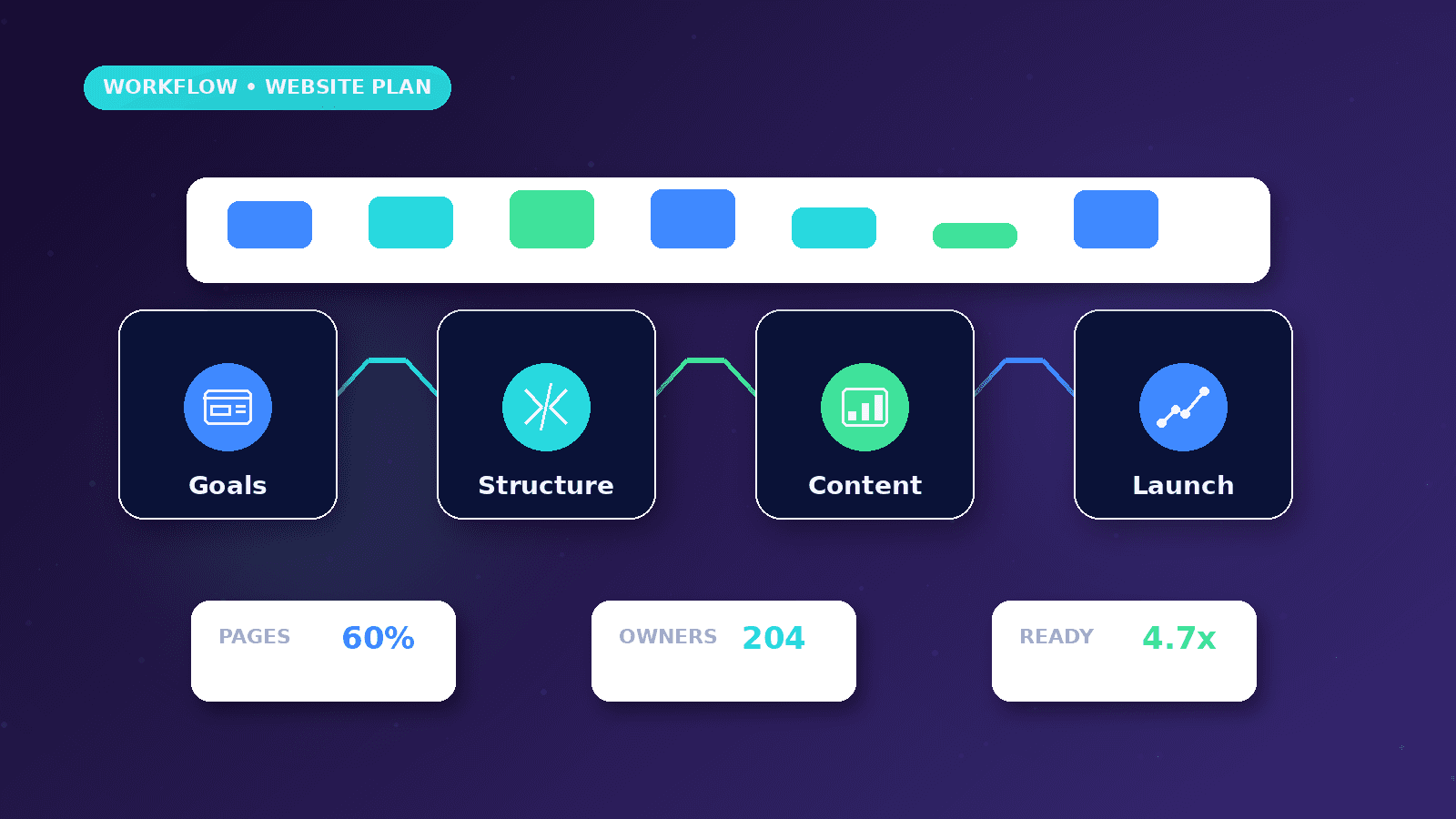
A business website works better when the planning happens before design starts. The goal is to clarify the business objective, audience, page structure, conversion path, content, technical needs, launch checklist, and maintenance plan. Use this article before design starts so the website has clear objectives, required pages, conversion paths, SEO basics, analytics, legal pages and maintenance responsibilities.
Reader outcome: Plan a website project clearly. This article is educational, uses safe CurrentReach AI-owned visuals, and labels illustrative examples where they appear.
How this guide was prepared
This article is written for CurrentReach AI readers using service-planning experience, website implementation patterns, SEO checks, automation workflow review, and practical measurement considerations. It is not copied from a third-party report or generated from private account data.
Reviews structure, mobile usability, performance and conversion paths.
Connects website decisions with SEO, trust and lead follow-up.
Avoids cosmetic-only redesign advice that does not improve user experience.
Objectives and audience
Decide what the website must accomplish: generate leads, explain services, support ads, publish resources, sell products, provide account access, or build trust before a consultation.
Define the target audience in practical terms. What problem are they trying to solve? What questions do they ask before contacting you? What objections stop them?
Choose one primary action for the site. Examples include requesting a strategy call, sending a WhatsApp message, completing a quote form, or reading service details.
Page structure
Most service businesses need a homepage, service pages, about page, contact page, privacy policy, terms, and supporting resources. Larger businesses may need pricing, portfolio, case studies, FAQs, or customer portals.
Each page should have a job. The homepage introduces the business; service pages answer buying questions; resources educate; legal pages build trust; contact pages reduce friction.
Avoid navigation that tries to show everything at once. Prioritize the paths users actually need.
Content requirements
Prepare service descriptions, process details, FAQs, founder or team information, contact details, proof, policies, images, and calls to action before design begins.
Do not rely on generic placeholder copy. Weak copy creates weak design because the page has nothing specific to organize.
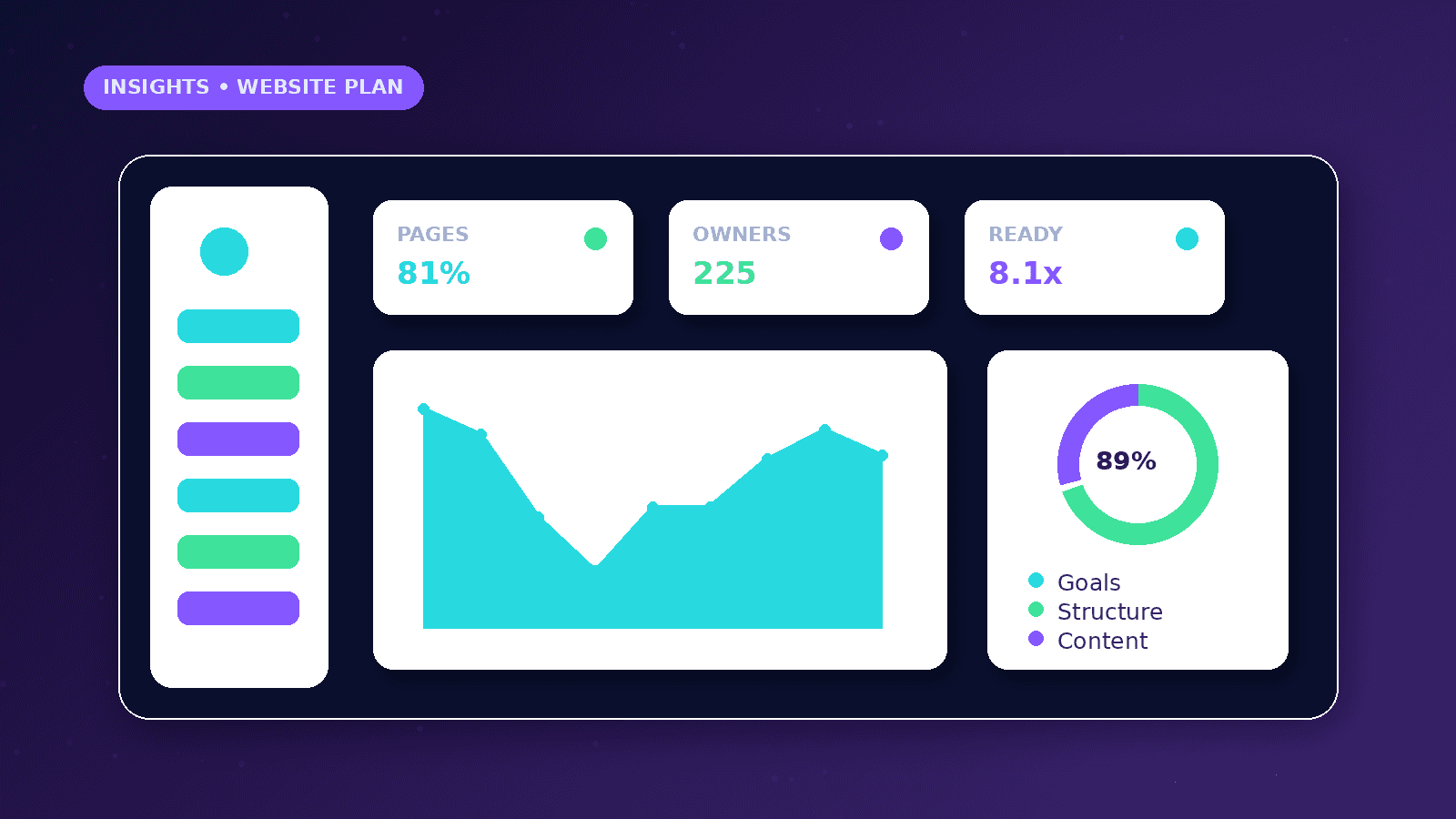
Images should support nearby content. Dashboards, reports, workflows, and charts should be built as real interface elements when accuracy matters.
Forms and conversion goals
Forms should ask for enough information to qualify the inquiry without becoming exhausting. Name, email, phone, company, service, budget range, preferred contact method, and project details are common fields.
Every form needs labels, validation, error messages, privacy acknowledgement, spam protection where supported, and a success state.
Decide where submissions go: email, CRM, spreadsheet, automation workflow, or dashboard.
SEO, analytics and accessibility
Plan page titles, meta descriptions, canonical URLs, headings, internal links, image alt text, sitemap, robots rules, and structured data before launch.
Add analytics events for meaningful actions such as form submission, WhatsApp clicks, booking clicks, and important navigation choices.
Accessibility planning includes heading order, contrast, focus states, labels, keyboard navigation, reduced motion, readable tables, and mobile touch targets.
Launch and maintenance checklist
Confirm domain, hosting, SSL, redirects, sitemap, robots, 404 page, legal pages, contact details, forms, tracking, mobile layouts, image compression, and performance.
After launch, review Search Console, analytics, broken links, form submissions, security updates, content freshness, and service-page accuracy.
A website is not finished forever at launch. It should evolve as services, proof, questions, and customer needs change.
Worked business example
A new service website should not begin with colors and animations. It should begin with the pages buyers need: homepage, service pages, about, contact, policies and a clear request-a-strategy-call path.
Before design, the owner should collect service descriptions, proof, process details, FAQs, form requirements, analytics events and legal content. Design becomes easier when the content has a job.
This planning step prevents the common launch problem where the site looks finished but lacks search-friendly structure, conversion paths or reliable follow-up.
Common mistakes to avoid
Starting visual design before content planning often produces attractive pages that do not answer buyer questions or support search visibility.
Leaving legal, privacy, cookie and security content until the end creates launch delays and trust gaps, especially when forms or analytics are involved.
Treating mobile as a smaller desktop layout misses the real user path. Mobile visitors need clear copy, tap-friendly controls and short forms.
Decision framework
Choose whether the site should primarily generate inquiries, educate visitors, support ads, rank in search, display work, provide a portal or combine several goals.
Decide which pages deserve their own URLs. Important services usually need dedicated pages so visitors and search engines can understand them clearly.
Plan analytics before launch so form starts, form submissions, WhatsApp clicks, strategy-call requests and service-page views can be measured correctly.
Measurement plan
Measure form starts, submissions, WhatsApp clicks, service-page views, mobile engagement, broken links and Search Console indexing signals.
Review website content monthly for outdated services, incorrect contact details and broken conversion paths.
After launch, compare inquiries against the planned audience and adjust page copy when real questions show a gap.
Risks and limitations
Weak hosting, missing redirects or poor image handling can hurt performance even when the design looks good.
Unclear ownership after launch can cause outdated service information, broken forms and stale content.
Accessibility problems reduce usability and can make professional visitors lose trust.
Practical next steps
Prepare page list, content outline, media needs and conversion goals before approving design.
Check domain, SSL, redirects, sitemap, robots, metadata, forms and analytics before launch.
Schedule maintenance reviews for content freshness, broken links, security, performance and search visibility.
Conclusion
Website planning protects budget and improves launch quality because the team knows what each page must do.
A good plan defines structure, content, conversion goals, SEO basics and maintenance before design work begins.
Practical checklist
- Business objective
- Audience
- Pages
- Conversion goals
- Content
- Branding
- Forms
- Analytics
- SEO
- Accessibility
- Performance
- Legal pages
- Hosting
- Domain
- Security
- Maintenance
References and further reading
Image sources
- business-website-planning-checklist/featured-image.png: Original CurrentReach AI blog image pack. License: Owned generated visual. No private data present.
FAQs
What pages should a service business website include?
Most need a homepage, service pages, about page, contact page, privacy policy, terms and supporting resources or FAQs.
Should analytics be planned before launch?
Yes. Forms, WhatsApp clicks, booking requests and key service-page views should be measurable from the start.
What causes website projects to stall?
Missing content, unclear approvals, late legal pages, undefined form routing and changing scope are common causes.
Need help applying this?
Need a clearer, faster and more conversion-focused business website? Explore CurrentReach AI’s Web Development Services.
Related guides
About the author
Tayyiba Suleman is Web Developer and Automation Developer. Articles are reviewed against the Editorial Policy and should be read with the Content Disclaimer.