Web Development
How to Improve Mobile Website Performance
Practical ways to improve mobile speed, layout stability, readability, image delivery, and conversion usability.
By Tayyiba Suleman - Published July 16, 2026 - Updated July 19, 2026 - 4 min read
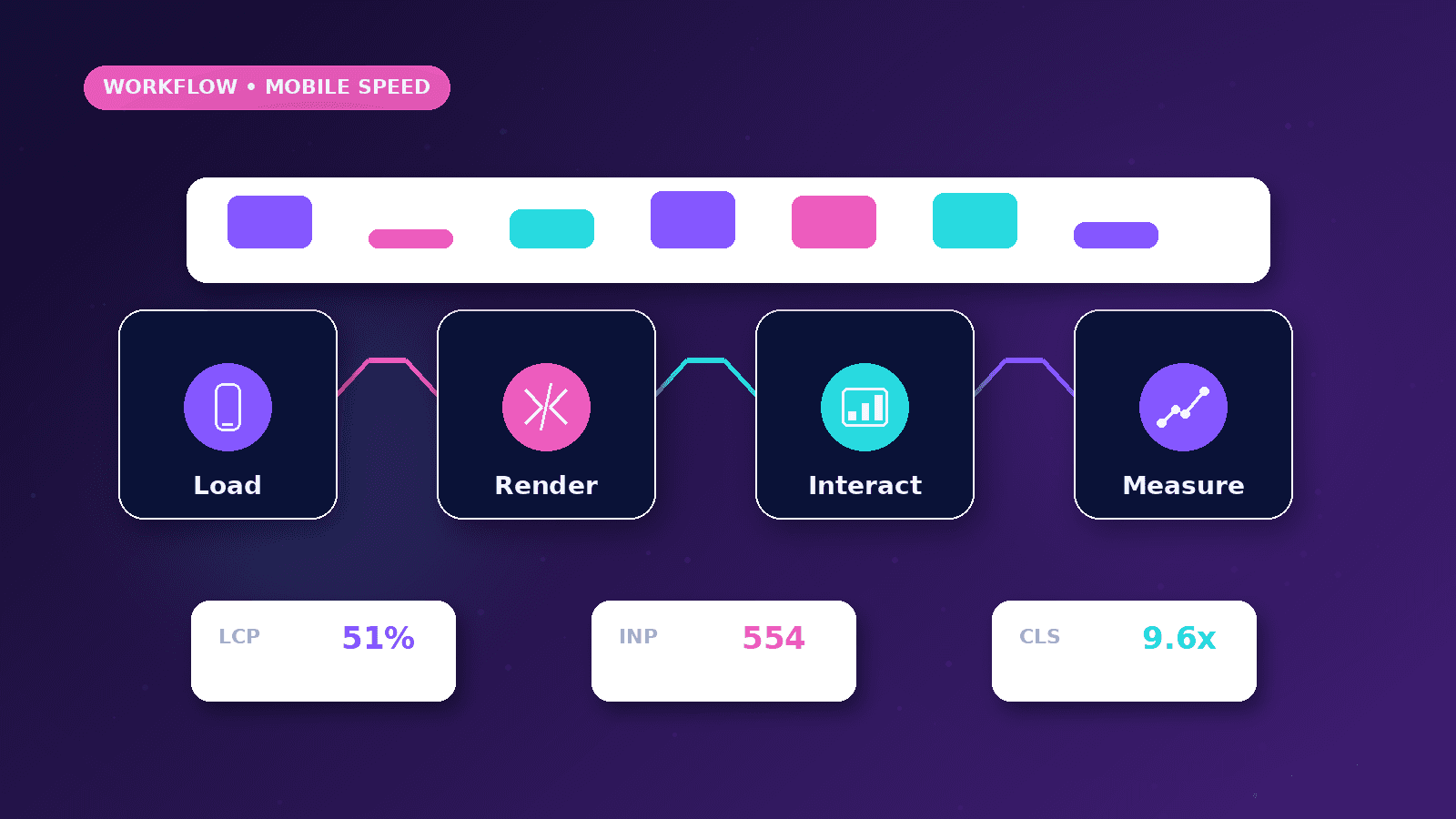
Mobile performance is about more than a score. A useful mobile site loads important content quickly, stays stable, keeps forms easy to use, and avoids scripts or layouts that block the visitor from taking action.
Reader outcome: Improve mobile website quality. This article is educational, uses safe CurrentReach AI-owned visuals, and labels illustrative examples where they appear.
How this guide was prepared
This article is written for CurrentReach AI readers using service-planning experience, website implementation patterns, SEO checks, automation workflow review, and practical measurement considerations. It is not copied from a third-party report or generated from private account data.
Reviews structure, mobile usability, performance and conversion paths.
Connects website decisions with SEO, trust and lead follow-up.
Avoids cosmetic-only redesign advice that does not improve user experience.
Start with the user path
Mobile visitors should quickly understand the offer, scan services, and contact the business.
Avoid tiny text, crowded cards, and buttons that are hard to tap.
Keep forms short and readable.
Performance basics
Compress images, reserve image dimensions, limit unnecessary scripts, and avoid heavy decorative effects.
Use responsive images and lazy-load below-the-fold media.
Keep third-party scripts controlled.
Measure and improve
Use Lighthouse or PageSpeed Insights as a guide, not as the only decision maker.
Test real mobile layouts, menus, forms, and article pages.
Fix layout shifts before adding more features.
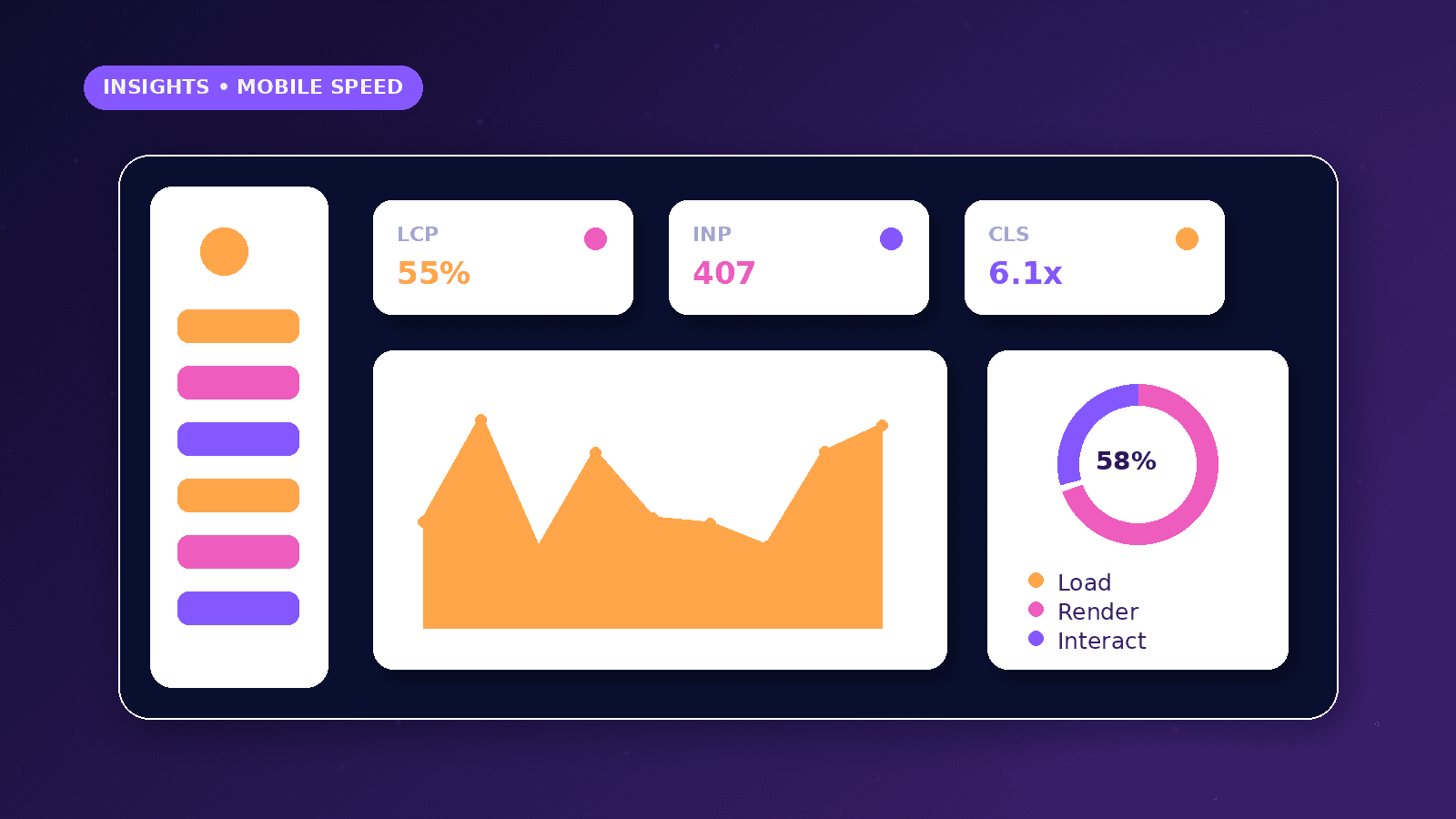
Mobile-first review path
Start by opening the homepage, service page, contact path, and blog article on a real mobile viewport.
Check whether the headline, primary action, navigation, form fields, and trust signals appear in a usable order.
Measure speed after understanding the user path so technical fixes support business goals.
Practical fixes
Use properly sized images and prioritize the real above-the-fold hero asset.
Reserve dimensions for images, embeds, banners, and cards to reduce layout shift.
Limit third-party scripts, heavy animation, and unnecessary client-side JavaScript on public pages.
Practical example
A landing page loads a large desktop image on mobile and pushes the form far below the fold. The fix is a smaller responsive image, tighter mobile hierarchy, and a clear CTA near the first screen.
The team also removes unused scripts from the page and lazy-loads below-the-fold visuals.
After deployment, mobile form completion and page stability are reviewed together.
Common mistakes
Optimizing only desktop hides the experience of most visitors in many markets.
Compressing images without reserving layout space can still create page jumps.
Adding chat widgets, pixels, and animations without review can slow the page after the initial build.
Mobile testing workflow
Test at narrow widths such as 360, 390, and 430 pixels because small layout issues often hide on desktop emulation.
Check the first screen, menu, hero image, CTA button, service cards, forms, article tables, and footer links.
Use PageSpeed Insights or Lighthouse to identify likely technical causes, then confirm the page still feels usable manually.
Review the largest visible image, font loading, third-party scripts, and whether below-the-fold media is lazy-loaded.
Confirm that buttons and links remain easy to tap when the browser address bar changes viewport height.
Use reduced-motion settings to make sure animations do not create discomfort or hide important content.
Conversion impact
Mobile performance affects more than rankings. Slow or unstable pages can reduce trust before the visitor understands the offer.
A fast page with weak copy still may not convert, so performance work should happen alongside clearer headings, CTAs, and forms.
Shorter first-step forms can reduce friction on mobile while still allowing follow-up qualification later.
Sticky buttons should not cover content, cookie controls, or form fields.
Measure mobile-specific contact actions such as call taps, WhatsApp clicks, form starts, and booking clicks.
Review high-traffic mobile pages first so technical effort is spent where it can affect real user journeys.
What good looks like
A good mobile page shows the main message and primary action quickly without layout jumps.
Images should be sized responsibly, important content should not wait behind heavy scripts, and forms should be easy to complete.
The page should remain readable and usable at 360, 390, and 430 pixel widths.
Performance improvements should be checked alongside conversions, accessibility, and content clarity.
When to get help
Get help when mobile pages are slow, unstable, difficult to tap, or losing leads from important campaigns.
Developer review is useful when the site uses many scripts, unoptimized images, heavy components, or complex animations.
SEO support can help connect mobile performance with Core Web Vitals, crawlability, and search visibility.
Conversion review matters when the page is technically fast but still fails to guide visitors to contact or booking actions.
Practical checklist
- Mobile viewport checked
- Hero image optimized
- Image dimensions reserved
- Below-fold images lazy-loaded
- Form tap targets tested
- Third-party scripts reviewed
- Layout shift checked
Image sources
- improve-mobile-website-performance/featured-image.png: Original CurrentReach AI blog image pack. License: Owned generated visual. No private data present.
FAQs
Which mobile page should be optimized first?
Start with the page that receives important traffic or leads, such as the homepage, main service page, or campaign landing page.
Are performance scores enough?
No. Scores are useful, but users also need clear content, accessible controls, reliable forms, and a good conversion path.
Can too many scripts affect mobile performance?
Yes. Analytics, pixels, chat tools, widgets, and heavy animations can all affect loading and responsiveness.
Need help applying this?
Need a mobile website review covering speed, layout stability, and conversion flow? Explore CurrentReach AI Web Development Services.
Related guides
About the author
Tayyiba Suleman is Web Developer and Automation Developer. Articles are reviewed against the Editorial Policy and should be read with the Content Disclaimer.