SEO
Search Console SEO Workflow for SaaS Startups
A practical Search Console workflow for SaaS-style teams reviewing indexing, queries, pages, technical issues and content opportunities.
By Tayyiba Suleman - Published July 16, 2026 - Updated July 20, 2026 - 3 min read
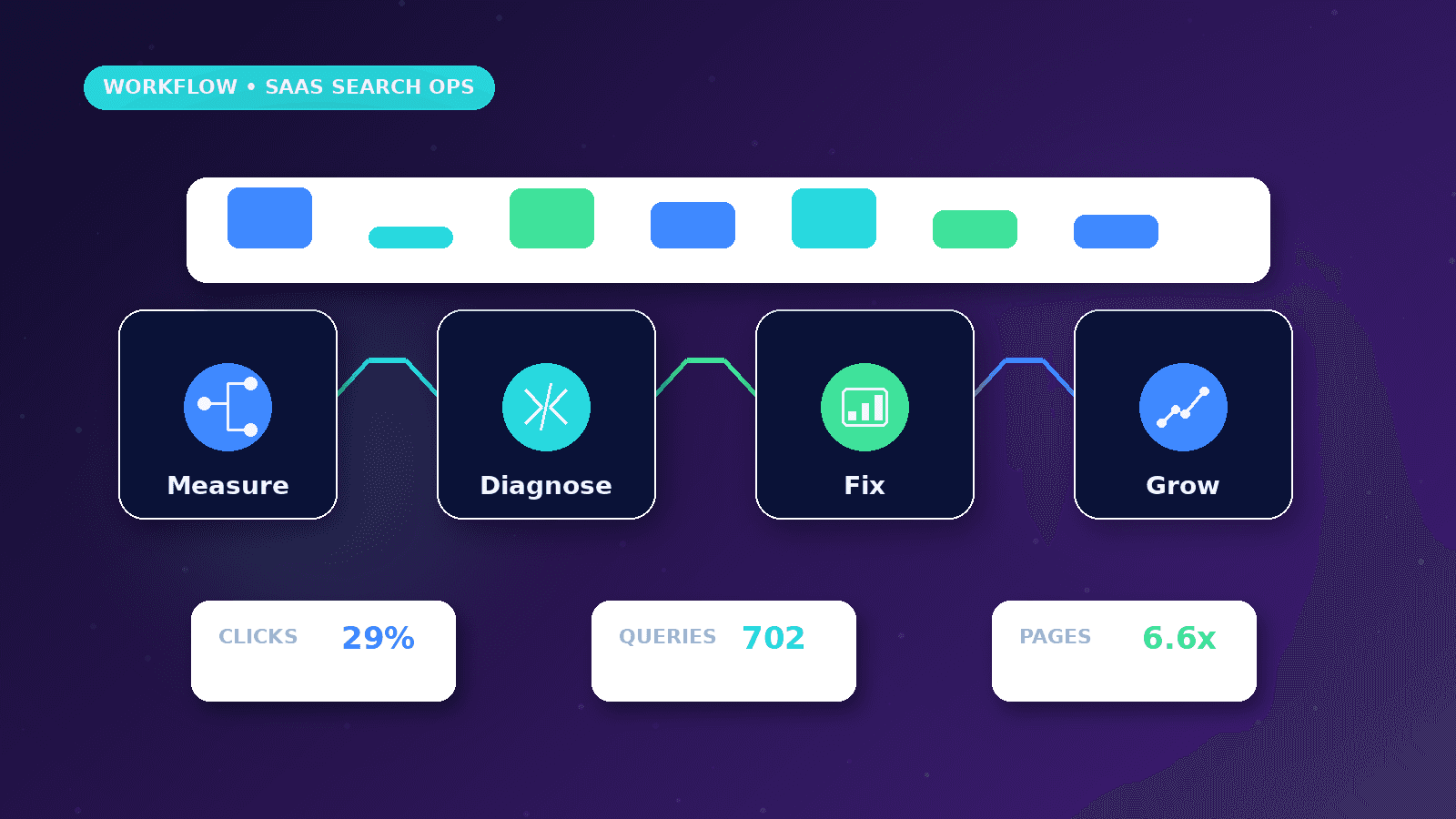
Search Console helps teams understand how Google discovers, indexes and serves their pages. For SaaS-style websites, it is useful for monitoring product pages, resources, technical issues and query patterns, without treating impressions as guaranteed growth.
Reader outcome: Use Search Console to guide SEO decisions for product-led or software-style websites. This article is educational, uses safe CurrentReach AI-owned visuals, and labels illustrative examples where they appear.
How this guide was prepared
This article is written for CurrentReach AI readers using service-planning experience, website implementation patterns, SEO checks, automation workflow review, and practical measurement considerations. It is not copied from a third-party report or generated from private account data.
Focuses on crawlability, intent, internal links, technical quality and Search Console review.
Avoids ranking guarantees and keyword-stuffing advice.
Connects visibility work with useful pages and qualified lead measurement.
Reader problem
SaaS-style sites often publish feature pages, comparison pages, resources and docs without a consistent Search Console review process.
Teams may see impressions rise but not know which pages need technical fixes or stronger content.
A workflow turns Search Console into a monthly decision tool instead of a dashboard people rarely open.
Workflow approach
Verify the correct property, submit the sitemap and inspect important URLs after launch or major updates.
Review indexing status, page queries, click-through rate, average position and device patterns.
Connect findings to content updates, internal links, technical fixes and conversion-path improvements.
Practical example
A startup publishes a new integration page. Search Console shows impressions but low clicks for related queries.
The team improves the title, expands the use-case content, adds internal links and checks indexing after deployment.
Next month, they compare query changes and lead quality instead of expecting instant ranking guarantees.
Risks and limitations
Search Console data is sampled and delayed in some reports.
Average position can be misleading when queries, countries and devices vary widely.
Indexing does not guarantee ranking, traffic or customers.
Measurement plan
Review indexed pages, excluded pages, top queries, top pages, CTR, average position, countries, devices and sitemap status.
Pair Search Console with analytics and CRM data to understand whether search visibility supports qualified visits.
Create monthly actions such as update content, fix index issues, add links or consolidate weak pages.
Common mistakes
Only checking homepage queries misses product and resource opportunities.
Ignoring excluded pages can hide technical problems.
Chasing every keyword can dilute the site structure.
Conclusion
A Search Console workflow helps SaaS-style teams make calmer SEO decisions.
The best review connects indexing, queries, pages and content actions.
CurrentReach AI can help set up technical SEO, Search Console review and reporting workflows.
Practical checklist
- Verify property
- Submit sitemap
- Inspect key URLs
- Review queries
- Check indexed pages
- Plan content updates
- Track monthly actions
Image sources
- search-console-seo-workflow-saas-startups/featured-image.png: Original CurrentReach AI blog image pack. License: Owned generated visual. No private data present.
FAQs
Does Search Console guarantee rankings?
No. It reports search visibility and technical signals, but search engines decide rankings.
How often should SaaS teams review Search Console?
Monthly review is useful, with extra checks after launches, migrations or major content updates.
What pages should be inspected first?
Inspect homepage, product pages, service pages, high-value resources and newly published URLs.
Need help applying this?
Request a Free Strategy Call if your website needs Search Console setup, indexing review and practical SEO reporting.
Related guides
About the author
Tayyiba Suleman is Web Developer and Automation Developer. Articles are reviewed against the Editorial Policy and should be read with the Content Disclaimer.