SEO
Google Search Console Setup Guide
How business owners can prepare a website for Search Console verification, sitemap submission, and basic performance review.
By Tayyiba Suleman - Published July 16, 2026 - Updated July 16, 2026 - 5 min read
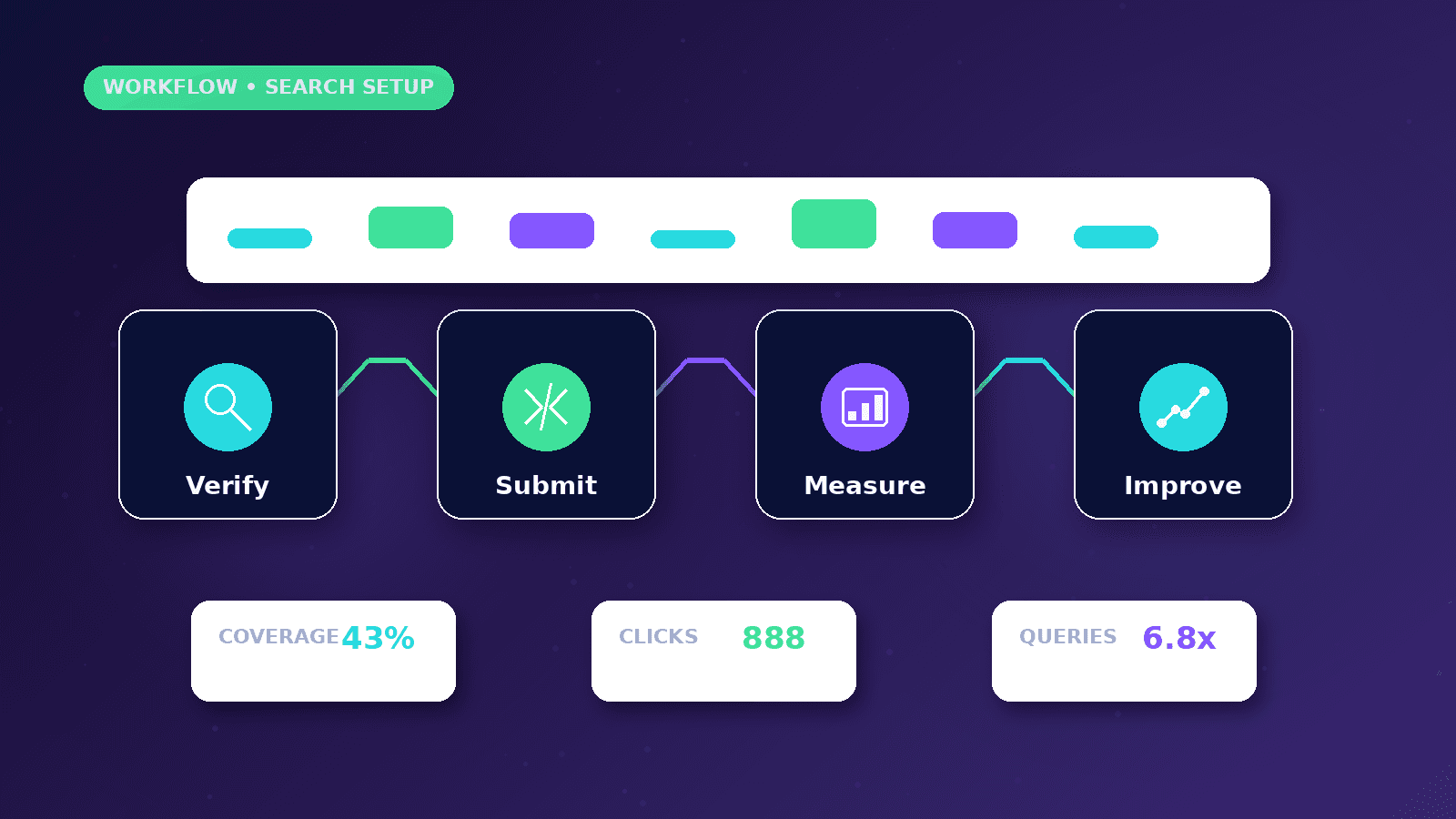
Google Search Console helps website owners understand how Google crawls, indexes, and serves their pages. It is useful for sitemap submission, URL inspection, performance analysis, indexing issues, Core Web Vitals, enhancements, security issues, manual actions, and user permissions. Use this article when a website owner wants Search Console configured correctly for ownership verification, sitemap submission, URL inspection and ongoing search-health monitoring.
Reader outcome: Prepare for Search Console. This article is educational, uses safe CurrentReach AI-owned visuals, and labels illustrative examples where they appear.
How this guide was prepared
This article is written for CurrentReach AI readers using service-planning experience, website implementation patterns, SEO checks, automation workflow review, and practical measurement considerations. It is not copied from a third-party report or generated from private account data.
Focuses on crawlability, intent, internal links, technical quality and Search Console review.
Avoids ranking guarantees and keyword-stuffing advice.
Connects visibility work with useful pages and qualified lead measurement.
Domain property vs URL-prefix property
A Domain property covers all protocols and subdomains for a domain, but usually requires DNS verification.
A URL-prefix property covers only the exact URL prefix entered, such as https://currentreachai.com/. It can support several verification methods depending on access.
Choose the property type based on owner access and how the site is managed.
Verification methods
Search Console supports several ownership verification methods, such as DNS records, HTML files, HTML tags, Google Analytics, Google Tag Manager, or provider-based methods where available.
Use only real verification values from the owner account. Do not publish sample tokens or visible placeholder verification codes.
Verification confirms ownership access; it does not automatically improve rankings.
Sitemap submission
After verification, submit the sitemap URL in the Sitemaps report. For CurrentReach AI, the public sitemap is /sitemap.xml.
The Sitemaps report can show submission history and parsing errors. A valid sitemap is a discovery hint, not an indexing guarantee.
If pages are missing from the sitemap, fix the website generation logic rather than manually maintaining a stale list.
URL Inspection
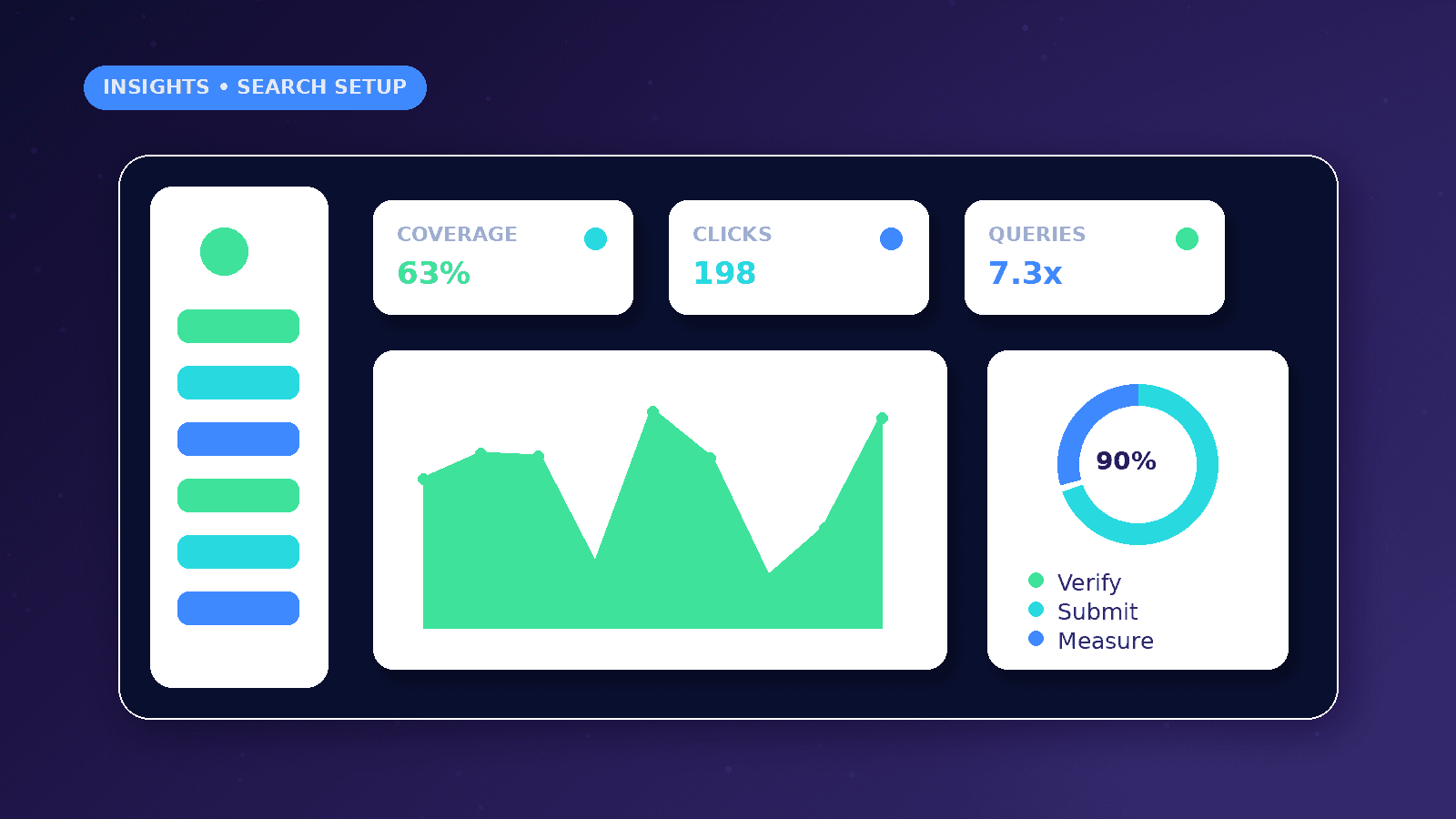
URL Inspection shows crawl, indexing, and serving information for a specific URL in the selected property.
Use it for important pages after launch, after major changes, or when a page is not appearing as expected.
Inspect the exact canonical URL, including protocol and path.
Reports to review
Performance report: queries, pages, countries, devices, clicks, impressions, click-through rate, and average position.
Indexing report: discovered, crawled, indexed, excluded, and error states.
Core Web Vitals and enhancements: grouped experience and structured-data signals where Google has data.
Common setup mistakes
Verifying the wrong protocol or subdomain.
Submitting preview-domain or localhost URLs.
Blocking public pages in robots.txt.
Adding login, dashboard, or private URLs to the sitemap.
Giving unnecessary user permissions.
Worked business example
A business launches a new website and wants Google to discover the correct URLs. The owner verifies the property, submits the sitemap and inspects the homepage plus important service pages.
If URL Inspection shows a different canonical or a blocked page, the fix belongs in the website setup rather than repeated manual submission.
Search Console then becomes a monitoring tool for queries, pages, indexing, Core Web Vitals, enhancements, security issues and manual actions.
Common mistakes to avoid
Verifying only the wrong protocol or subdomain can hide important data. A domain property is often cleaner when DNS access is available.
Submitting preview, staging or localhost URLs creates reporting confusion and should be avoided.
Treating sitemap submission as an indexing guarantee creates false expectations. Search engines still decide what to crawl, index and serve.
Decision framework
Choose Domain property when the owner can edit DNS and wants coverage across protocols and subdomains.
Choose URL-prefix property when verification access is limited to a specific deployed site or when a narrower property is useful.
Review permissions carefully. Owners, contractors and team members should only receive access appropriate to their role.
Measurement plan
Review clicks, impressions, CTR, average position, indexed pages, excluded pages and sitemap parsing issues.
Do not expect immediate data for a new site. Reports can take time and low-traffic properties may show limited information.
Check permissions whenever agencies or contractors change so account access remains appropriate.
Risks and limitations
Publishing verification tokens incorrectly can expose implementation details or simply fail verification.
Ignoring security issues and manual actions can leave serious search problems unseen.
Search Console data has delays and sampling, so it should be used with analytics and server-side evidence where available.
Practical next steps
Verify the correct property, submit the production sitemap and inspect important URLs.
Review indexing, performance, Core Web Vitals, enhancements, security issues and manual actions.
Set a monthly review rhythm and document any action taken from the reports.
Conclusion
Search Console setup is a foundation for search visibility monitoring, not a ranking shortcut.
Verify the correct property, submit the production sitemap, inspect key URLs and use the reports to guide real website improvements.
Practical checklist
- Choose property type
- Verify ownership
- Submit sitemap
- Inspect key URLs
- Review performance
- Review indexing
- Check Core Web Vitals
- Review permissions
References and further reading
Image sources
- google-search-console-setup-guide/featured-image.png: Original CurrentReach AI blog image pack. License: Owned generated visual. No private data present.
FAQs
Should I verify a Domain or URL-prefix property?
Use Domain when DNS access is available and broad coverage is needed. Use URL-prefix for a specific deployed URL set.
Does submitting a sitemap guarantee indexing?
No. A sitemap helps discovery, but Google still decides what to crawl and index.
Who should have Search Console access?
Only owners and trusted collaborators who need it. Permissions should be reviewed after project handoff.
Need help applying this?
Need help with Search Console, sitemap checks and technical SEO reporting? Explore CurrentReach AI’s SEO Services.
Related guides
About the author
Tayyiba Suleman is Web Developer and Automation Developer. Articles are reviewed against the Editorial Policy and should be read with the Content Disclaimer.