SEO
How XML Sitemaps Work
A simple explanation of XML sitemaps, what to include, what to exclude, and how sitemaps support crawling.
By Tayyiba Suleman - Published July 16, 2026 - Updated July 19, 2026 - 4 min read
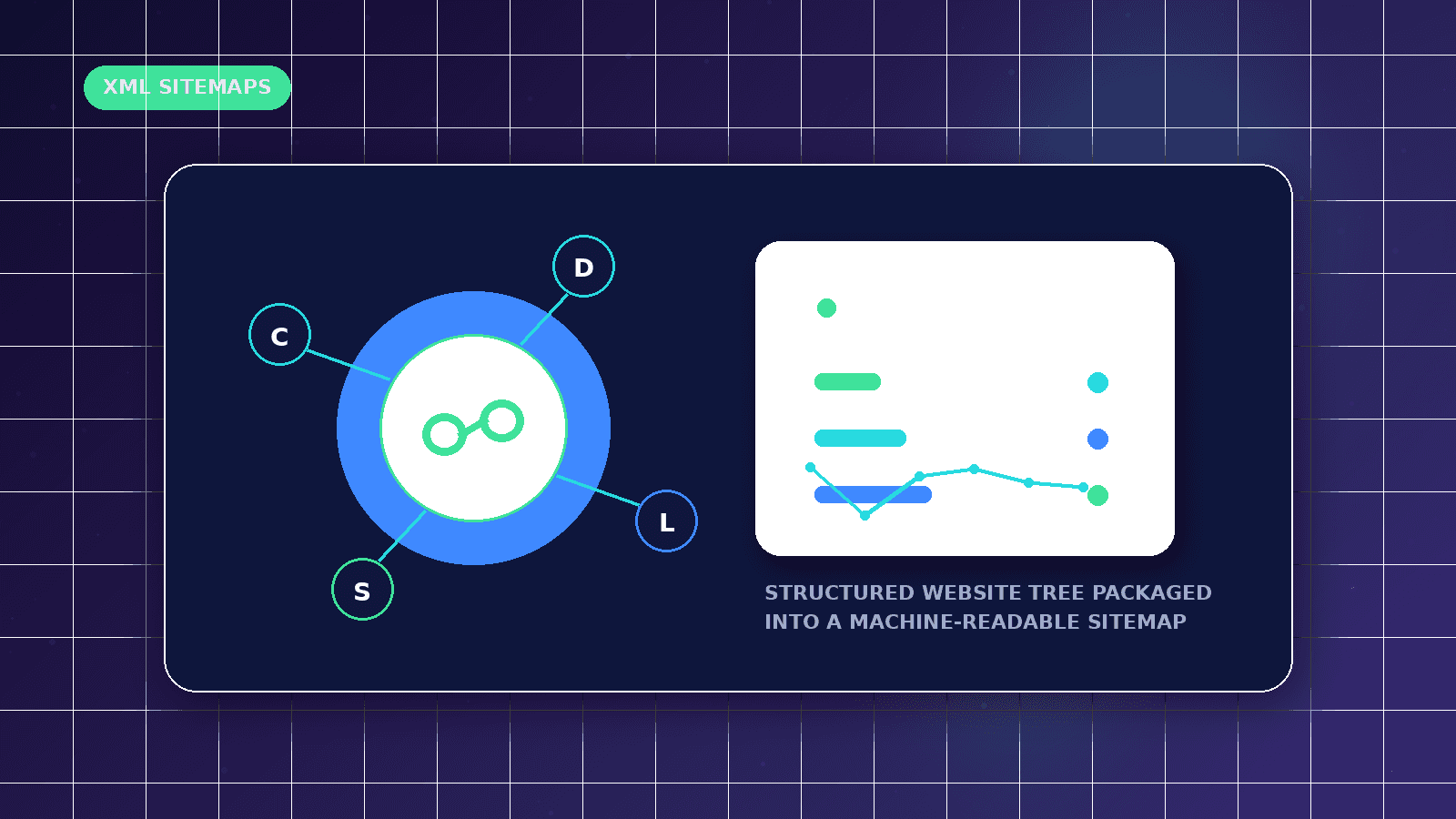
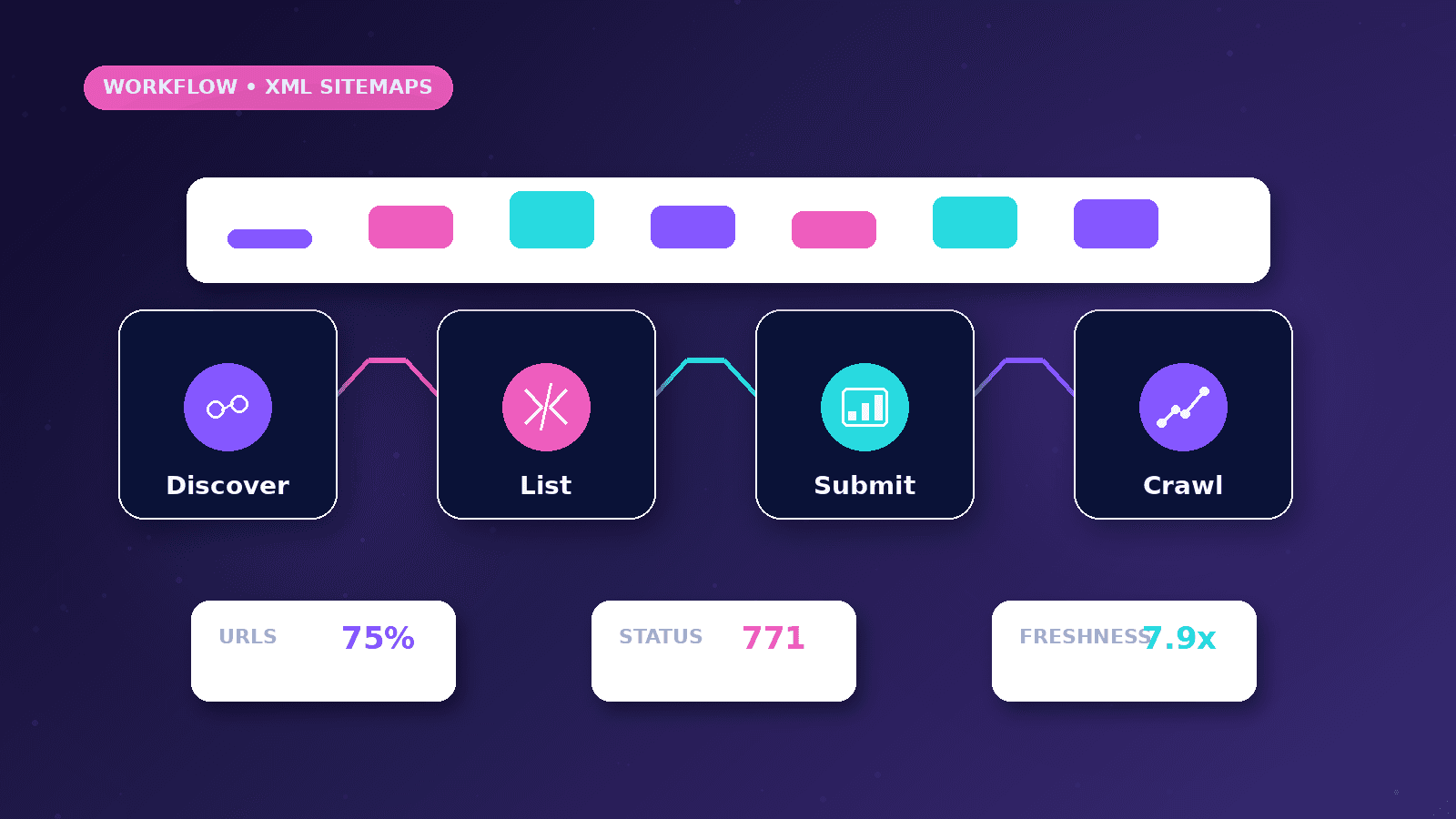
An XML sitemap helps search engines discover important canonical URLs, but it is not a guarantee of indexing. A clean sitemap should reflect the public pages a business actually wants search engines to consider.
Reader outcome: Understand XML sitemaps. This article is educational, uses safe CurrentReach AI-owned visuals, and labels illustrative examples where they appear.
How this guide was prepared
This article is written for CurrentReach AI readers using service-planning experience, website implementation patterns, SEO checks, automation workflow review, and practical measurement considerations. It is not copied from a third-party report or generated from private account data.
Focuses on crawlability, intent, internal links, technical quality and Search Console review.
Avoids ranking guarantees and keyword-stuffing advice.
Connects visibility work with useful pages and qualified lead measurement.
What a sitemap is
A sitemap lists important public URLs for search engines.
It helps discovery but does not force indexing.
It should reflect canonical, useful, indexable pages.
What to include
Homepage, services, resources, blog articles, categories, author pages, legal pages, and contact pages where appropriate.
Include updated dates when possible.
Keep URLs accurate and accessible.
What to exclude
Dashboards, login pages, admin pages, API routes, duplicate pages, empty pages, and search-result pages with little content.
What belongs in a sitemap
Include canonical public pages such as the homepage, service pages, useful articles, legal pages, and important category pages.
Exclude login pages, signup pages, dashboards, API routes, duplicate URLs, redirected URLs, and search-result pages.
Use accurate last-modified dates only when meaningful content or metadata actually changed.
Practical example
A business website has both /cookies and /cookie-policy. If /cookies redirects to /cookie-policy, only /cookie-policy should remain in the sitemap.
If a blog article URL is preserved, the sitemap should keep that exact canonical article URL.
Preview domains, localhost URLs, and staging links should never appear in the production sitemap.
Sitemap and robots relationship
Robots.txt can point crawlers to the sitemap location.
A sitemap should not include URLs blocked by robots rules.
Login and signup pages should usually use noindex metadata and stay out of the sitemap rather than being blocked from noindex discovery.
Common mistakes
Adding every route to a sitemap makes it less useful.
Including redirected URLs creates unnecessary crawl work.
Treating sitemap submission as a ranking or indexing guarantee creates false expectations.
Sitemap QA workflow
Open the production sitemap and confirm every URL is a real canonical page, not a preview domain, localhost URL, redirected page, or private workspace route.
Check a sample of URLs with a browser or crawler to confirm they return 200 status and do not redirect unexpectedly.
Compare sitemap entries with the navigation, footer, blog archive, category pages, and service pages to find missing important pages.
Remove account pages such as login and signup because they are not public content resources.
Keep noindex pages out of the sitemap unless there is a deliberate reason during a temporary migration.
Submit the sitemap in Search Console only after the production version is live.
How to interpret sitemap reports
A submitted sitemap can be read successfully while some URLs remain unindexed. That is normal and should be reviewed with page quality and crawlability in mind.
Errors may point to blocked pages, redirecting URLs, server issues, invalid XML, or URLs that should not have been included.
A low-traffic new site may take time to show meaningful sitemap and indexing data.
Use URL Inspection for key pages after deployment rather than repeatedly resubmitting the same sitemap without changes.
Last-modified values should help crawlers understand meaningful updates, not change randomly on every build for all pages.
Sitemaps support discovery; they do not replace internal links or useful content.
What good looks like
A good sitemap contains only canonical, public, indexable URLs that the business wants search engines to discover.
It should exclude login, signup, dashboards, API routes, redirects, duplicate pages, and preview domains.
The sitemap should be reachable from robots.txt and parse correctly in browser and Search Console checks.
Important articles, category pages, and service pages should also be discoverable through internal links, not only through XML.
When to get help
Get help when the sitemap includes redirected, private, duplicate, or staging URLs.
Technical SEO support is useful after redesigns, route changes, blog migrations, and legal-page consolidation.
A developer should review the generator when last-modified dates, canonical paths, or dynamic routes are wrong.
Search Console review helps confirm whether Google can fetch the sitemap and inspect important URLs.
Practical checklist
- Canonical URLs only
- Redirected URLs excluded
- Private routes excluded
- Login excluded
- Signup excluded
- Preview URLs absent
- Sitemap submitted in Search Console
Image sources
- how-xml-sitemaps-work/featured-image.png: Original CurrentReach AI blog image pack. License: Owned generated visual. No private data present.
FAQs
Does a sitemap force Google to index a page?
No. It helps discovery, but search engines decide what to crawl, index, and show.
Should login pages be in a sitemap?
No. Public account-access pages should generally be excluded from the sitemap and marked noindex.
How often should sitemap dates change?
Only update dates when meaningful page content, metadata, or structure changes.
Need help applying this?
Need sitemap, robots, canonical, and indexability cleanup? Explore CurrentReach AI SEO Services.
Related guides
About the author
Tayyiba Suleman is Web Developer and Automation Developer. Articles are reviewed against the Editorial Policy and should be read with the Content Disclaimer.