SEO
How Internal Linking Supports SEO
How internal links help users and search engines understand website structure, topic relationships, and important pages.
By Tayyiba Suleman - Published July 16, 2026 - Updated July 19, 2026 - 4 min read
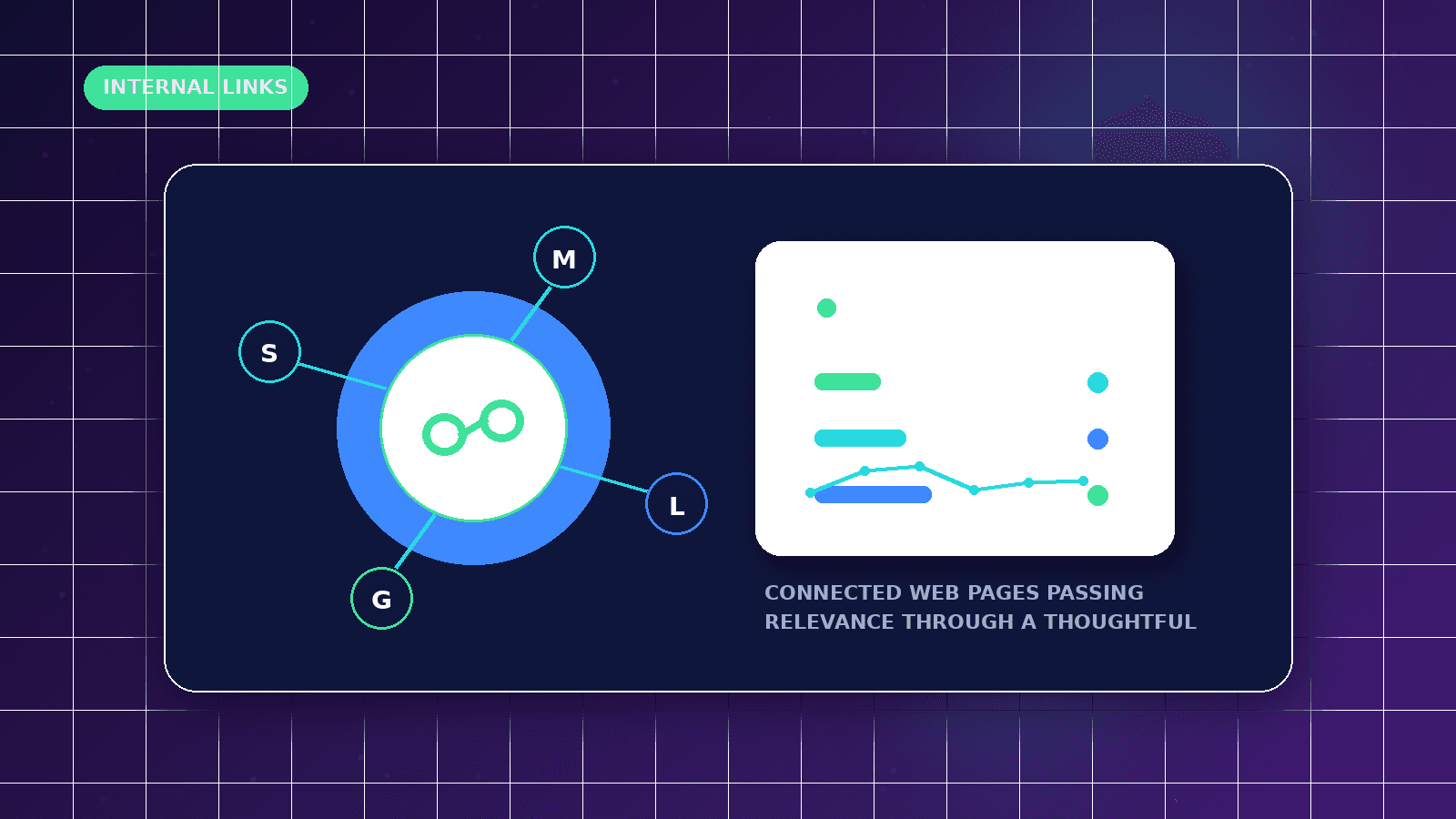
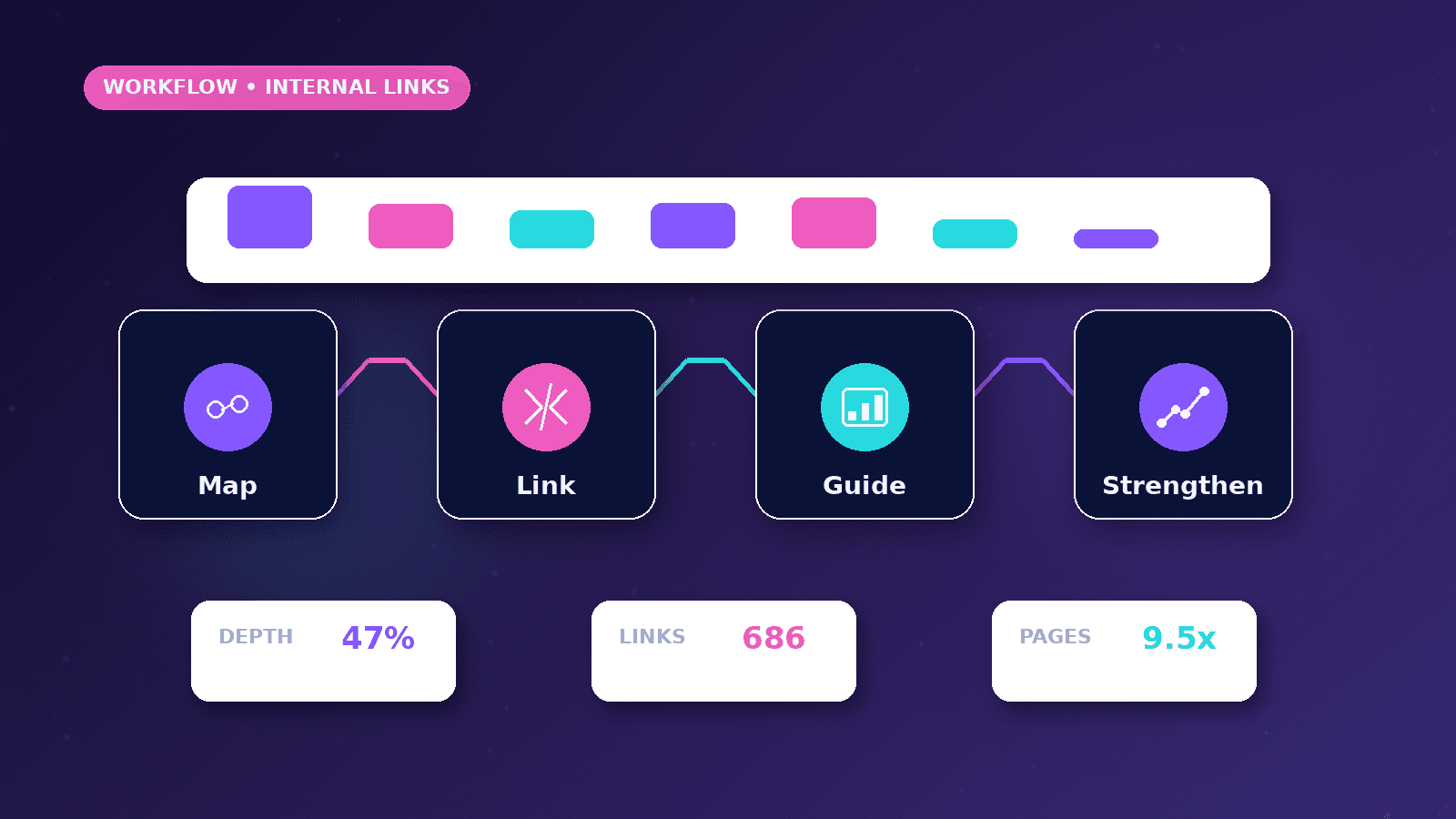
Internal links help visitors and search engines understand which pages are important, how topics connect, and what the next useful step is. Good internal linking is helpful and natural, not stuffed with repeated keywords.
Reader outcome: Improve internal linking. This article is educational, uses safe CurrentReach AI-owned visuals, and labels illustrative examples where they appear.
How this guide was prepared
This article is written for CurrentReach AI readers using service-planning experience, website implementation patterns, SEO checks, automation workflow review, and practical measurement considerations. It is not copied from a third-party report or generated from private account data.
Focuses on crawlability, intent, internal links, technical quality and Search Console review.
Avoids ranking guarantees and keyword-stuffing advice.
Connects visibility work with useful pages and qualified lead measurement.
Why internal links matter
They help visitors move from educational content to deeper guides and services.
They show search engines which pages are related.
They distribute attention toward important pages.
Good linking patterns
Link web development articles to SEO guides when performance or structure matters.
Link automation guides to API and webhook content.
Link social media guides to landing-page and conversion content.
Mistakes to avoid
Do not repeat the same exact anchor unnaturally.
Do not overload every paragraph with links.
Do not link to broken or unfinished pages.
Internal linking goals
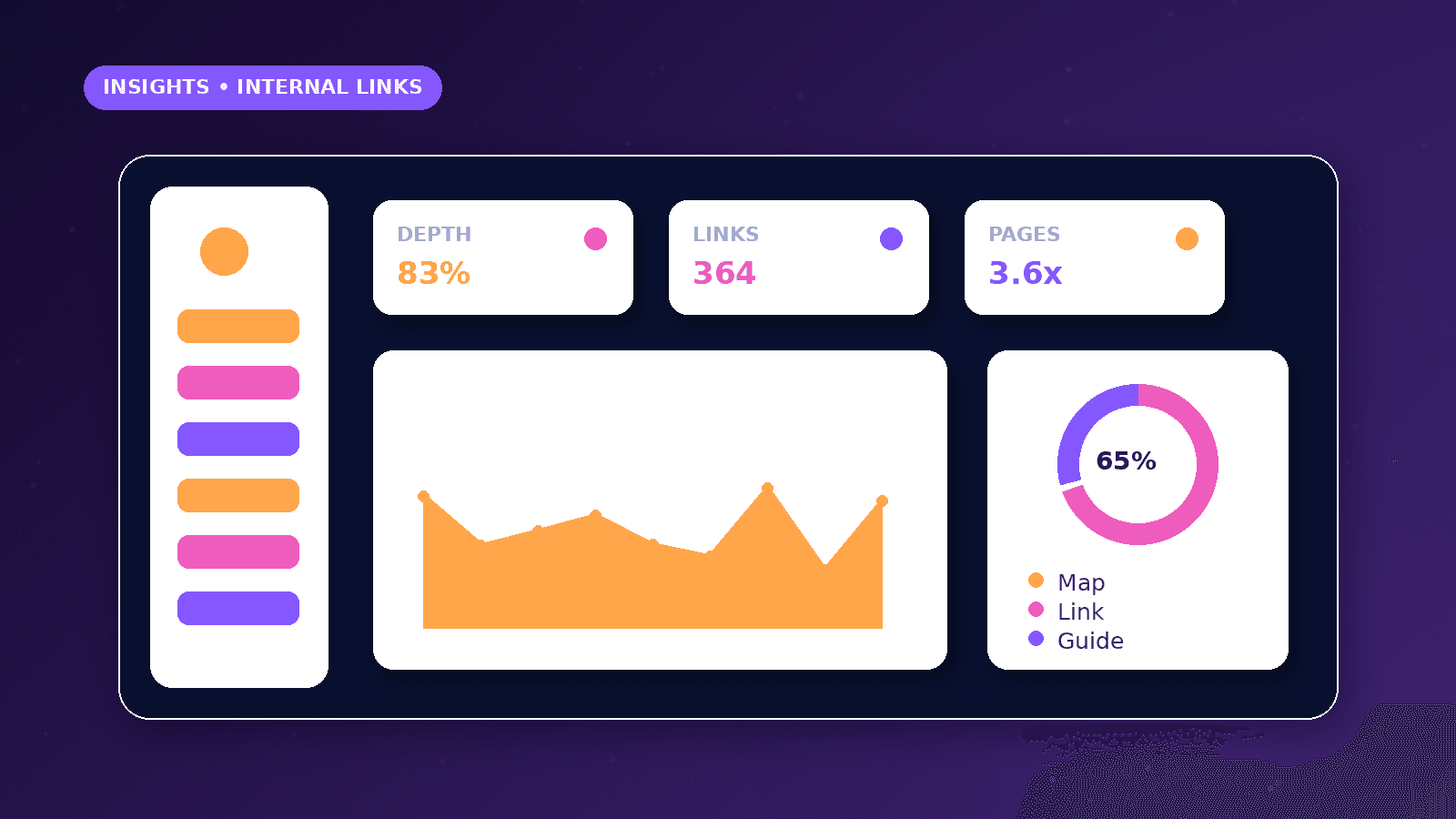
Help visitors move from broad explanations to detailed service, article, category, or contact pages.
Help search engines discover useful pages and understand topic relationships.
Support important pages without forcing unnatural anchor text into every paragraph.
Practical example
A Core Web Vitals article can link to technical SEO, mobile performance, and web development services because those pages genuinely continue the topic.
A content calendar article can link to content pillars and social metrics because the reader may need planning and reporting next.
A lead notification article can link to forms, APIs, and workflow automation because those guides explain implementation choices.
Anchor text quality
Use descriptive anchors that tell the reader what they will get next.
Avoid repeating the exact same commercial keyword across every page.
Do not link every possible phrase. A smaller number of useful links is often cleaner.
Common mistakes
Leaving strong articles orphaned makes them harder to discover.
Linking only to the homepage misses deeper service and resource pages.
Linking to redirected URLs wastes crawl signals and creates slower user paths.
Internal-link audit workflow
List important services, categories, and articles, then check whether each can be reached through normal navigation or related content.
Find orphan pages by comparing sitemap URLs with links found on public pages.
Replace internal links that point to redirected URLs with direct links to the final destination.
Review anchor text for clarity and avoid repeating the same exact commercial keyword unnaturally.
Use related articles to connect supporting guides without turning every paragraph into a link list.
Check links after deployment because routing changes can create broken or redirected internal paths.
Reader journey examples
A visitor reading about XML sitemaps may naturally need the technical SEO audit checklist and Search Console setup guide next.
A visitor reading about conversion-focused websites may need landing page guidance, mobile performance, and web development services.
A visitor reading about social metrics may need the content calendar, paid versus organic comparison, and social media service page.
Author, category, editorial policy, and content disclaimer links help establish context and trust.
Footer links should support important company, legal, service, and resource paths without overwhelming the visitor.
Internal links should help a human first; SEO benefit follows from useful structure.
What good looks like
A good internal-linking system helps readers move naturally from one question to the next useful page.
Important service pages and articles should not be orphaned, hidden, or reachable only from the sitemap.
Anchor text should be descriptive without sounding forced or repetitive.
Internal links should point directly to final canonical URLs rather than redirects.
When to get help
Get help when a site has many articles, service pages, redirects, or old URLs that need cleanup.
SEO review is useful when important pages receive impressions but few internal links.
Content strategy support can map topic clusters, service paths, and related guides without keyword stuffing.
Technical review can find broken links, redirect chains, duplicate pages, and orphan content after deployment.
Practical checklist
- Category link present
- Related articles linked
- Author profile linked
- Relevant service linked
- Redirected URLs avoided
- Anchor text natural
- Orphan pages checked
Image sources
- internal-linking-supports-seo/featured-image.png: Original CurrentReach AI blog image pack. License: Owned generated visual. No private data present.
FAQs
How many internal links should an article have?
Use enough links to support the reader journey. Quality and relevance matter more than a fixed number.
Should exact keywords be used in every link?
No. Natural descriptive anchors are usually better than repetitive exact-match anchors.
Can internal links help older articles?
Yes. Linking from newer related pages can help readers and crawlers rediscover useful older content.
Need help applying this?
Need a cleaner internal-linking and content structure plan? Explore CurrentReach AI SEO Services.
Related guides
About the author
Tayyiba Suleman is Web Developer and Automation Developer. Articles are reviewed against the Editorial Policy and should be read with the Content Disclaimer.