Web Development
Next.js vs WordPress for Business Websites
A practical comparison of Next.js and WordPress for business websites, service pages, SEO, content, performance, and maintenance.
By Tayyiba Suleman - Published July 16, 2026 - Updated July 19, 2026 - 4 min read
Next.js and WordPress can both support business websites, but they fit different ownership models. The right decision depends on editing needs, development control, integrations, performance goals, budget, and maintenance responsibility.
Reader outcome: Compare website platforms. This article is educational, uses safe CurrentReach AI-owned visuals, and labels illustrative examples where they appear.
How this guide was prepared
This article is written for CurrentReach AI readers using service-planning experience, website implementation patterns, SEO checks, automation workflow review, and practical measurement considerations. It is not copied from a third-party report or generated from private account data.
Reviews structure, mobile usability, performance and conversion paths.
Connects website decisions with SEO, trust and lead follow-up.
Avoids cosmetic-only redesign advice that does not improve user experience.
Where WordPress fits
WordPress is strong for content-heavy sites where non-technical editing is important.
It has many plugins and SEO tools.
It requires careful maintenance, plugin choices, and security hygiene.
Where Next.js fits
Next.js is strong for custom interfaces, dashboards, performance-focused pages, and app-like experiences.
It works well when development control matters.
It usually requires a developer for changes.
How to decide
Choose based on editing needs, budget, integrations, performance goals, content workflow, and long-term maintenance.
Neither platform is automatically best for every business.
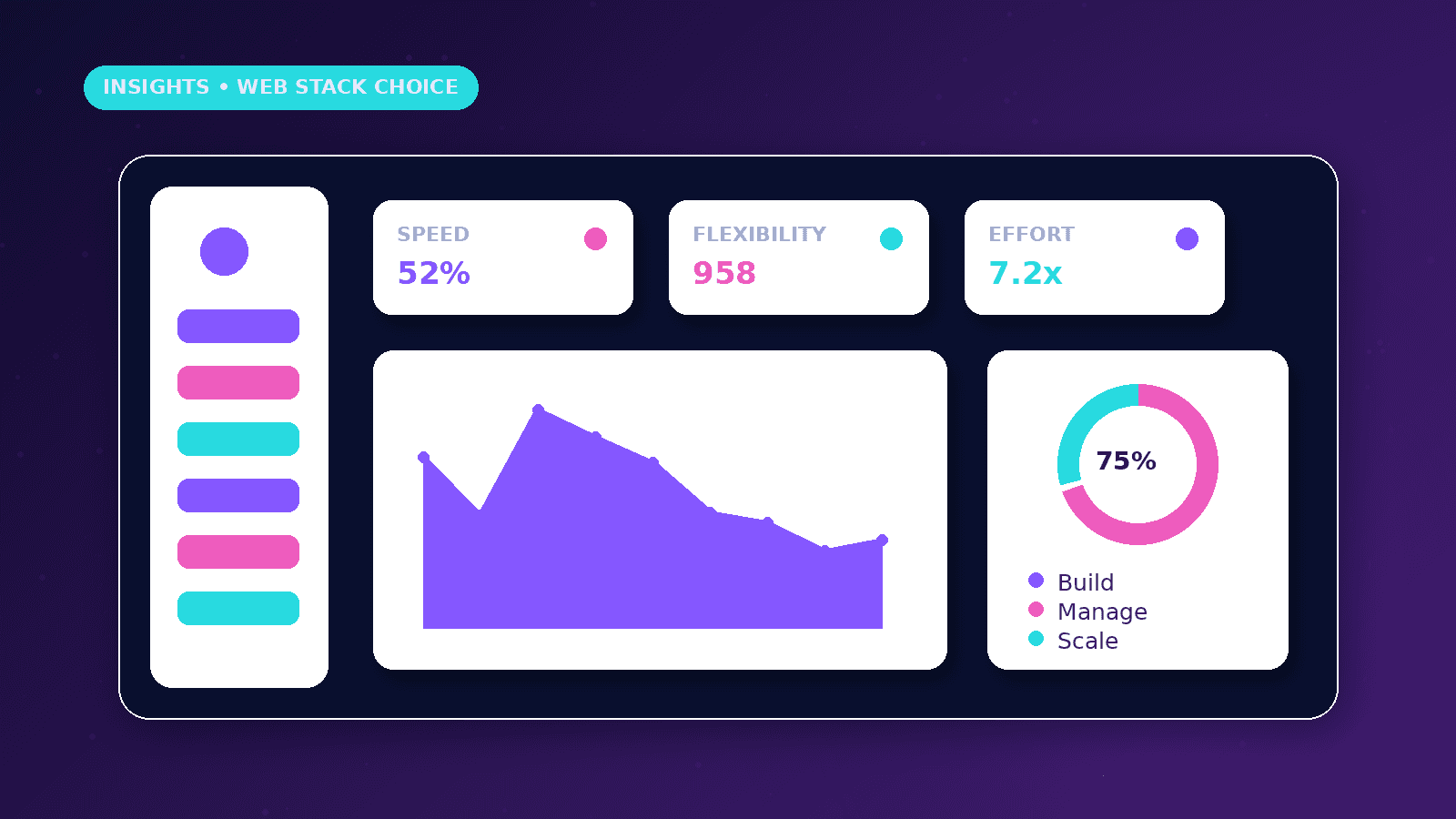
Decision criteria
Choose WordPress when the team needs frequent non-technical editing, a familiar content admin, and plugin-supported workflows.
Choose Next.js when the project needs custom interfaces, controlled frontend performance, app-like features, or developer-managed deployment.
Do not choose a platform only because it is popular. Choose based on how the site will be maintained.
Practical example
A consultant who publishes weekly articles may prefer WordPress if they need to edit content without a developer.
A business building a dashboard, portal, and custom lead flow may prefer Next.js because the frontend can be designed around specific workflows.
A hybrid approach is also possible when marketing content and custom app features have different needs.
Maintenance and risk
WordPress needs updates, plugin review, backups, and security hygiene.
Next.js needs developer ownership, build checks, deployment review, and content-update workflow planning.
Both platforms need analytics, accessibility, metadata, redirects, sitemap checks, and performance review.
Common mistakes
Assuming WordPress is always cheaper ignores plugin maintenance and cleanup work.
Assuming Next.js is always faster ignores poor image, script, and client-component decisions.
Choosing before mapping content ownership can create long-term friction.
Ownership model
A WordPress site often gives non-technical editors more direct control, but that freedom also requires rules for plugins, themes, backups, and updates.
A Next.js site usually gives developers stronger control over performance and interfaces, but content updates need a planned workflow.
Businesses should decide who will update pages, publish articles, fix issues, and review analytics after launch.
If the owner expects weekly content changes without a developer, the editing workflow matters as much as the frontend technology.
If the site includes custom dashboards, portals, or workflow interfaces, developer-led architecture may be more appropriate.
The best platform is the one the business can maintain responsibly.
SEO and performance considerations
Both platforms can support strong metadata, structured data, sitemap generation, internal links, and fast pages when implemented well.
WordPress plugin overload can slow pages, but a poorly built Next.js site can also ship unnecessary JavaScript.
Next.js can be excellent for image optimization and controlled routing, while WordPress can be excellent for editorial workflows.
Redirects, canonical URLs, accessibility, content quality, and page intent matter regardless of technology.
A migration between platforms needs a URL map, sitemap review, and Search Console checks.
Do not switch platforms only to chase a score if the current site can be improved safely.
What good looks like
A good platform decision matches the business editing workflow, technical needs, budget, and maintenance capacity.
The chosen platform should support content, SEO, performance, accessibility, security, forms, and future integrations without constant workarounds.
The owner should know who updates content, who fixes issues, and how changes are reviewed before publishing.
The decision should reduce long-term friction instead of chasing a trend.
When to get help
Get help before choosing a platform if the project includes service pages, blog content, dashboards, portals, APIs, or automation workflows.
A developer can explain what each platform means for hosting, deployment, editing, security, and maintenance.
SEO review is useful before migrations because URL structure and redirects can affect existing visibility.
Professional planning can prevent the common mistake of choosing a tool before defining ownership and content operations.
Practical checklist
- Editing workflow defined
- Maintenance owner assigned
- Integrations listed
- Performance goals set
- SEO needs mapped
- Budget reviewed
- Content workflow planned
Image sources
- nextjs-vs-wordpress-business-websites/featured-image.png: Original CurrentReach AI blog image pack. License: Owned generated visual. No private data present.
FAQs
Is Next.js better for SEO than WordPress?
Neither is automatically better. SEO depends on structure, content, metadata, performance, crawlability, and implementation quality.
Is WordPress easier for content updates?
Often yes for non-technical teams, especially when the editing workflow is important.
When does Next.js make sense?
It fits custom interfaces, controlled deployments, app-like experiences, and projects where a developer manages the site.
Need help applying this?
Need help choosing the right website platform and build path? Explore CurrentReach AI Web Development Services.
Related guides
About the author
Tayyiba Suleman is Web Developer and Automation Developer. Articles are reviewed against the Editorial Policy and should be read with the Content Disclaimer.