AI Automation
n8n Email Automation with Gmail and CRM
How to connect Gmail-style email workflows with CRM records, review steps, notifications and reporting using n8n-style automation.
By Tayyiba Suleman - Published July 16, 2026 - Updated July 20, 2026 - 3 min read
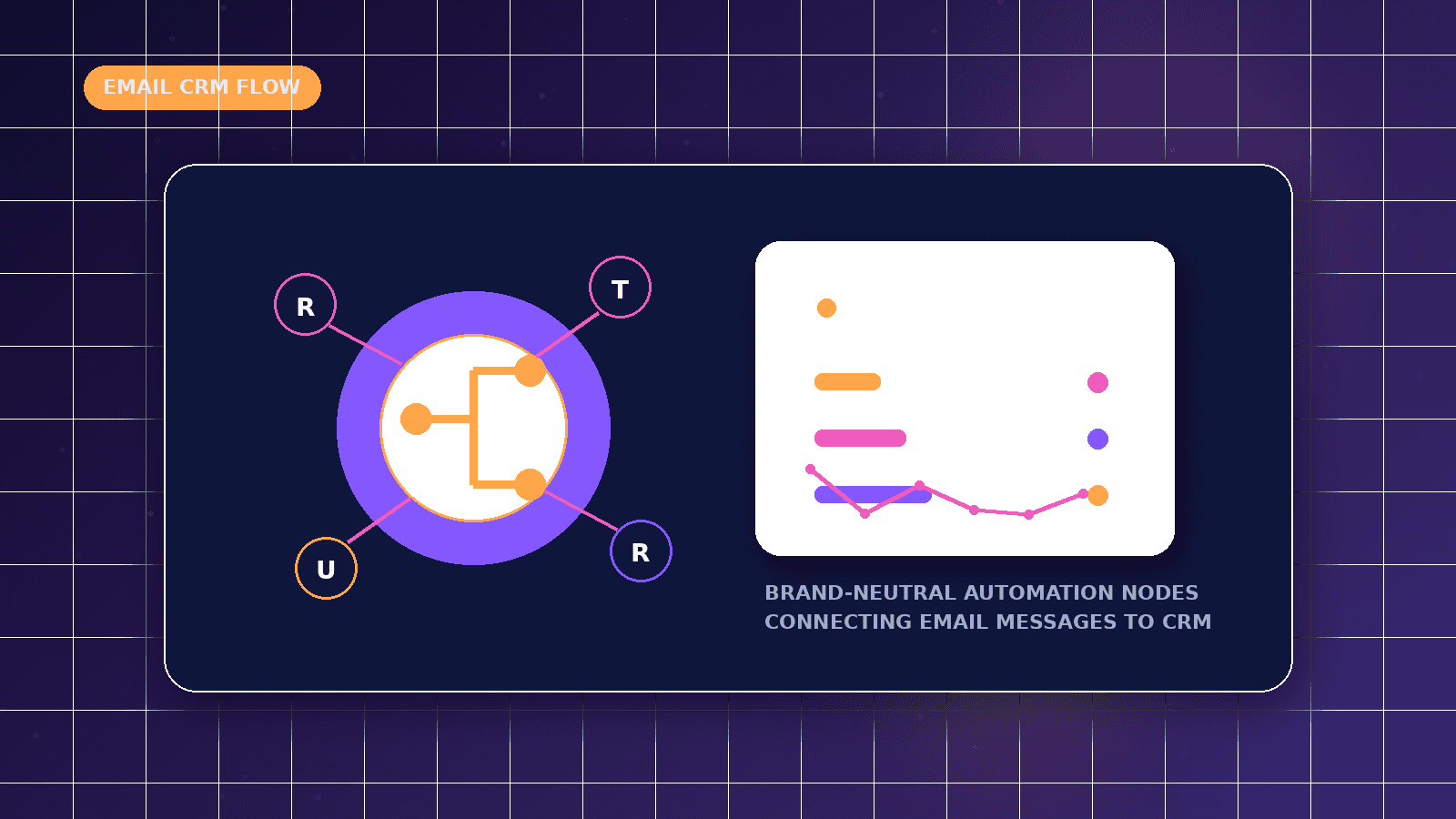
Email automation can connect incoming messages, sent follow-ups, labels and CRM records so teams do not lose conversations. n8n-style workflows are useful when they validate data, match contacts carefully and alert humans when something is uncertain.
Reader outcome: Plan email-to-CRM automation with safe review, matching and failure handling. This article is educational, uses safe CurrentReach AI-owned visuals, and labels illustrative examples where they appear.
How this guide was prepared
This article is written for CurrentReach AI readers using service-planning experience, website implementation patterns, SEO checks, automation workflow review, and practical measurement considerations. It is not copied from a third-party report or generated from private account data.
Mapped around triggers, owner review, failure handling and data quality.
Keeps human approval in sensitive customer-facing steps.
Connects workflow ideas to measurable lead and follow-up outcomes.
Reader problem
Important leads often arrive by email and stay disconnected from the CRM.
Manual copying creates delays, missing context and inconsistent reporting.
A workflow can organize email events while keeping customer communication under review.
Workflow approach
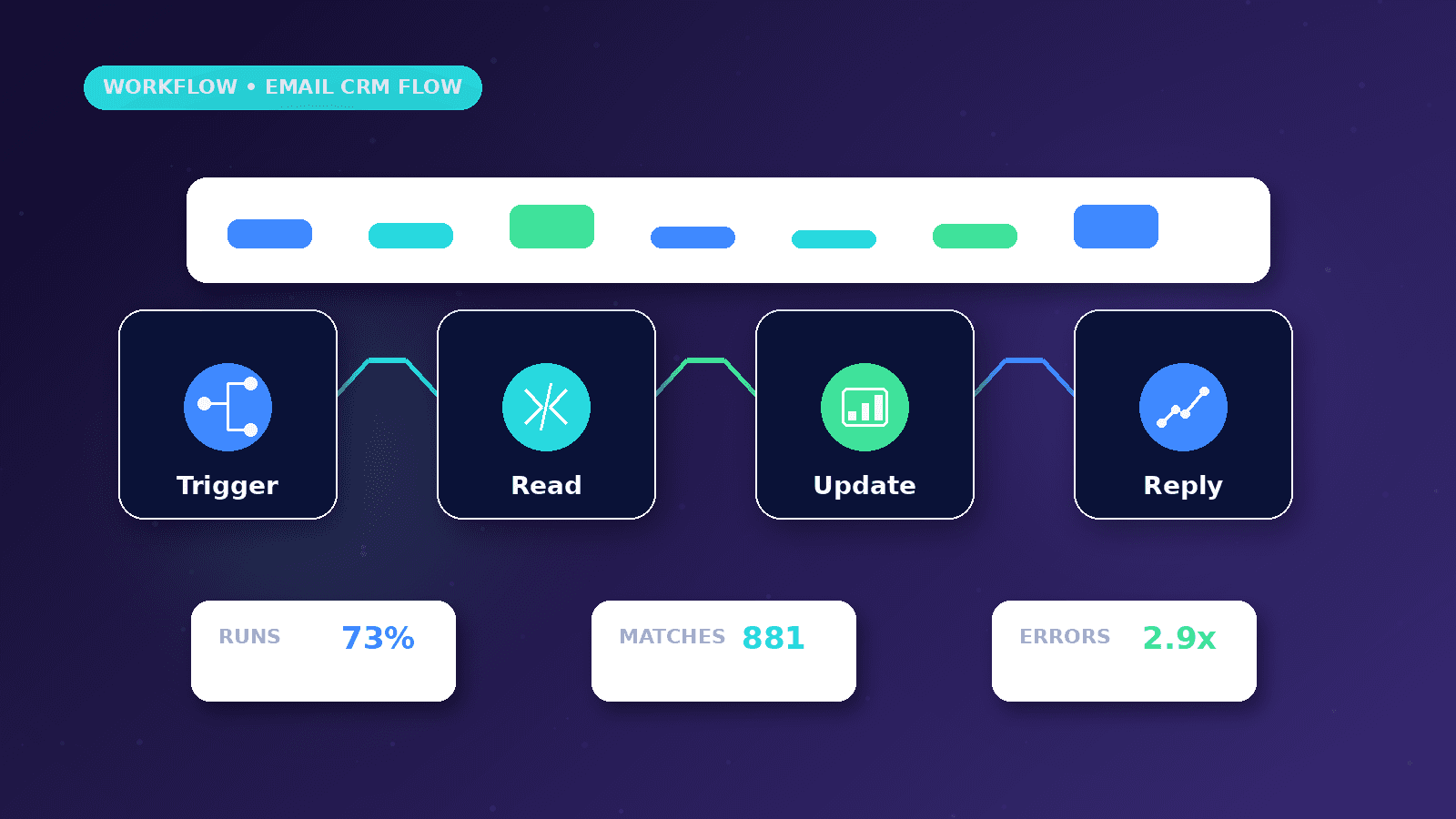
Detect relevant email events, identify the sender, match or create a CRM contact and store a link or summary.
Use labels or stages such as new inquiry, replied, needs review, booked or closed.
Add failure alerts when contact matching is uncertain or the CRM update does not complete.
Practical example
A new inquiry arrives in Gmail. The workflow checks the sender, finds an existing CRM contact or creates a new one.
The message is summarized for the owner and marked needs review if the request contains pricing, complaint or unusual details.
When the owner replies, the CRM record updates with the follow-up status.
Risks and limitations
Email threads can include multiple people, forwarded content and quoted text, so matching needs care.
Credentials and mailbox access should be protected and owned by the business.
AI summaries should not store unnecessary private content.
Measurement plan
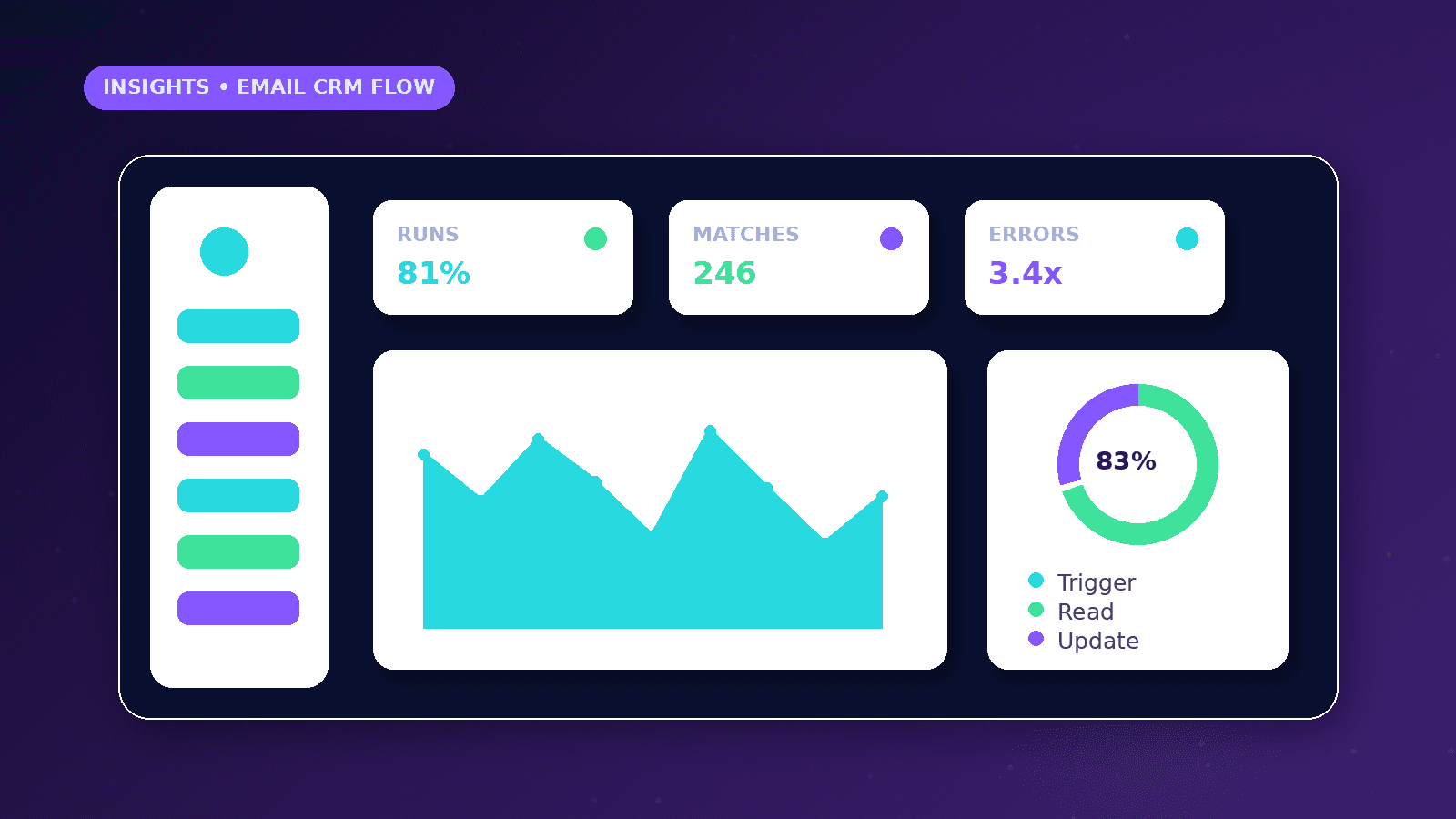
Track new email leads, matched contacts, unmatched messages, response time, failed updates and owner review tasks.
Review unmatched messages to improve matching rules.
Measure whether the workflow reduces missed conversations rather than only counting processed emails.
Common mistakes
Creating a new CRM record for every email creates duplicates.
Sending automatic replies without context can sound careless.
Ignoring failed CRM updates can silently lose leads.
Conclusion
Email-to-CRM automation is valuable when it preserves context and ownership.
The safest workflows validate, match, summarize and escalate instead of blindly acting.
CurrentReach AI can help build n8n-style email and CRM workflows with review and reporting.
Practical checklist
- Define email triggers
- Match contacts
- Avoid duplicates
- Protect credentials
- Add review labels
- Alert on failures
- Track response time
Image sources
- n8n-email-automation-gmail-crm/featured-image.png: Original CurrentReach AI blog image pack. License: Owned generated visual. No private data present.
FAQs
Can n8n connect email and CRM tools?
Yes, depending on available account access, APIs, triggers and provider rules.
Should full email bodies be stored in reports?
Only when necessary and appropriate. Summaries or references are often safer.
What is the biggest risk?
Incorrect matching or silent failure can update the wrong record or lose an important lead.
Need help applying this?
Request a Free Strategy Call if your email and CRM workflows need safer automation and review steps.
Related guides
About the author
Tayyiba Suleman is Web Developer and Automation Developer. Articles are reviewed against the Editorial Policy and should be read with the Content Disclaimer.