AI Automation
Reply Tracking for Cold Outreach
How reply tracking helps teams classify outreach responses, update lead stages, handle unsubscribe requests, and measure response quality responsibly.
By Tayyiba Suleman - Published July 16, 2026 - Updated July 19, 2026 - 5 min read
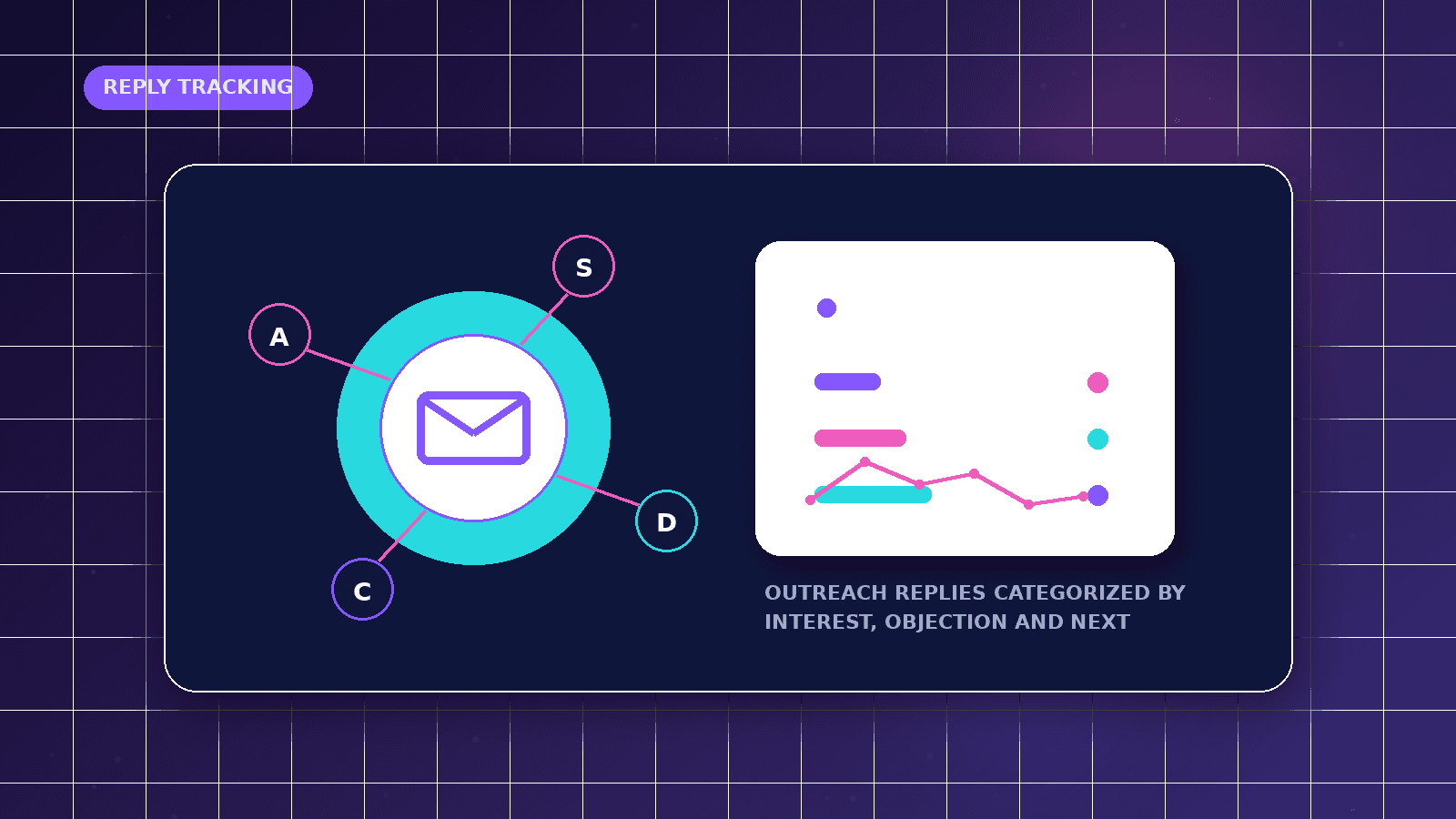
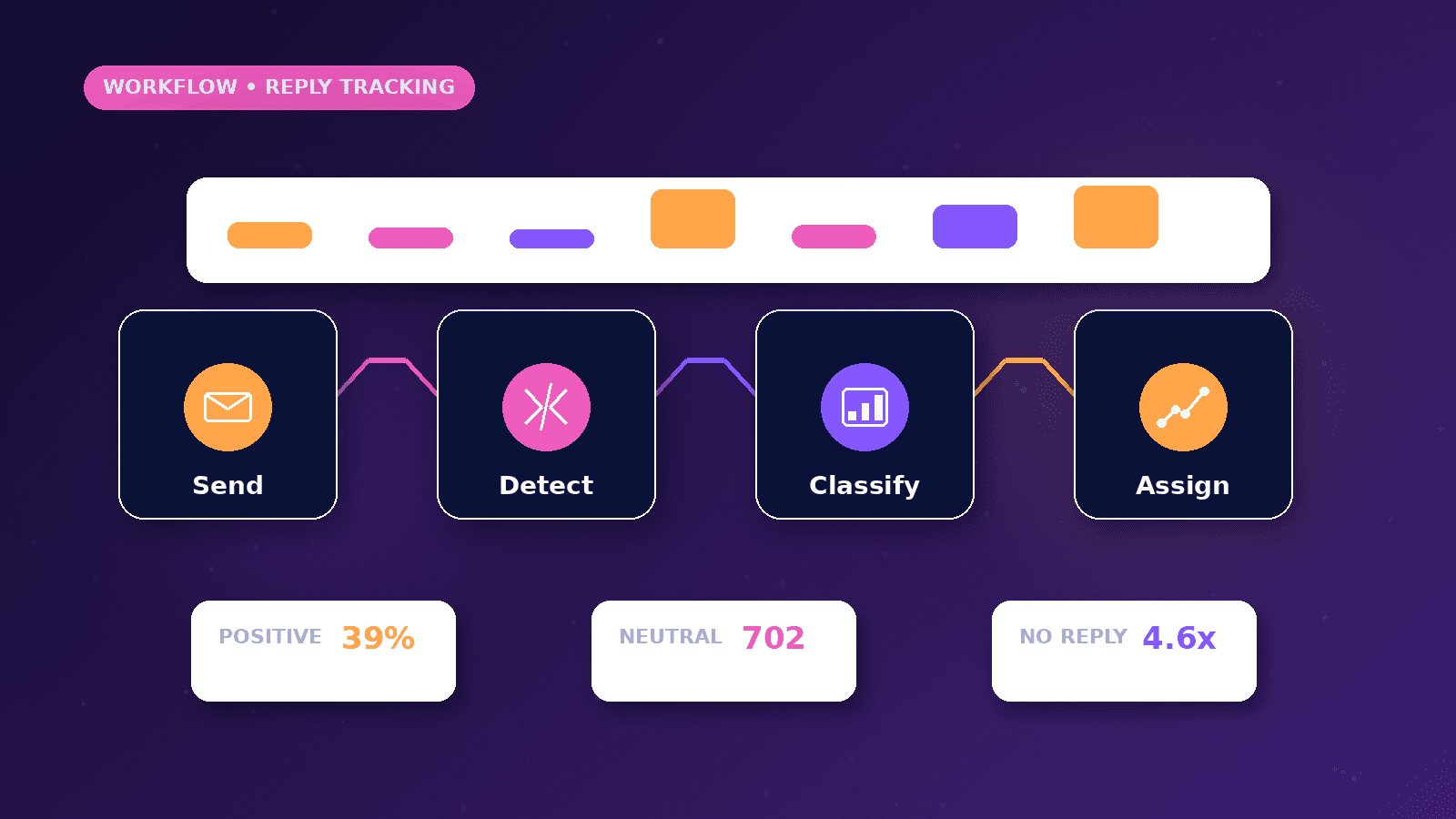
This guide explains the business problem, the planning decisions, a practical implementation path, common mistakes, and when to request professional automation support.
Reader outcome: Plan a responsible reply-tracking workflow for outreach campaigns. This article is educational, uses safe CurrentReach AI-owned visuals, and labels illustrative examples where they appear.
How this guide was prepared
This article is written for CurrentReach AI readers using service-planning experience, website implementation patterns, SEO checks, automation workflow review, and practical measurement considerations. It is not copied from a third-party report or generated from private account data.
Mapped around triggers, owner review, failure handling and data quality.
Keeps human approval in sensitive customer-facing steps.
Connects workflow ideas to measurable lead and follow-up outcomes.
What reply tracking means
Reply tracking is the process of detecting when a contact responds to an outreach message and connecting that response back to the right contact, campaign, mailbox, and next action.
A useful reply workflow does not treat every response as a win. It separates positive interest, neutral questions, objections, negative replies, unsubscribe requests, bounce messages, and out-of-office replies.
The goal is faster human follow-up and cleaner reporting, not fully automated sales conversations without review.
Mailbox events and matching logic
Most reply-tracking systems depend on mailbox events, email-provider webhooks, inbox polling, or CRM activity updates. The workflow should capture enough message context to identify the original contact without storing unnecessary private content.
Matching can use message IDs, thread IDs, sender address, campaign identifiers, or a CRM contact ID. Fuzzy matching should be handled carefully because the wrong match can update the wrong lead.
Duplicate replies should be filtered so one thread does not create several lead records or repeated alerts for the same conversation.
Classification and human review
Positive replies may request pricing, availability, a proposal, a call, or more information. Neutral replies may ask a question but need qualification. Negative replies should be recorded without pressure.
AI can help summarize or classify replies, but a human should review uncertain cases before any customer-facing response or lead-stage decision is made.
Response-time alerts are useful when a reply is positive or time-sensitive. They should route the message to the person responsible for follow-up, not simply add noise to another inbox.
Unsubscribe, bounce and compliance handling
Unsubscribe requests must be honored promptly and stored in a suppression list so the contact is not messaged again through another workflow.
Bounce handling should separate hard bounces, soft bounces, out-of-office replies, and delivery warnings. Hard bounces usually mean the address should be suppressed or corrected before future outreach.
Privacy and anti-spam rules vary by location and channel. Outreach workflows should collect only necessary data, respect opt-out requests, and avoid sending irrelevant or excessive messages.
CRM updates and reporting limits
A reply can update a CRM stage such as replied, interested, not interested, needs review, meeting requested, or unsubscribed. These stages should be simple enough for the team to maintain.
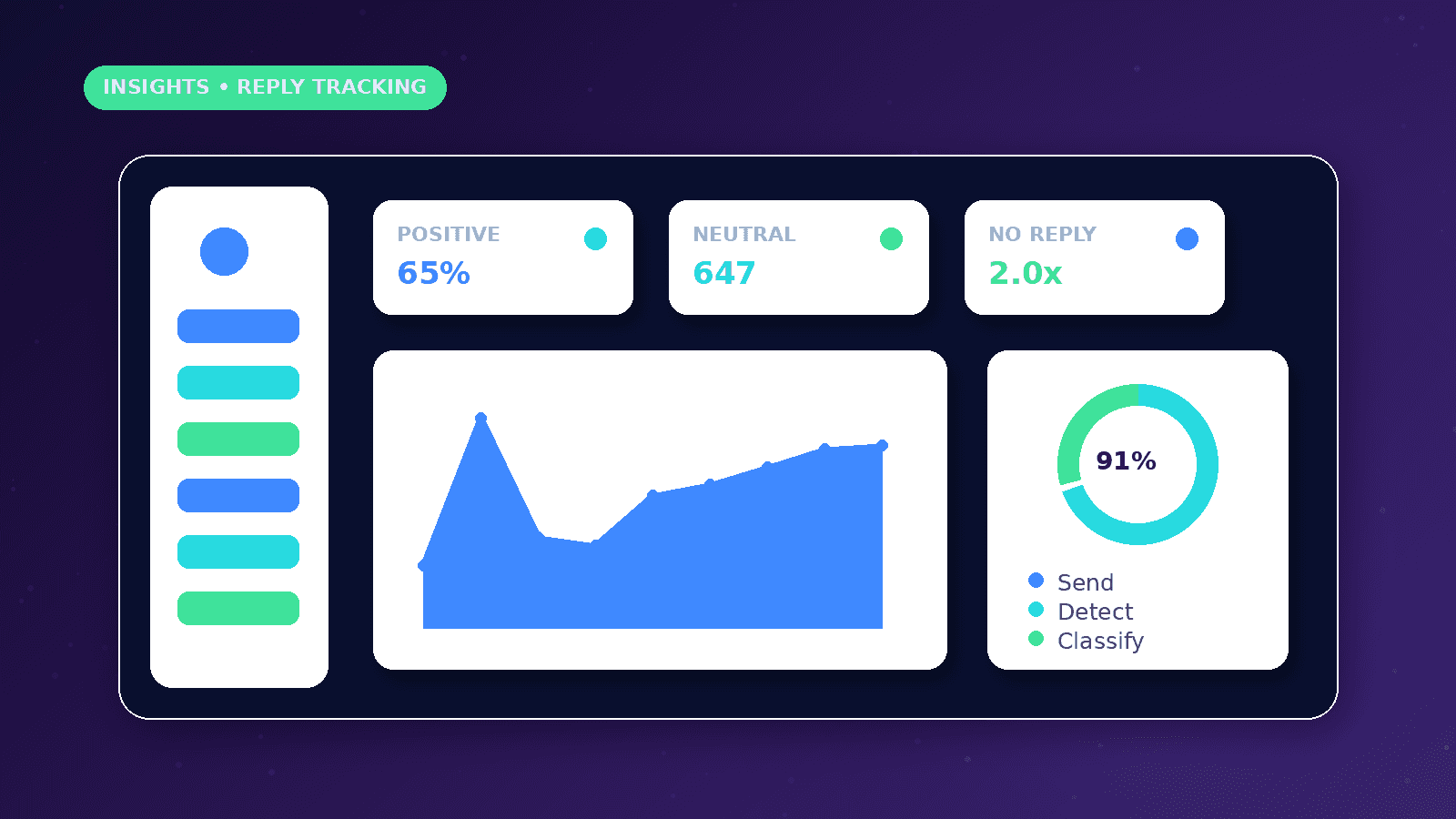
Reporting can show reply rate, positive reply rate, time to first response, unsubscribe rate, bounce rate, and campaign-level response quality.
Reply metrics have limitations. A high reply rate can include complaints or unsubscribe messages, so reports should separate quality from volume.
Practical example
A consultant sends a small outreach campaign to businesses that match a clear service need. When a contact replies, the workflow matches the thread to the campaign, classifies the response as interested, question, not fit, unsubscribe, bounce, or needs review, and updates the CRM.
Interested replies create a priority alert for human follow-up. Questions are summarized and assigned. Unsubscribe requests are suppressed immediately. Bounces are marked so the list can be cleaned.
A weekly report then shows which audience segment generated useful conversations rather than only counting sent emails.
Common reply-tracking mistakes
Counting every reply as a positive response can make the campaign look better than it really is. Complaints, opt-outs, bounces, and automatic replies should be reported separately.
Letting AI classification update the CRM without review can create inaccurate stages, especially when a contact asks a nuanced question or replies with mixed sentiment.
Forgetting suppression logic can cause a person who opted out in one campaign to be contacted again from a different list or mailbox.
Setup considerations
Decide which mailbox or provider events are reliable enough for tracking before building the workflow around them.
Keep enough message context for follow-up, but avoid storing more personal data than the team needs to act.
Create a manual recovery path for unmatched replies so important conversations do not disappear when automated matching is uncertain.
Conclusion
Reply tracking works best when it protects people from missed conversations and protects contacts from unwanted follow-up.
The safest workflow keeps classification transparent, honors opt-outs, prevents duplicate records, and gives humans the context they need to respond well.
CurrentReach AI can help scope reply tracking, CRM stage updates, response alerts, and reporting around the tools a business already uses.
Practical checklist
- Define reply categories
- Match replies to contacts
- Prevent duplicate reply records
- Honor unsubscribe requests
- Separate bounces from replies
- Add human review
- Track response time
- Report reply quality
Image sources
- reply-tracking-for-cold-outreach/featured-image.png: Original CurrentReach AI blog image pack. License: Owned generated visual. No private data present.
FAQs
Can reply tracking send automatic replies?
It can prepare drafts or route messages, but customer-facing replies should stay under human review when intent, tone, pricing or compliance matters.
Should unsubscribe replies be counted as campaign success?
No. Unsubscribes are important operational signals, but they should be separated from positive or qualified replies in reporting.
What makes reply matching reliable?
Thread IDs, sender address, message IDs, campaign identifiers and CRM contact IDs are more reliable than guessing from names or partial text.
Need help applying this?
Request a Free Strategy Call if your outreach replies, opt-outs, bounces and follow-up stages need to be connected into a cleaner workflow.
Related guides
About the author
Tayyiba Suleman is Web Developer and Automation Developer. Articles are reviewed against the Editorial Policy and should be read with the Content Disclaimer.