AI Automation
AI CRM Automation for Service Businesses
A practical guide to CRM automation for service businesses, including lead intake, qualification, stages, reminders, handoffs and reporting.
By Tayyiba Suleman - Published July 16, 2026 - Updated July 20, 2026 - 3 min read
CRM automation helps service businesses organize inquiries, assign ownership, prevent forgotten follow-ups and understand which sources create useful conversations. AI can support classification and summaries, but business judgment should remain with the owner or team.
Reader outcome: Improve lead handling and follow-up inside a service-business CRM workflow. This article is educational, uses safe CurrentReach AI-owned visuals, and labels illustrative examples where they appear.
How this guide was prepared
This article is written for CurrentReach AI readers using service-planning experience, website implementation patterns, SEO checks, automation workflow review, and practical measurement considerations. It is not copied from a third-party report or generated from private account data.
Mapped around triggers, owner review, failure handling and data quality.
Keeps human approval in sensitive customer-facing steps.
Connects workflow ideas to measurable lead and follow-up outcomes.
Reader problem
Service businesses often manage leads across inboxes, spreadsheets, WhatsApp messages, forms and calendars, which makes follow-up inconsistent.
A CRM workflow gives each inquiry a status, owner, source and next action.
Automation is useful when it reduces manual copying and missed reminders without hiding important context from the team.
Workflow approach
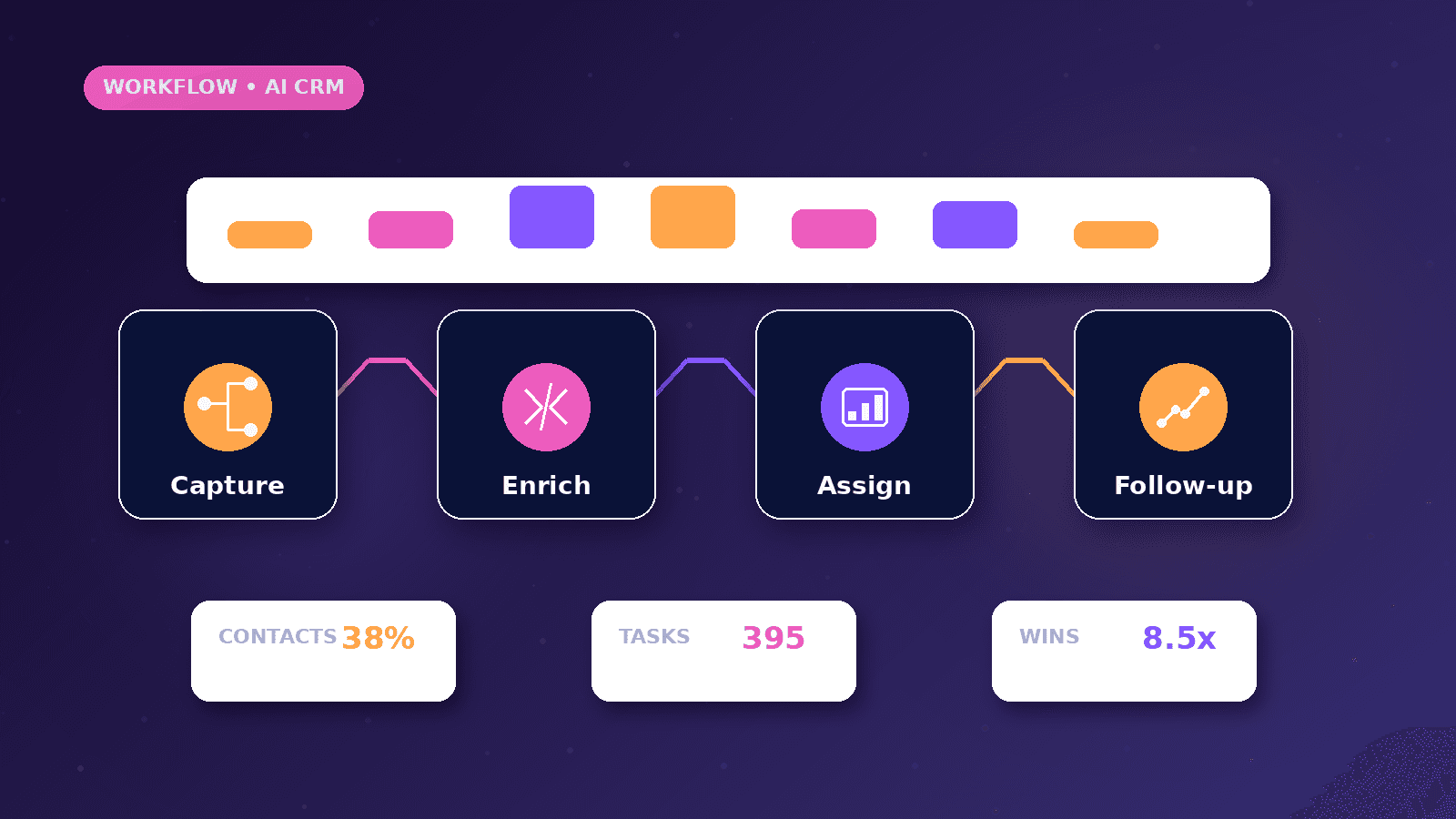
Capture lead details from forms and messages, validate required fields, create or update a CRM record and assign a first stage.
Use AI to summarize the inquiry or suggest a category, then keep review for pricing, acceptance and customer-facing decisions.
Set reminders for first response, follow-up, proposal review and stale opportunities.
Practical example
A clinic, consultant or agency receives a website inquiry. The workflow saves the contact, service interest, budget range, source page and message into a CRM.
The owner receives a short summary with suggested stage and next action.
If the person books a call or replies later, the CRM stage updates instead of creating another disconnected record.
Risks and limitations
Too many CRM stages can make the system hard to maintain. Simple stages are usually better for small teams.
AI classification can misread vague messages, so uncertain leads should be marked for review.
Customer data should be stored with appropriate access controls and only used for the stated business purpose.
Measurement plan
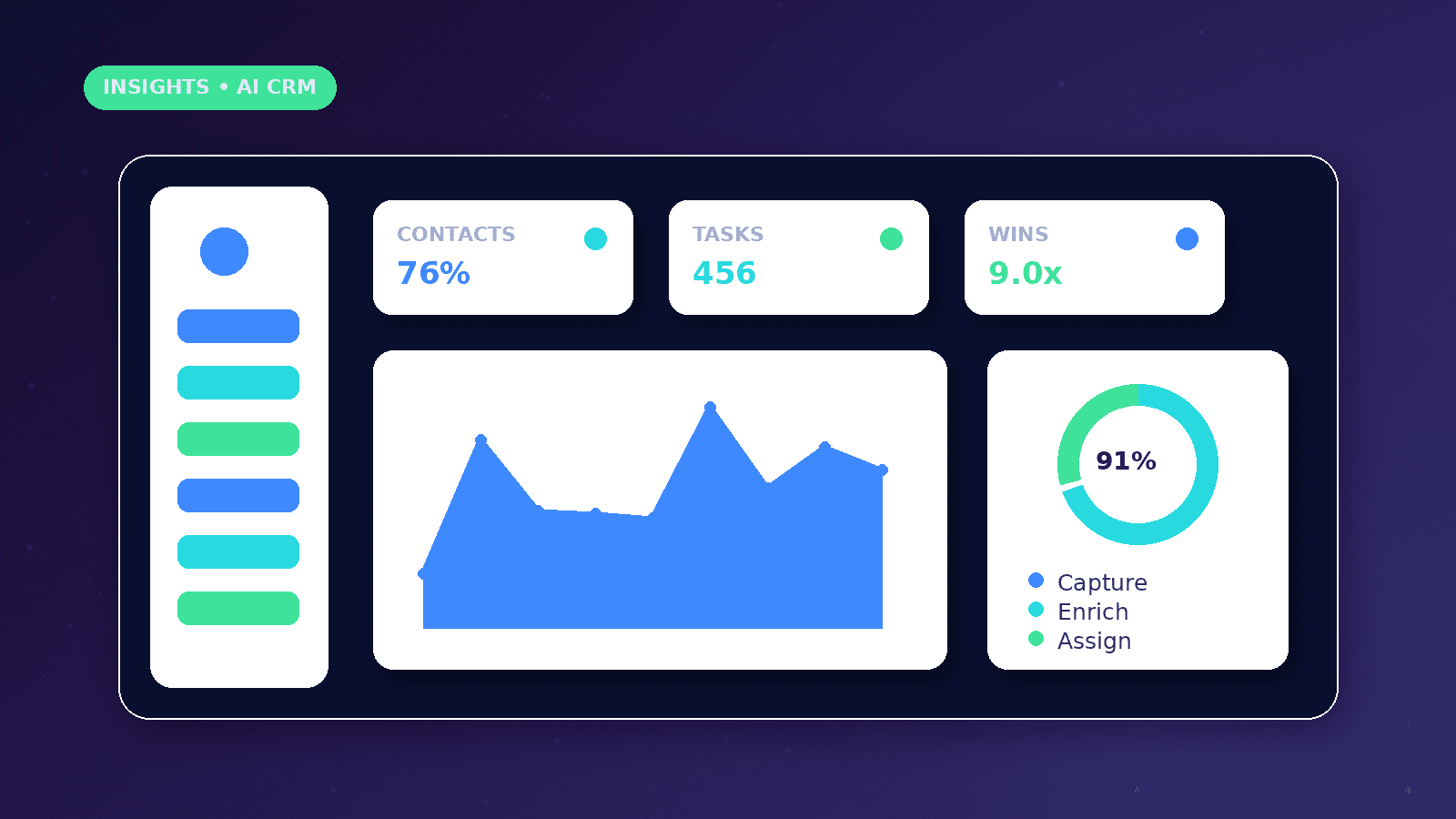
Track new leads, qualified leads, response time, stale records, booked calls, proposals, closed outcomes and source quality.
Review where leads get stuck rather than only counting how many entered the CRM.
Use reporting to simplify the workflow when stages are unused or confusing.
Common mistakes
Automating a messy CRM process can make the confusion faster.
Creating duplicate contacts makes attribution and follow-up unreliable.
Relying on AI to decide fit without human review can reject useful opportunities or accept poor-fit work.
Conclusion
CRM automation is most valuable when it helps people follow up clearly and consistently.
The best workflows keep data clean, ownership visible and sensitive decisions reviewed by humans.
CurrentReach AI can help scope CRM intake, lead stages, reminders and reporting for service businesses.
Practical checklist
- Map lead sources
- Define CRM stages
- Assign ownership
- Prevent duplicates
- Add review states
- Track response time
- Review stale leads
Image sources
- ai-crm-automation-service-businesses/featured-image.png: Original CurrentReach AI blog image pack. License: Owned generated visual. No private data present.
FAQs
Does a small service business need a complex CRM?
No. A simple CRM with clean stages and consistent follow-up can be more useful than a large system nobody maintains.
Where can AI help in CRM workflows?
AI can summarize inquiries, suggest categories and prepare drafts, but important decisions should stay under human review.
What is the first CRM automation to build?
Lead intake with source tracking, owner notification and follow-up reminder is usually a safe starting point.
Need help applying this?
Request a Free Strategy Call if your service-business CRM needs cleaner intake, stages, reminders and reporting.
Related guides
About the author
Tayyiba Suleman is Web Developer and Automation Developer. Articles are reviewed against the Editorial Policy and should be read with the Content Disclaimer.