AI Automation
Lead CRM Pipeline Management
How to manage lead pipeline stages, ownership, follow-up tasks, source tracking and reporting in a practical CRM workflow.
By Tayyiba Suleman - Published July 16, 2026 - Updated July 20, 2026 - 3 min read
Lead CRM pipeline management is the practice of moving inquiries through clear stages with ownership, source context and next actions. Automation can keep records updated and reminders visible, but the pipeline still needs human decisions at important points.
Reader outcome: Build a cleaner lead pipeline for service-business follow-up and reporting. This article is educational, uses safe CurrentReach AI-owned visuals, and labels illustrative examples where they appear.
How this guide was prepared
This article is written for CurrentReach AI readers using service-planning experience, website implementation patterns, SEO checks, automation workflow review, and practical measurement considerations. It is not copied from a third-party report or generated from private account data.
Mapped around triggers, owner review, failure handling and data quality.
Keeps human approval in sensitive customer-facing steps.
Connects workflow ideas to measurable lead and follow-up outcomes.
Reader problem
A business may receive many leads but still lose opportunities because no one knows which stage each lead is in.
A pipeline creates a shared view of new inquiries, contacted leads, booked calls, proposals and closed outcomes.
The simplest useful pipeline is one the team can actually maintain.
Workflow approach
Define a small set of stages that match the real sales process and avoid adding labels nobody uses.
Create or update records from forms, emails, calls and bookings without duplicating contacts.
Add reminders when a lead waits too long in a stage or needs a human response.
Practical example
A website inquiry enters the CRM as new with source page, service interest and contact details.
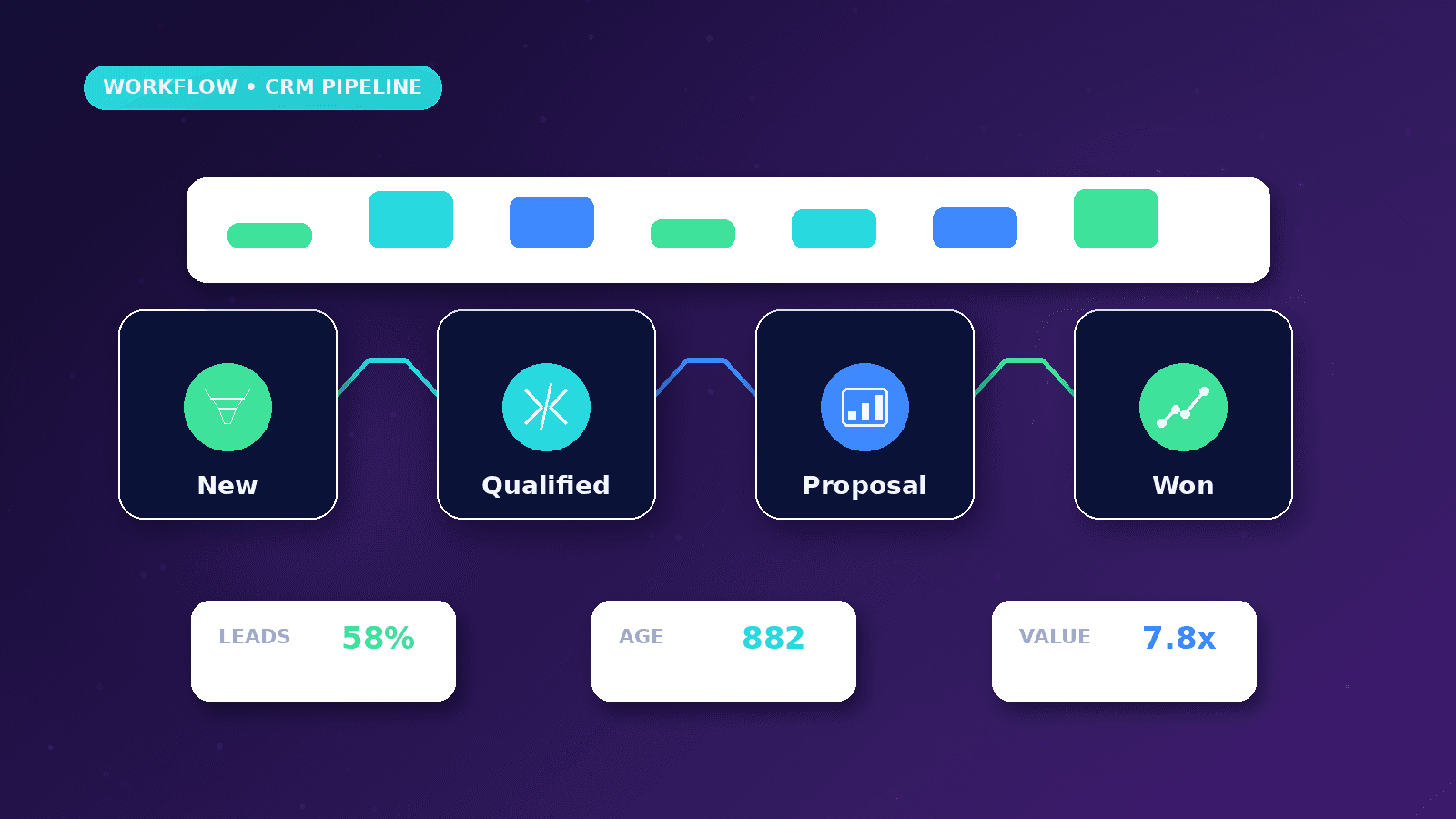
After the owner replies, the stage changes to contacted. If a call is booked, it moves to booked. If a proposal is sent, the follow-up date is recorded.
The weekly view shows which leads are stale and which sources create qualified pipeline.
Risks and limitations
A pipeline can look organized while still hiding poor follow-up if owners do not update outcomes.
Duplicate records can make one person appear as several leads.
Sensitive customer notes should be stored with appropriate access controls.
Measurement plan
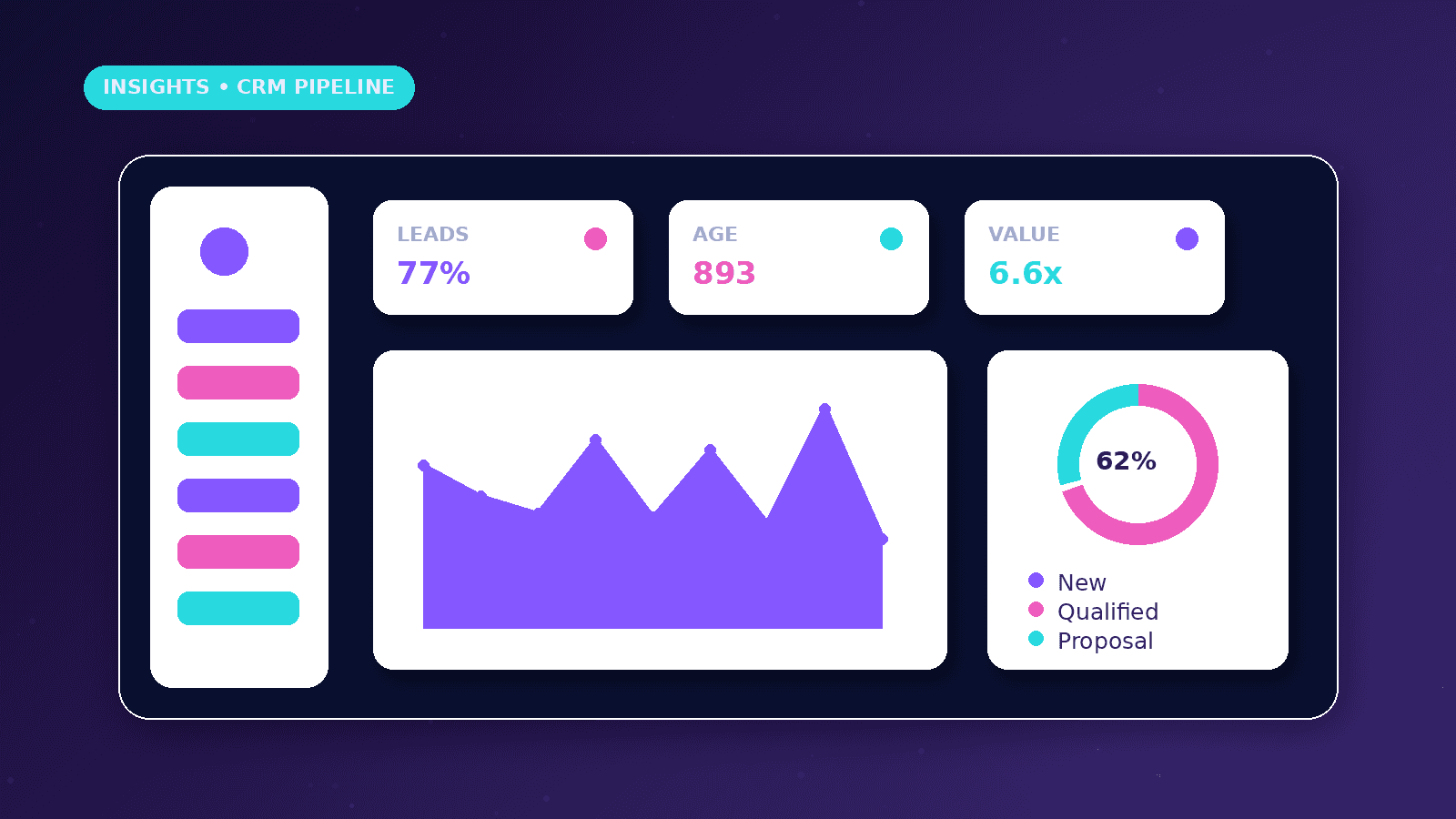
Track new leads, qualified leads, stage age, response time, booked calls, proposals, wins, losses and source quality.
Review stage bottlenecks to decide whether the issue is traffic, qualification, response speed or offer fit.
Use close reasons to improve messaging and service pages.
Common mistakes
Creating too many stages makes the pipeline harder to use.
Failing to assign ownership means leads sit untouched.
Measuring only total leads ignores whether those leads are useful.
Conclusion
A useful CRM pipeline makes the next action obvious.
Automation should support cleaner stages and reminders, not hide responsibility.
CurrentReach AI can help design CRM pipelines that connect forms, bookings, outreach and reporting.
Practical checklist
- Define stages
- Assign owners
- Track source
- Prevent duplicates
- Set follow-up dates
- Review stale leads
- Record close reasons
Image sources
- lead-crm-pipeline-management/featured-image.png: Original CurrentReach AI blog image pack. License: Owned generated visual. No private data present.
FAQs
How many pipeline stages are enough?
Most small service teams can start with five to eight clear stages.
What causes stale leads?
Unclear ownership, missing reminders, poor fit, slow response or no defined next step.
Can AI update pipeline stages?
AI can suggest stages, but important decisions should stay reviewable by a person.
Need help applying this?
Request a Free Strategy Call if your lead pipeline needs clearer stages, ownership and reporting.
Related guides
About the author
Tayyiba Suleman is Web Developer and Automation Developer. Articles are reviewed against the Editorial Policy and should be read with the Content Disclaimer.