AI Automation
Calendar Booking Tracking for Outreach
How to track booked, cancelled, rescheduled, and no-show meetings from outreach campaigns without losing attribution or follow-up context.
By Tayyiba Suleman - Published July 16, 2026 - Updated July 19, 2026 - 5 min read
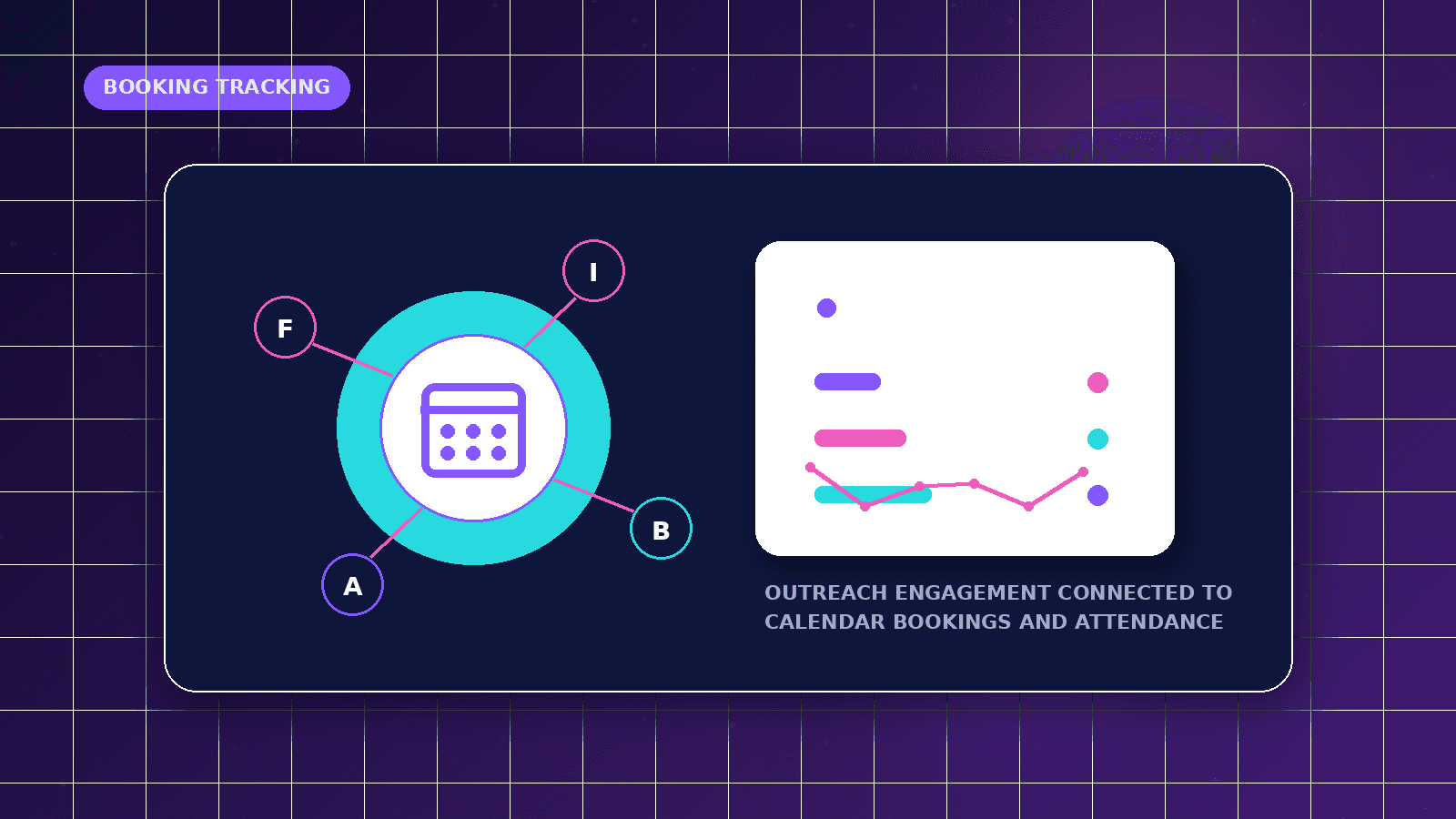
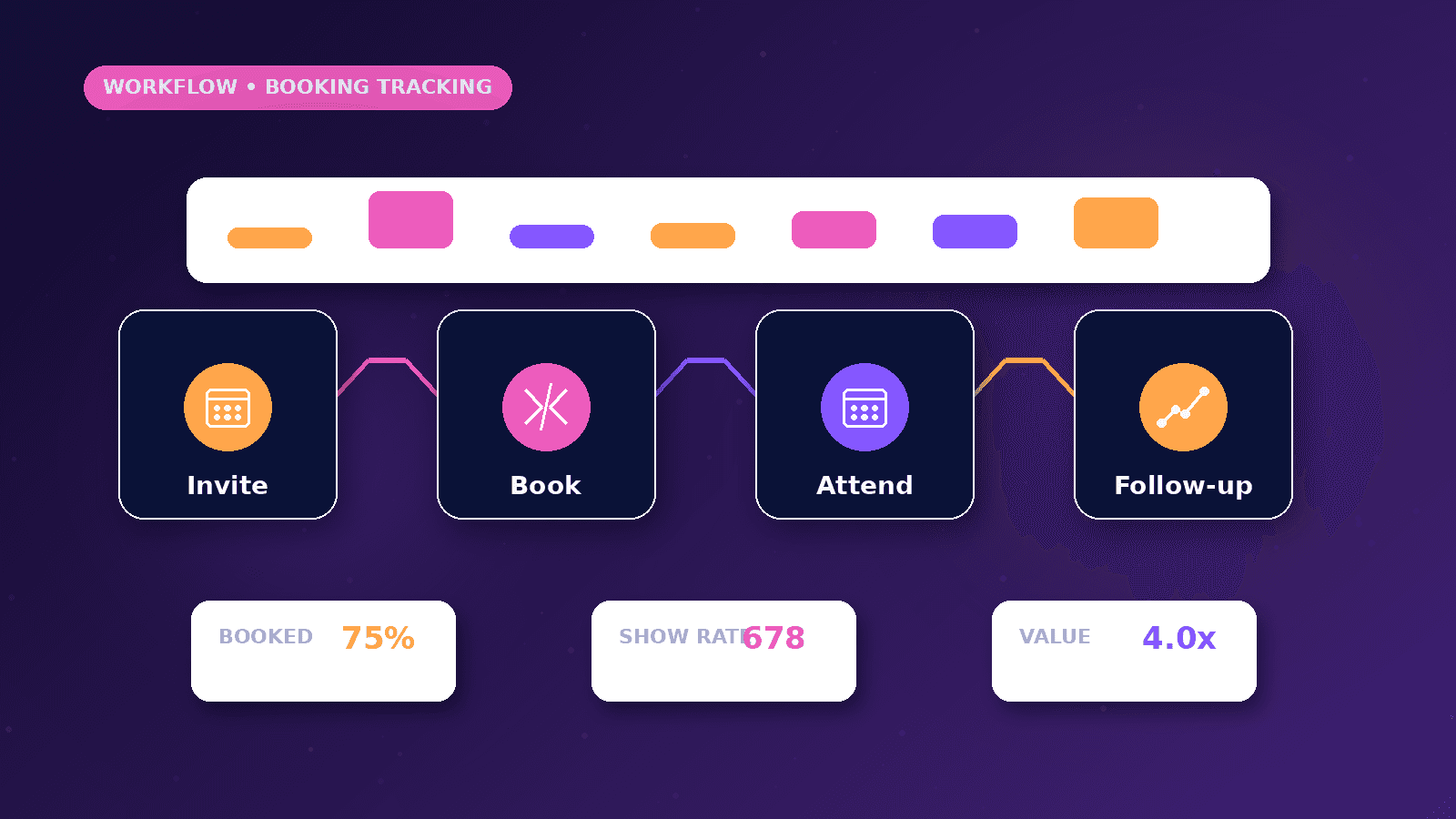
This guide explains the business problem, the planning decisions, a practical implementation path, common mistakes, and when to request professional automation support.
Reader outcome: Connect calendar events with campaign attribution and CRM follow-up. This article is educational, uses safe CurrentReach AI-owned visuals, and labels illustrative examples where they appear.
How this guide was prepared
This article is written for CurrentReach AI readers using service-planning experience, website implementation patterns, SEO checks, automation workflow review, and practical measurement considerations. It is not copied from a third-party report or generated from private account data.
Mapped around triggers, owner review, failure handling and data quality.
Keeps human approval in sensitive customer-facing steps.
Connects workflow ideas to measurable lead and follow-up outcomes.
What booking tracking solves
Outreach does not end when someone clicks a calendar link. Teams need to know which campaign generated the booking, whether the meeting was confirmed, and what follow-up should happen next.
Booking tracking connects form submissions, calendar-provider events, CRM records, and reporting so the business can see which conversations moved from interest to scheduled time.
The workflow should handle confirmed bookings, cancellations, reschedules, no-shows, duplicate events, and time-zone differences without making the visitor repeat information.
Booking and calendar events
A booking-form event usually includes name, email, selected time, meeting type, answers to qualification questions, source page, and campaign parameters when available.
A calendar-provider event may update after the first booking. Reschedules, cancellations, reminders, and attendee changes can arrive as separate events or webhooks.
The workflow should treat the booking form and calendar event as related but not identical. This prevents duplicate CRM records when the calendar provider sends several updates for one meeting.
Attribution and CRM updates
Useful attribution captures the original source, campaign, page, form, email sequence, or referral context that led to the booked meeting.
CRM stages can include meeting requested, booked, rescheduled, cancelled, completed, no-show, needs follow-up, and closed. These stages should be visible to the person responsible for sales or service delivery.
When a meeting is booked, the workflow can notify the owner, attach qualification answers, and create a follow-up task for notes after the call.
Time zones and duplicate prevention
Time-zone handling matters for remote and international meetings. Store the event time clearly and display it in the relevant local time for the attendee and team.
Duplicate prevention can use booking ID, calendar event ID, attendee email, and event start time. Without it, reschedules may appear as multiple meetings in reports.
When a booking changes, the workflow should update the existing record rather than creating a new lead unless it is truly a separate inquiry.
No-shows, privacy and metrics
No-show tracking should be used carefully. A missed meeting may require a polite human follow-up rather than an aggressive automated sequence.
Privacy matters because booking forms often collect contact details, business context, meeting notes, and calendar availability. Store only what the workflow needs and respect platform rules.
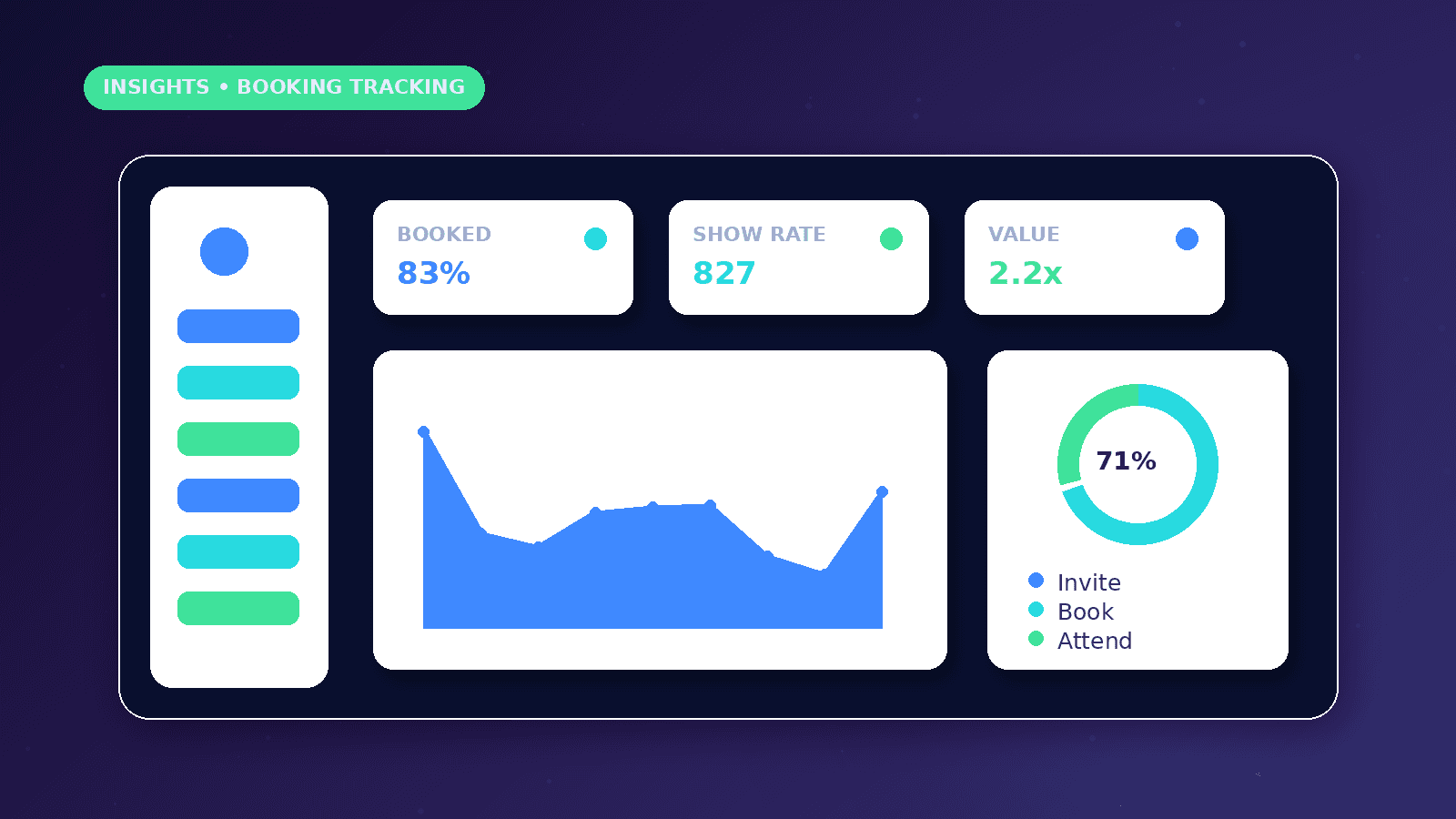
Relevant metrics include booking rate, attended-call rate, cancellation rate, reschedule rate, no-show rate, time from reply to booking, and campaign source quality.
Practical example
A service business runs an outreach campaign that invites qualified prospects to request a strategy call. A prospect books through a calendar page connected to the CRM.
The workflow records the source campaign, marks the lead as booked, sends the owner a summary, and watches for calendar updates. If the prospect reschedules, the same CRM record is updated. If the meeting is cancelled, a human follow-up task is created.
After the meeting, the owner can mark the outcome so reporting shows not only booked meetings but attended and qualified conversations.
Measurement plan
Review bookings by source, campaign, meeting type, and final outcome so the business can see which conversations are worth repeating.
Compare booked meetings with attended meetings because a high booking rate can still hide poor attendance or weak qualification.
Use cancellation and reschedule patterns to improve reminders, qualification questions, time-slot availability, and human follow-up timing.
Common booking-tracking mistakes
Treating a calendar click as a confirmed meeting can inflate campaign performance. The report should distinguish link clicks, form submissions, confirmed bookings, attended calls, and qualified opportunities.
Ignoring reschedules can make one real conversation appear as several meetings. Calendar event IDs and booking IDs help keep the record clean.
Failing to assign post-call ownership means the meeting happened, but notes, next steps, proposals, or qualification decisions are never recorded.
Setup considerations
Choose which system is the source of truth for meeting status: the calendar provider, CRM, or booking tool.
Normalize time zones before sending reminders or reporting meeting times across countries.
Decide what should happen when a booking is cancelled: suppress reminders, create a human follow-up, or mark the campaign outcome as cancelled.
Conclusion
Booking tracking is strongest when it connects attribution, calendar state, CRM stages, and human follow-up in one clear process.
The system should reduce missed meetings and reporting confusion without over-automating personal communication.
CurrentReach AI can help connect booking forms, calendar events, CRM updates, and reporting for outreach workflows.
Practical checklist
- Capture booking source
- Store calendar event ID
- Handle cancellations
- Handle reschedules
- Track no-shows carefully
- Normalize time zones
- Prevent duplicate events
- Create human follow-up tasks
Image sources
- calendar-booking-tracking-for-outreach/featured-image.png: Original CurrentReach AI blog image pack. License: Owned generated visual. No private data present.
FAQs
Why does a booking workflow need both form and calendar data?
The form often captures qualification and source context, while the calendar provider records event state such as confirmed, cancelled or rescheduled.
How should no-shows be handled?
No-shows should usually create a polite human follow-up task rather than an aggressive automated sequence.
What metrics matter beyond booked calls?
Attended-call rate, cancellation rate, reschedule rate, no-show rate, source quality and time from reply to booking give a clearer picture.
Need help applying this?
Request a Free Strategy Call if your bookings, calendar changes and lead stages need cleaner attribution and follow-up tracking.
Related guides
About the author
Tayyiba Suleman is Web Developer and Automation Developer. Articles are reviewed against the Editorial Policy and should be read with the Content Disclaimer.