AI Automation
AI Automation Reporting Workflow
How to build reporting workflows that track automation events, failures, escalation needs, data quality, and operational decisions.
By Tayyiba Suleman - Published July 16, 2026 - Updated July 19, 2026 - 5 min read
This guide explains the business problem, the planning decisions, a practical implementation path, common mistakes, and when to request professional automation support.
Reader outcome: Report automation performance without exposing internal implementation details. This article is educational, uses safe CurrentReach AI-owned visuals, and labels illustrative examples where they appear.
How this guide was prepared
This article is written for CurrentReach AI readers using service-planning experience, website implementation patterns, SEO checks, automation workflow review, and practical measurement considerations. It is not copied from a third-party report or generated from private account data.
Mapped around triggers, owner review, failure handling and data quality.
Keeps human approval in sensitive customer-facing steps.
Connects workflow ideas to measurable lead and follow-up outcomes.
What automation reporting should answer
Automation reporting should show whether a workflow is running, where it succeeds, where it fails, and which events need human attention.
Good reporting helps the owner make decisions: fix a broken step, improve data quality, change the workflow, pause an automation, or assign follow-up.
A report should explain operational reality. It should not expose private credentials, internal repository structure, or technical details that do not help the business act.
Collecting workflow event data
Useful event data includes trigger time, workflow name, source system, record identifier, action outcome, failure reason, retry count, owner, and current status.
Data collection should be proportional. A lead-notification workflow may need simple success and failure events, while a multi-step CRM process may need stage-level reporting.
Avoid storing full customer messages in reports unless the business has a clear need, permission, and retention plan.
Success, failure and escalation tracking
A successful workflow event should confirm that the required action happened, such as a lead record created, notification sent, or report generated.
Failures should be logged with enough context for recovery. Silent failures are dangerous because the team may believe a lead was handled when it was not.
Escalation rules can notify a human when a workflow fails repeatedly, receives incomplete data, detects a high-priority lead, or cannot classify an event confidently.
Reporting frequency and metrics
Real-time alerts are useful for urgent failures and high-value lead events. Daily or weekly summaries are better for trends, volume, and quality review.
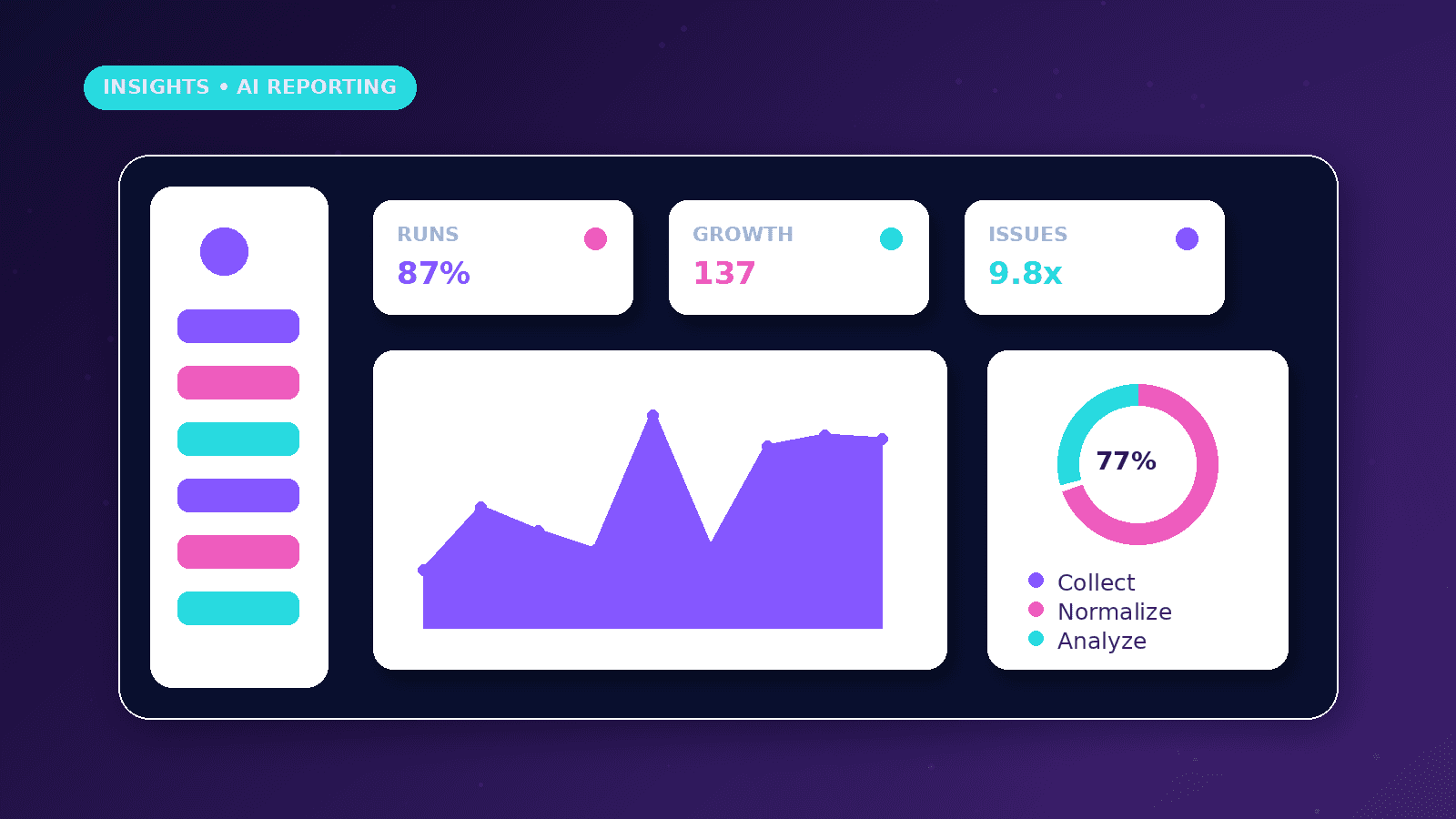
Relevant metrics include total events, successful runs, failed runs, retry count, average response time, manual review count, unresolved exceptions, duplicate records, and source quality.
Dashboard numbers should be labelled clearly. Sample or illustrative metrics should never be presented as guaranteed performance.
Data quality, privacy and maintenance
Reporting is only useful when event names, statuses, and fields are consistent. If every tool labels the same stage differently, the dashboard becomes confusing.
Privacy planning should define what is stored, who can access it, how long it is retained, and what should be redacted from screenshots or shared reports.
Maintenance matters because connected tools, form fields, APIs, and business rules can change. Reports should be reviewed after workflow edits, not only at launch.
Practical example
A business uses an automation to capture website leads, save them to a CRM, notify the owner, and create a follow-up reminder. The reporting workflow records each step as success, skipped, needs review, or failed.
If the CRM update fails, the owner receives an alert with the lead source and recovery instructions. If the workflow runs successfully, the event appears in a weekly summary.
The report helps the owner see missed fields, repeated errors, response delays, and whether the workflow still supports the sales process.
Measurement plan
Review operational metrics such as failed runs, unresolved exceptions, duplicate records, response delays, manual review volume, and repeated missing fields.
Separate system reliability from business outcomes. A workflow can run successfully while still producing low-quality leads or unclear follow-up data.
Use reporting meetings to decide one action at a time: fix an error, simplify a field, improve escalation, pause a weak workflow, or document a new owner.
Common reporting mistakes
Only reporting successful runs hides the failures that most need attention. A useful report shows exceptions, unresolved events, and repeated error patterns.
Mixing sample figures with live workflow data without labels can mislead the owner. Illustrative data should be clearly separated from real operational reporting.
Building a dashboard that nobody reviews is not reporting. Each metric should support a decision, owner, or maintenance action.
Setup considerations
Define event names before data starts flowing so success, skipped, failed, retried, and needs-review states are consistent.
Choose which failures need immediate alerts and which belong in a daily or weekly report. Too many alerts can cause the team to ignore them.
Review reporting after every workflow change because new fields, tools, or business rules can make old dashboard assumptions inaccurate.
Conclusion
Automation reporting is not just a dashboard. It is the feedback loop that tells a business whether the workflow is reliable and worth improving.
The strongest reports combine event tracking, failure alerts, human escalation, privacy controls, and decision-focused summaries.
CurrentReach AI can help design automation reports that are useful for operations without exposing unnecessary internal implementation details.
Practical checklist
- Name workflow events clearly
- Track success and failure
- Log retry counts
- Escalate unresolved errors
- Review data quality
- Protect private data
- Label sample metrics
- Schedule maintenance reviews
Image sources
- ai-automation-reporting-seo-workflow/featured-image.png: Original CurrentReach AI blog image pack. License: Owned generated visual. No private data present.
FAQs
What should an automation report include?
It should include event volume, success and failure states, unresolved exceptions, retry counts, human review needs, response times and decision notes.
Should reports include full customer messages?
Only when there is a clear business need, permission and retention plan. Many reports can use summaries or identifiers instead.
How often should automation reports be reviewed?
Urgent failures need real-time alerts, while workflow quality and trend reports are often reviewed weekly or monthly.
Need help applying this?
Request a Free Strategy Call if your workflows need clearer reporting, failure alerts, data-quality checks and human escalation paths.
Related guides
About the author
Tayyiba Suleman is Web Developer and Automation Developer. Articles are reviewed against the Editorial Policy and should be read with the Content Disclaimer.