AI Automation
AI Appointment Booking Automation
How appointment booking automation can qualify requests, track calendar changes, protect customer experience and keep human review in the right places.
By Tayyiba Suleman - Published July 16, 2026 - Updated July 20, 2026 - 3 min read
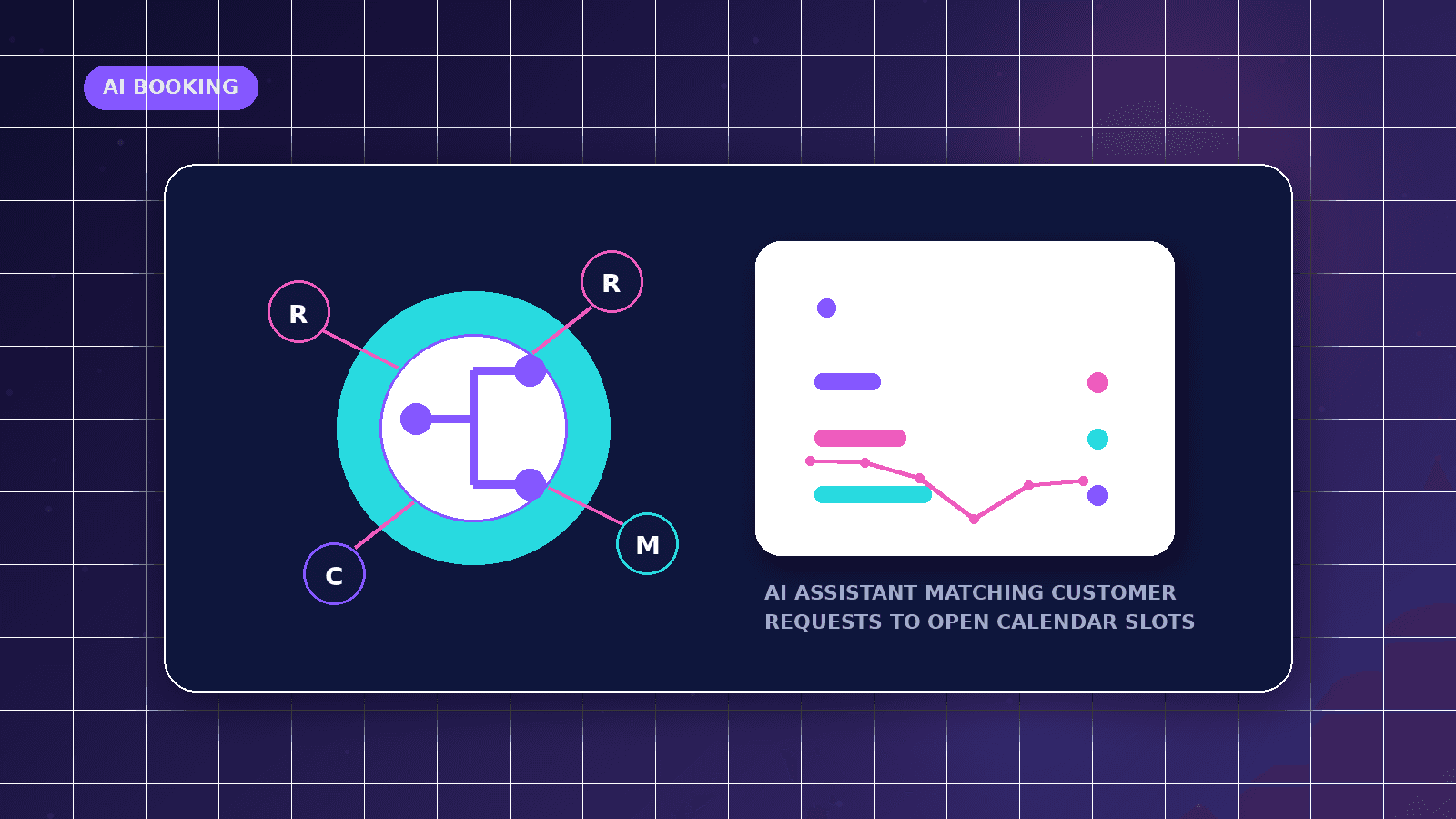
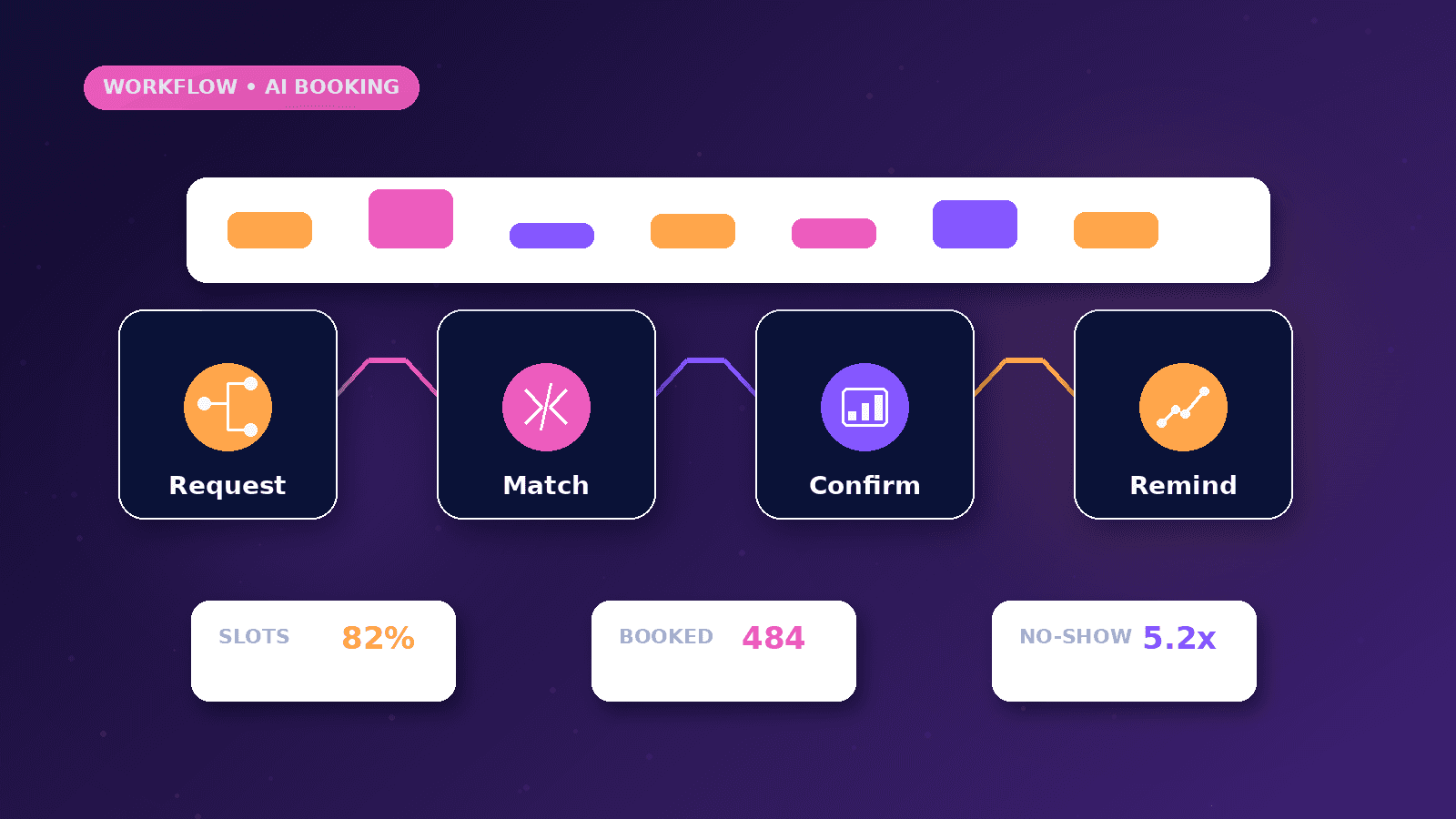
Appointment booking automation connects inquiry forms, qualification questions, calendar events, reminders, CRM stages and follow-up tasks. The workflow should make booking easier for the customer while keeping sensitive decisions such as pricing, availability exceptions and unusual requests under human review.
Reader outcome: Plan appointment booking automation without losing context or over-automating customer communication. This article is educational, uses safe CurrentReach AI-owned visuals, and labels illustrative examples where they appear.
How this guide was prepared
This article is written for CurrentReach AI readers using service-planning experience, website implementation patterns, SEO checks, automation workflow review, and practical measurement considerations. It is not copied from a third-party report or generated from private account data.
Mapped around triggers, owner review, failure handling and data quality.
Keeps human approval in sensitive customer-facing steps.
Connects workflow ideas to measurable lead and follow-up outcomes.
Reader problem
Businesses often receive booking requests from forms, messages, calls and ads, then lose context when the meeting is scheduled in a separate calendar tool.
A clean workflow connects the original inquiry to the booked appointment, the source channel and the next human action.
The goal is not to force every visitor into a calendar slot. The goal is to route qualified requests and reduce missed opportunities.
Workflow approach
Capture the service interest, preferred time, contact details, source page and consent status before sending the request to a calendar or CRM.
Use calendar-provider events to update records when a meeting is confirmed, cancelled or rescheduled.
Create internal alerts for high-fit requests and manual review tasks for incomplete or unusual bookings.
Practical example
A consultant receives a website request for an automation audit. The form records the service need and source page, then offers suitable call types.
When the visitor books, the workflow updates the CRM, sends the owner a summary and creates a reminder to prepare notes before the call.
If the booking is cancelled, the workflow stops reminders and creates a polite follow-up task instead of sending repeated automated pressure.
Risks and limitations
Calendar automation can create duplicate records if booking IDs and calendar event IDs are not stored consistently.
Time-zone mistakes can damage trust, especially for international prospects.
AI summaries should not invent availability, pricing or guarantees; they should prepare context for human review.
Measurement plan
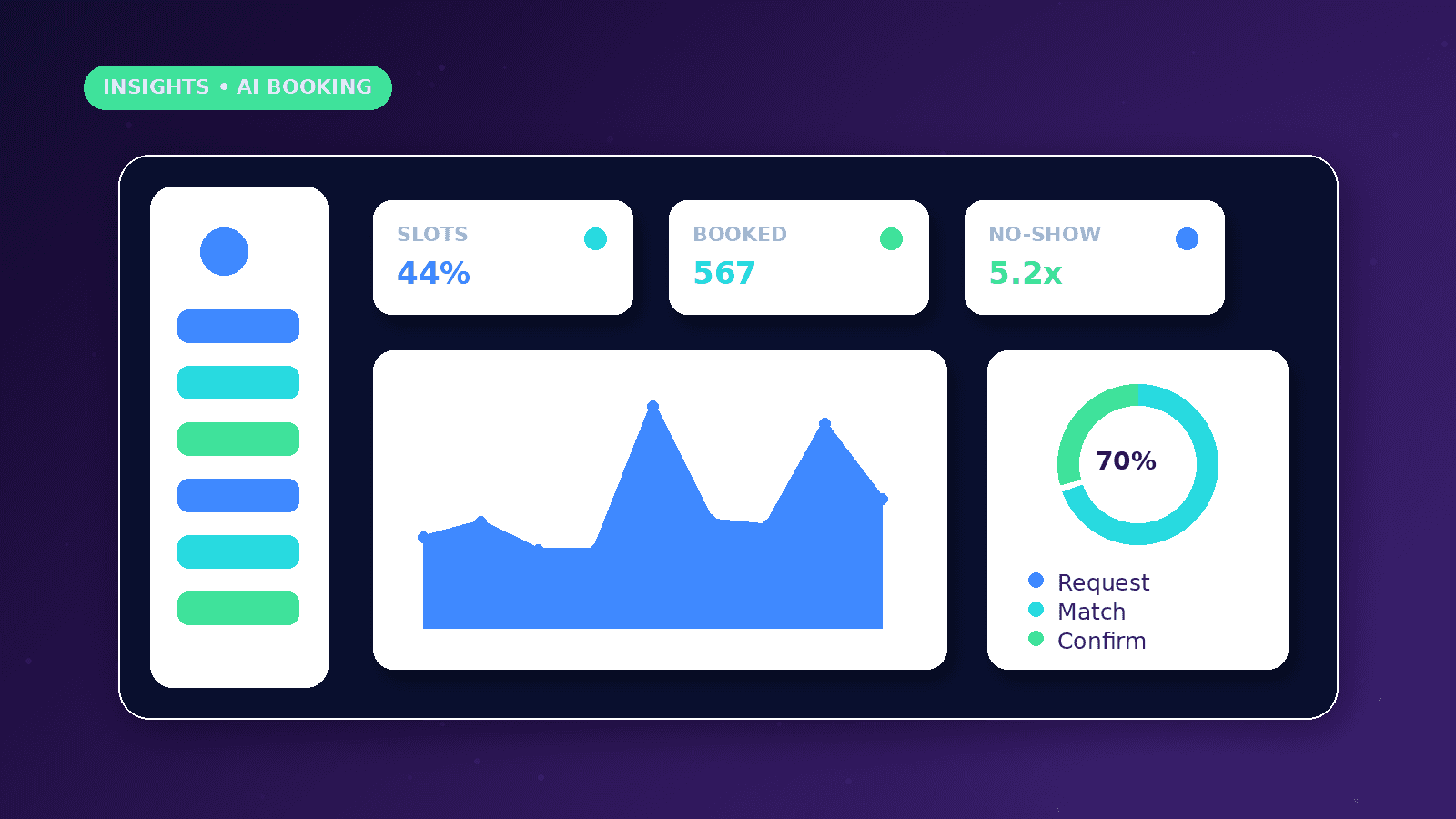
Track booking requests, confirmed calls, attended calls, no-shows, cancellations, reschedules, source channel and time from inquiry to appointment.
Separate booked meetings from qualified meetings so reporting does not reward low-fit calendar activity.
Review cancelled and rescheduled bookings to improve qualification questions, reminders and time-slot options.
Common mistakes
Sending every inquiry directly to a calendar can waste time when the visitor needs qualification first.
Ignoring cancellation and reschedule events makes reports inaccurate.
Using automation to push too many reminders can feel aggressive and reduce trust.
Conclusion
Appointment booking automation should make scheduling clearer, not colder.
The strongest setup combines source tracking, calendar updates, CRM stages, privacy controls and human follow-up.
CurrentReach AI can help design booking workflows that support qualified conversations without removing human judgment.
Practical checklist
- Capture source context
- Store booking ID
- Track cancellation
- Track reschedule
- Normalize time zones
- Add human review
- Measure attended calls
Related implementation path
Image sources
- ai-appointment-booking-automation/featured-image.png: Original CurrentReach AI blog image pack. License: Owned generated visual. No private data present.
FAQs
Should every lead get a booking link?
No. Some requests need qualification, clarification or manual routing before a meeting is offered.
Can booking automation reduce no-shows?
It can help with reminders and clearer confirmation, but attendance also depends on fit, timing and the quality of the offer.
What should happen after a meeting?
The CRM should record the outcome, notes, next step and whether the source produced a qualified opportunity.
Need help applying this?
Request a Free Strategy Call if your appointment requests, calendar events and CRM follow-up need to work together.
Related guides
About the author
Tayyiba Suleman is Web Developer and Automation Developer. Articles are reviewed against the Editorial Policy and should be read with the Content Disclaimer.