AI Automation
Cold Email Follow-Up Automation Without Spam
How to plan respectful cold email follow-up automation with limits, reply stopping, unsubscribe handling and human review.
By Tayyiba Suleman - Published July 16, 2026 - Updated July 20, 2026 - 3 min read
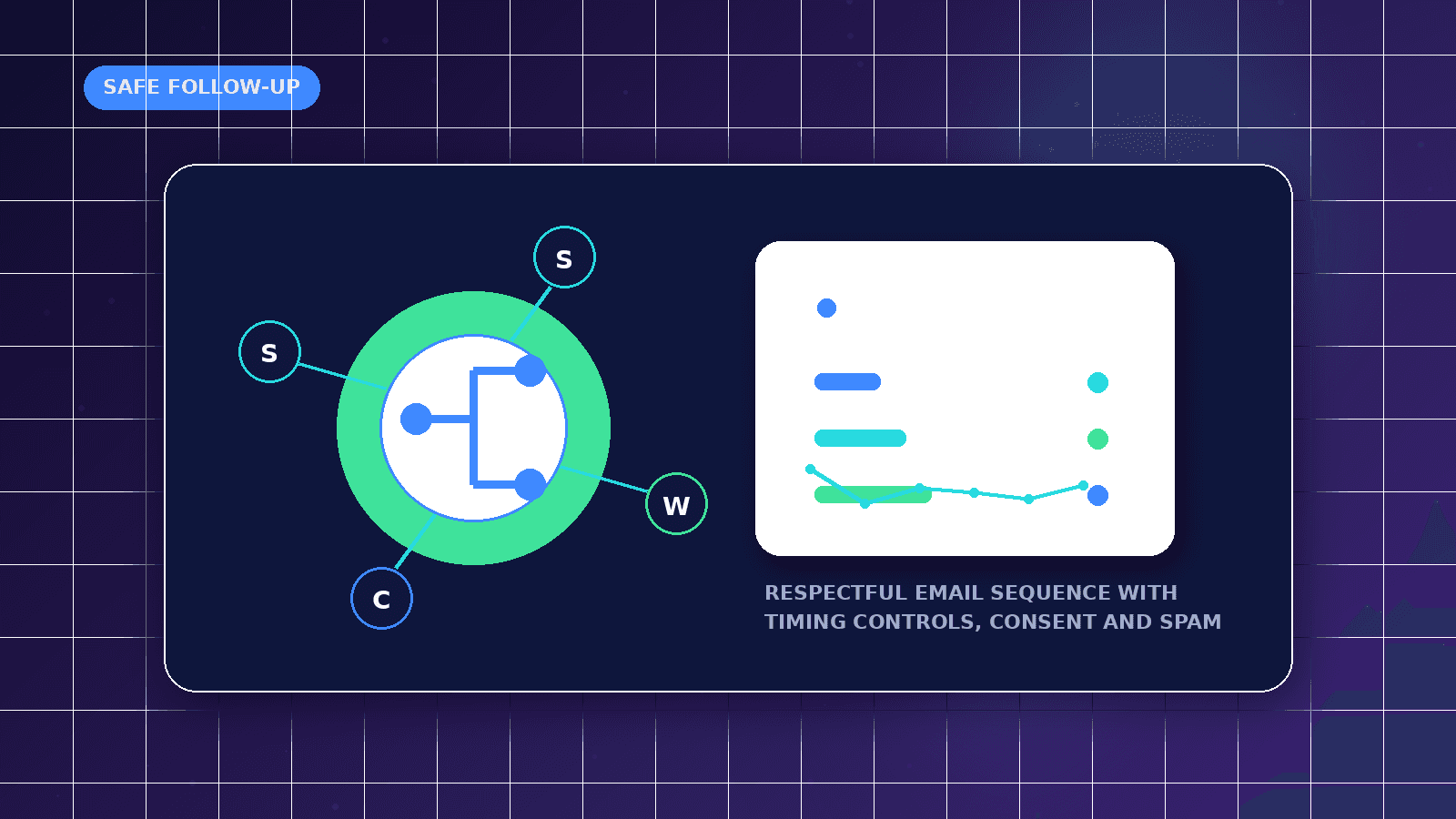
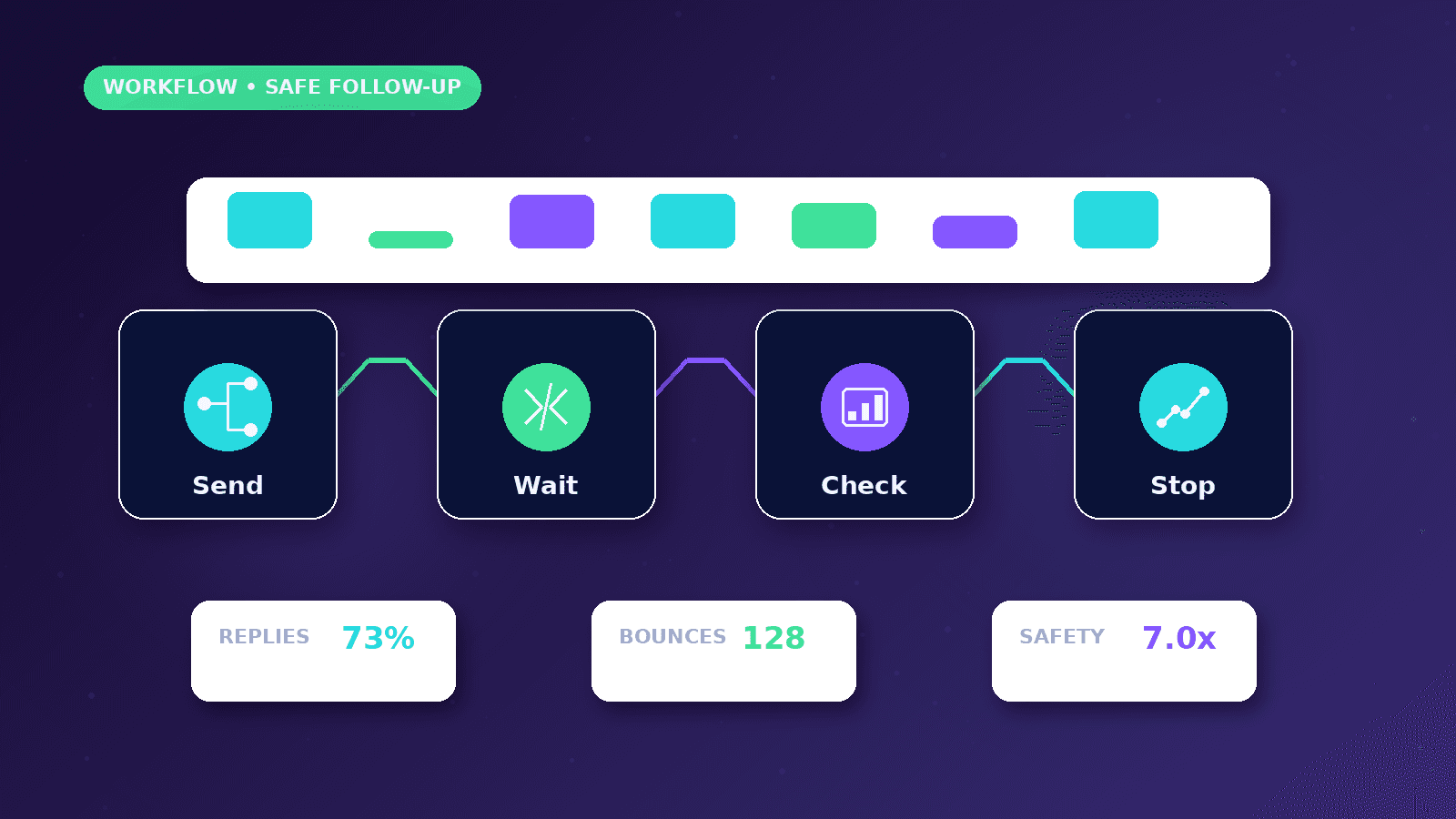
Cold email follow-up automation should be used carefully. The useful version reminds a team to follow up with relevant prospects, stops when people reply or opt out, and avoids turning outreach into repeated unwanted messages.
Reader outcome: Design cold email follow-up workflows that are relevant, limited and respectful. This article is educational, uses safe CurrentReach AI-owned visuals, and labels illustrative examples where they appear.
How this guide was prepared
This article is written for CurrentReach AI readers using service-planning experience, website implementation patterns, SEO checks, automation workflow review, and practical measurement considerations. It is not copied from a third-party report or generated from private account data.
Mapped around triggers, owner review, failure handling and data quality.
Keeps human approval in sensitive customer-facing steps.
Connects workflow ideas to measurable lead and follow-up outcomes.
Reader problem
Follow-up is often inconsistent because teams forget who received which message and when.
Automation can manage timing and stopping rules, but it should not pressure people who are not interested.
The workflow should be built around relevance, restraint and clear opt-out handling.
Workflow approach
Set a small number of follow-up steps with sensible spacing and a clear reason for each message.
Stop the sequence when a contact replies, unsubscribes, bounces, complains or is manually suppressed.
Use human review for message changes, sensitive claims and high-value prospects.
Practical example
A service provider sends one initial email and two spaced follow-ups to a narrow audience with a clear business problem.
If the contact replies, the workflow stops future emails and creates a human follow-up task.
If the contact unsubscribes, the address is added to a suppression list across future campaigns.
Risks and limitations
More follow-ups do not automatically create more trust.
Mailbox deliverability can suffer when lists are weak or recipients complain.
Legal and platform rules vary, so the workflow should be reviewed before launch.
Measurement plan
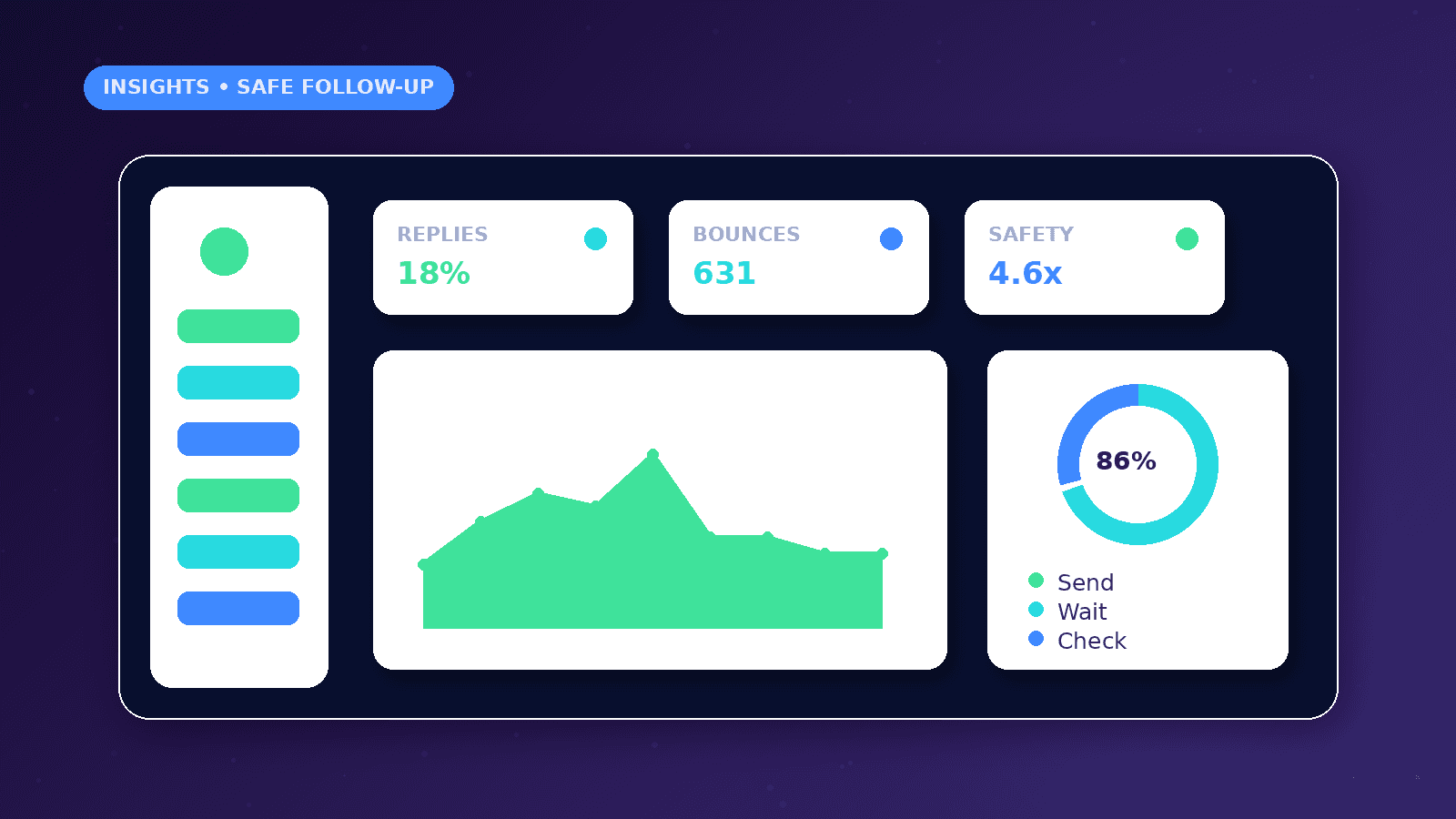
Track positive replies, neutral questions, negative replies, unsubscribes, bounces, follow-up step performance and booked conversations.
Review whether later follow-ups create useful replies or only increase opt-outs.
Use quality metrics to decide whether to pause, shorten or rewrite the sequence.
Common mistakes
Sending follow-ups after a reply is a clear workflow failure.
Using guilt-based or misleading copy can damage brand trust.
Ignoring unsubscribes across campaigns creates reputational and compliance risk.
Conclusion
Follow-up automation should be respectful and easy to stop.
The strongest system uses limits, suppression, reply detection, human review and honest reporting.
CurrentReach AI can help design follow-up workflows that support responsible outreach.
Practical checklist
- Limit follow-ups
- Space messages
- Stop on reply
- Honor opt-outs
- Suppress bounces
- Review copy
- Measure quality
Image sources
- cold-email-follow-up-automation-no-spam/featured-image.png: Original CurrentReach AI blog image pack. License: Owned generated visual. No private data present.
FAQs
How many follow-ups are appropriate?
It depends on audience and context, but fewer relevant follow-ups are usually better than many generic reminders.
What should stop a follow-up sequence?
Reply, unsubscribe, bounce, complaint, manual suppression or a decision that the contact is not a fit.
Can AI write follow-up emails?
AI can draft options, but a person should review tone, accuracy and claims before sending.
Need help applying this?
Request a Free Strategy Call if your follow-up workflow needs stopping rules, suppression logic and reply tracking.
Related guides
About the author
Tayyiba Suleman is Web Developer and Automation Developer. Articles are reviewed against the Editorial Policy and should be read with the Content Disclaimer.