AI Automation
AI Outreach Automation for Coffee Shops
Practical, consent-based automation ideas for coffee shops, including catering inquiries, event bookings, reviews, loyalty communication, and local follow-up.
By Tayyiba Suleman - Published July 16, 2026 - Updated July 19, 2026 - 5 min read
This guide explains the business problem, the planning decisions, a practical implementation path, common mistakes, and when to request professional automation support.
Reader outcome: Use automation to support coffee shop customer relationships without losing hospitality. This article is educational, uses safe CurrentReach AI-owned visuals, and labels illustrative examples where they appear.
How this guide was prepared
This article is written for CurrentReach AI readers using service-planning experience, website implementation patterns, SEO checks, automation workflow review, and practical measurement considerations. It is not copied from a third-party report or generated from private account data.
Mapped around triggers, owner review, failure handling and data quality.
Keeps human approval in sensitive customer-facing steps.
Connects workflow ideas to measurable lead and follow-up outcomes.
Where automation fits for coffee shops
Coffee shops depend on trust, convenience, and repeat visits. Automation should support hospitality instead of replacing the human tone that makes a local business memorable.
Useful workflows can organize catering inquiries, event bookings, website questions, social media messages, review requests, loyalty updates, and local SEO follow-up.
The safest starting point is operational support: route the inquiry, remind the team, record the source, and prepare a draft response for review.
Catering and event inquiries
Catering requests often include date, time, guest count, delivery or pickup preference, dietary needs, budget, and contact details. A form can collect these fields clearly before a team member replies.
Event booking workflows can create a lead record, notify the manager, check for missing details, and schedule a follow-up task.
AI can help summarize the request or draft a response, but pricing, availability, and special accommodations should stay under human review.
Website and social media inquiries
Website forms, Instagram messages, Facebook messages, and local listing inquiries can all become customer conversations. The challenge is keeping them from getting lost during busy service hours.
A workflow can label the inquiry type, send the right person a notification, and record whether it came from the website, social profile, search listing, or campaign.
For social messages, automation should be careful with platform rules and customer expectations. A fast human reply often matters more than a fully automated message.
Loyalty, reviews and repeat customers
Consent-based loyalty communication can share offers, event updates, menu changes, or reminders with people who opted in. It should be easy to unsubscribe.
Review-request workflows can ask satisfied customers for feedback after a visit, catering order, or event, but they should not pressure people or fake reviews.
Repeat-customer communication works best when it is relevant: birthday offers, local events, seasonal drinks, or catering reminders for past business customers.
Local SEO and reporting
Automation can support local SEO by reminding the owner to update hours, publish seasonal posts, respond to reviews, and track common customer questions.
Reporting can show inquiry sources, catering requests, event leads, review-request activity, response times, and repeat-customer engagement where data is available.
Reports should be treated as guidance, not guarantees. A coffee shop still needs strong service, product quality, local reputation, and real community presence.
Practical example
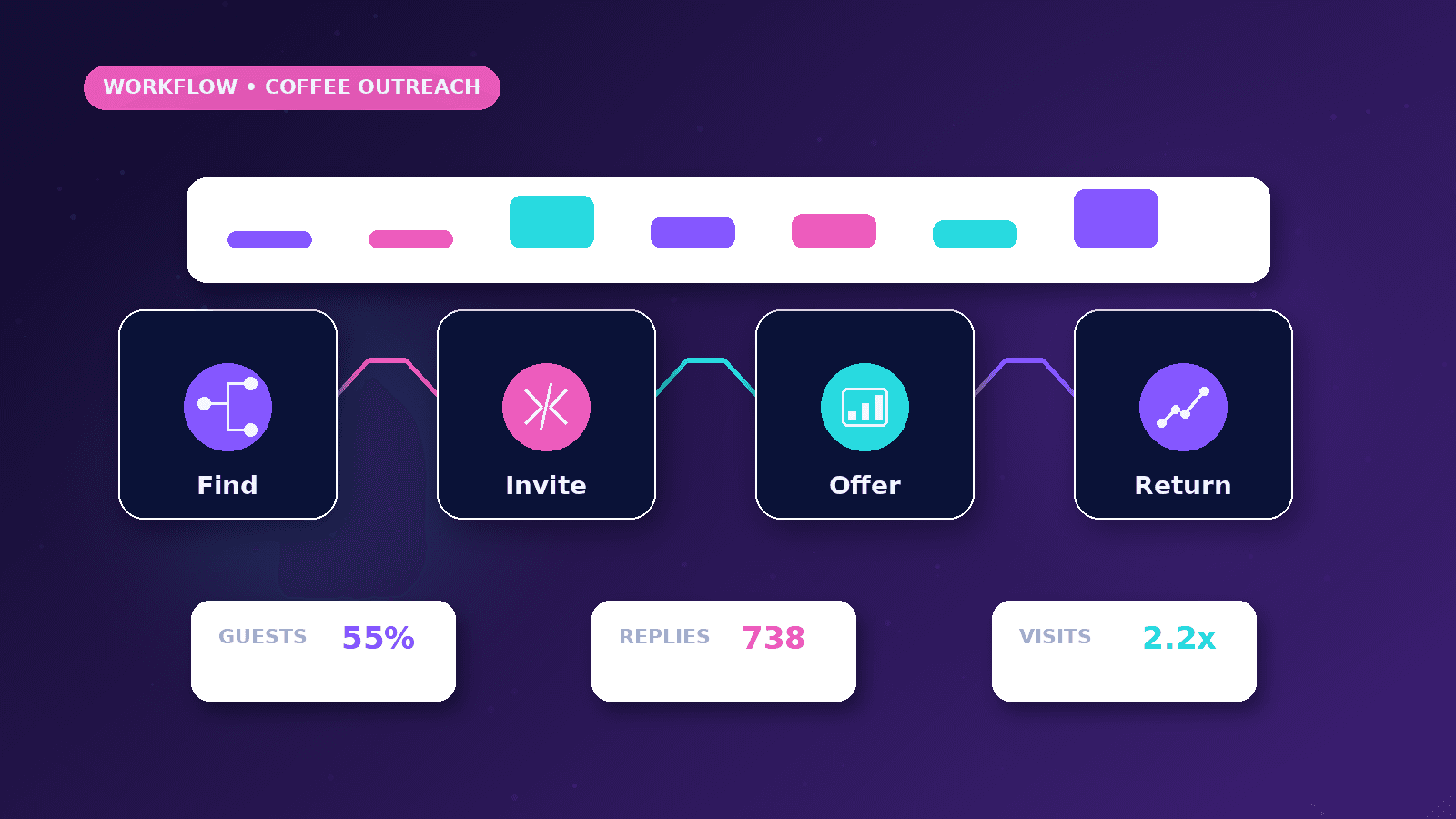
A local coffee shop receives catering inquiries from its website and Instagram. The workflow asks for event date, guest count, drink preferences, location, and deadline, then sends the manager a clear summary.
If details are missing, the system prepares a polite draft question for human review. If the inquiry is complete, the manager receives a priority alert and the lead is added to a simple tracking sheet or CRM.
After the event, a consent-based follow-up can ask for feedback or invite the customer to join a loyalty list.
Measurement plan
Track catering inquiries, event requests, response time, review-request activity, repeat-customer opt-ins, and common questions from website or social channels.
Review which channels create useful local conversations rather than only counting message volume. A small number of high-quality catering leads may matter more than many casual comments.
Use the report to improve menu pages, local SEO content, seasonal offers, staff response routines, and follow-up timing.
Mistakes to avoid
Sending promotional messages to people who did not opt in can damage trust with local customers. Loyalty communication should be consent-based and easy to leave.
Letting automation answer pricing, allergy, availability, or event-capacity questions without review can create customer disappointment during real service moments.
Treating every social message as a sales lead can make the brand feel cold. Some messages need a simple human answer, not a sales workflow.
Setup considerations
Start with one high-value workflow, such as catering inquiries or review requests, before connecting every channel at once.
Use friendly internal notifications that show the customer need, deadline, channel, and next action so the team can respond quickly during busy hours.
Review local SEO and customer follow-up reports monthly, especially around seasonal offers, events, catering demand, and review trends.
Conclusion
Coffee shop automation should feel like better organization, not robotic customer service.
The right workflows protect hospitality by helping the team respond faster, remember details, and follow up respectfully.
CurrentReach AI can help plan practical automation for catering inquiries, event bookings, review workflows, local SEO support, and repeat-customer communication.
Practical checklist
- Collect catering details
- Route urgent inquiries
- Review AI drafts
- Respect opt-ins
- Make unsubscribe easy
- Track review requests
- Support local SEO updates
- Keep hospitality human
Image sources
- ai-outreach-automation-for-coffee-shops/featured-image.png: Original CurrentReach AI blog image pack. License: Owned generated visual. No private data present.
FAQs
Can a coffee shop automate customer messages?
Yes, but automation should support consent-based updates, inquiry routing, reminders and drafts rather than replacing warm human service.
What is a safe first workflow for a coffee shop?
A catering or event inquiry workflow is a safe start because it captures structured details and alerts a manager for human follow-up.
Should review requests be automated?
They can be scheduled after real customer interactions, but they should be polite, truthful and never pressure people or imply fake reviews.
Need help applying this?
Request a Free Strategy Call if your coffee shop or local business needs practical automation for inquiries, reviews, events and repeat-customer communication.
Related guides
About the author
Tayyiba Suleman is Web Developer and Automation Developer. Articles are reviewed against the Editorial Policy and should be read with the Content Disclaimer.